What this looks like in mydubly
Listen or read?
- Translated voice
- An M4A in the target language, from 120 credits per minute. A 30-minute episode costs 3,600 credits ($3.60).
- Translated transcript
- The text in both languages, at 5 credits per minute. The same episode costs 150 credits (15¢).
If you only need to understand a recording — a voicemail, an interview, a lecture — the translated transcript is usually enough and far cheaper.
Common uses
How it works
- Drop in an audio file. It's read in your browser and sent in small chunks.
- The audio is processed in 30-second chunks: speech is transcribed and the spoken language is detected automatically.
- Each segment is translated into your chosen language.
- The different people speaking are told apart (up to 8), and each person's lines are spoken in a copy of their own voice, taken from a short clean sample of their speech. Each line is fitted to the original timing — sped up by at most 1.15× with natural pitch.
- AI vocal separation removes the original speech, and the translated voice is mixed over the remaining music and effects, which dip automatically while the new voice speaks.
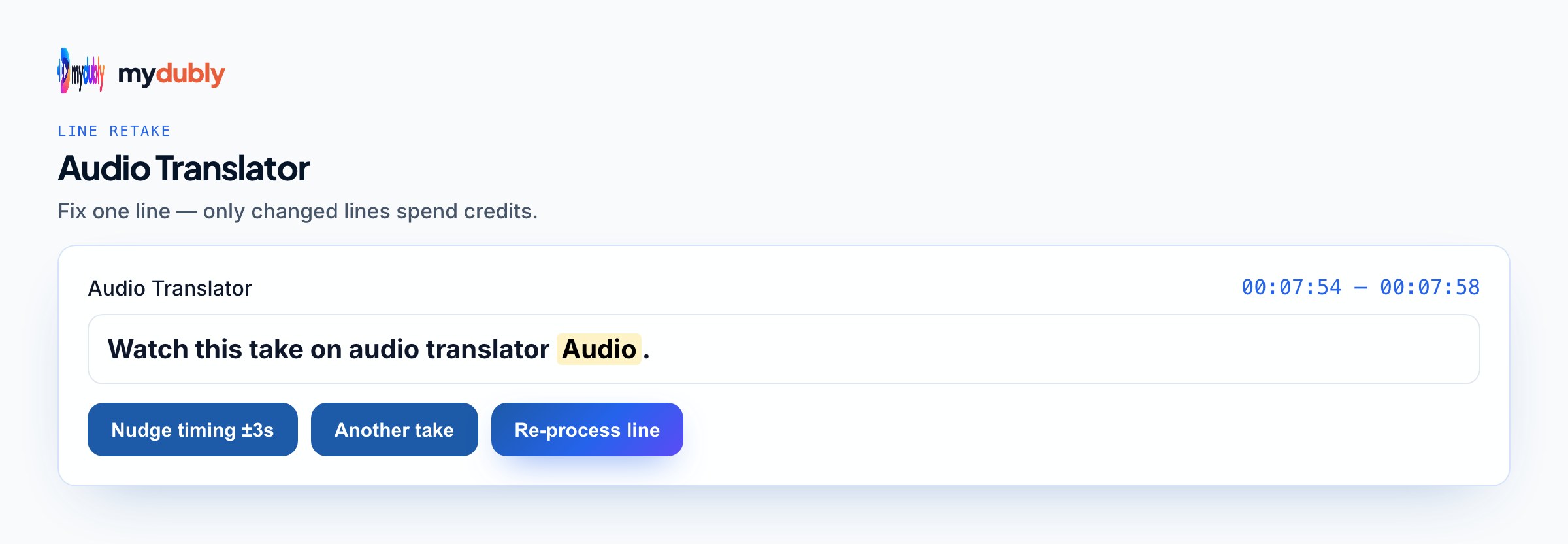
- The dub editor opens on the finished dub. Fix words, move a line's timing, change a line's level, the background, the cleanup of leftover original speech or the loudness, and style subtitles, then re-process once: only changed lines are voiced again (free for timing, levels, background, leftover-speech cleanup, ducking, loudness and subtitles; re-voiced lines cost 120 credits per minute of those lines, minimum 60 credits per re-process).
- Download the results. A dub's audio, script and voice files stay on our servers for 120 minutes after it finishes or after you last use the editor, so you can fine-tune it, and are then deleted; the editor's "Delete files" button removes them at once.
What you get
- Translated audio
- M4A with the same mix: translated voice over your original music and effects
- Transcript
- Plain text (.txt) of what was said
- Timestamped transcript
- Every line prefixed with its time, e.g. [12:04]
- Subtitles
- SRT and VTT, in the language you select
Supported files
- Audio: MP3, WAV, M4A, AAC, OGG, FLAC, WebM.
- Length: up to 2 hours per file.
- Languages: speech is recognised in 100 languages (Whisper); translation covers 21 of them, with a translated voice in 19 (all except Czech and Vietnamese).
Privacy
By default audio is sent over HTTPS in small chunks; optional Server assist can upload the file when you opt in. A dub's audio, script and voice files stay on our servers for 120 minutes after it finishes or after you last use the editor, so you can fine-tune it, and are then deleted; the editor's "Delete files" button removes them at once. Nothing is used to train models. Your account keeps only the file name, length, languages and credits used. Details in the privacy policy.
Good to know
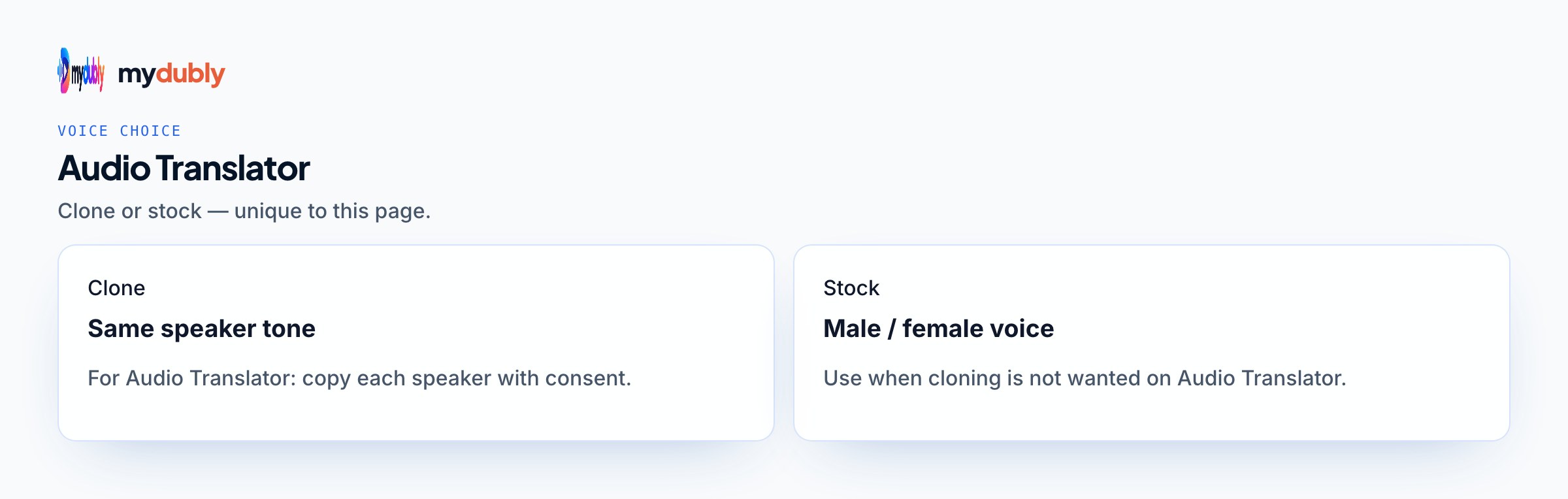
- Each person is dubbed in a copy of their own voice (up to 8 people per file), with natural pronunciation for the new language. Telling people apart is automatic, so crosstalk, very short interjections or two very similar voices can end up in the wrong voice, and overlapping speech overlaps in the dub by at most about two seconds. Someone with too little clean speech to copy gets the copied voice of a similar-sounding person in the file, or otherwise a stock voice matching their voice (female or male). There is no lip-sync.
- Music and sound effects are kept by AI vocal separation, which isn't perfect: in dense mixes faint traces of the original voice can remain, and sung lyrics are removed along with the speech.
- The dub editor corrects the dub mydubly made: it doesn't import your own SRT or script, and a dub can be re-processed up to 40 times while its files are kept.
- No speaker labels — transcripts don't say who is speaking.
- File uploads stay file-based: no Instagram or TikTok links, and no live audio. For a YouTube link transcript only, use the YouTube transcript tool — and only for videos you have the right to transcribe.
- Subtitles come as SRT/VTT files; to burn them into the picture, use the free subtitle editor.
Three reasons people translate a recording
- To understand it. A voice message from a relative, an interview with a source, a lecture in another language: transcript mode with a target language gives a readable translation for 5 credits per minute, and nothing needs to be spoken.
- To publish it. A podcast, course audio or narration for listeners in another language needs dub mode and its translated audio file.
- To analyse it. Researchers with interviews in a language they don't read use the translated transcript as a working copy and have key passages checked by a fluent speaker. Translation in qualitative research covers the method decisions.
What the translated audio file is, and isn't
Dub mode on an audio file gives you an M4A: each person's translated lines read in a copy of their own voice, with each line placed where the original was spoken. Because of that placement, the translated file follows your original's timeline, which makes it easy to line up with your own stems in an editor if you dubbed a speech-only export and want to build your own mix.
The original speech is removed by AI vocal separation, and the intro music, jingles, ad stings and ambient sound that remain are mixed under the translated voices, lowered while they speak. The file is mono. Separation isn't perfect: in dense or loud mixes faint traces of the original voices can remain and the background can sound slightly thinner, and a jingle with sung lyrics keeps its instruments but loses its vocals. Each speaker, up to 8, is read in a copy of their own voice, so a two-host conversation keeps its two voices. Telling people apart is automatic, though: crosstalk, quick interjections and hosts who sound alike can put a line in the wrong voice, and overlapping speech comes out as separate lines. Fiction with many characters and overlapping lines asks the most of it; translating audio dramas explains when a full recast is the honest answer.
Preparing the recording before you translate it
Translate the cleanest version of the recording you have. Recognition, and the separation of voice from background, are more reliable when music sits low under speech. If you upload the published mix, its music bed is kept under the translated voices; if you upload a speech-only export instead, recognition improves but the translated file has no music, so you'd add your intro and bed back in your editor. Cut ad reads and sponsor segments that won't run in the new language, so you don't pay to translate them. If hosts were recorded on separate tracks, export one mixed track, since each upload is processed as a single file. And trim long silences or pre-show chatter at the start; billing is per minute of the file you upload.
If you can't read the target language yourself, ask a fluent listener to check the first episode, or use back translation as a rough spot check before anyone else hears it.
Launching a podcast feed in another language
- Dub one representative episode first and ask a fluent listener for notes on meaning, names and pacing.
- Decide on a separate feed per language, which is the common setup; publishing a podcast in several languages covers naming and hosting.
- Keep the same hosts and clean, close-mic recordings on every episode, since each dub copies every person's voice from that file; that keeps the show sounding consistent.
- Listen to the translated M4A with its music bed in place. If you want stereo music or your own levels, dub a speech-only export instead and mix the translated voices with the clean intro and music stems in your editor (optional).
- Translate the show notes. The dub-mode subtitle file holds the translated script as spoken; strip the cue numbers and timings to get plain text to edit from.
- Publish on a regular schedule. The podcast translation use case covers the rest of the workflow.
Costed scenarios
4,800 credits ($4.80) per episode for the translated voices, subtitles and transcript.
Transcript mode with your language as the target: 6 credits (0.6¢).
3,500 credits ($3.50). Files must be two hours or less, so split long books by chapter. Check that you hold the rights to translate the text and recording first; translating an audiobook covers both.
When a machine translation of a recording isn't enough
- Legal and official use: courts, immigration and evidence usually require a certified or sworn translation, which an AI transcript is not. A machine draft can still help you prepare; see certified translation and AI.
- Health and safety instructions: meaning errors carry real risk, so treat the output as a draft for a qualified translator.
- Conversations as they happen: mydubly works on recorded files only, with no live interpreting.
For text without a voice in the same language, the audio to text converter is the cheaper route. Target-language pages such as Portuguese and Chinese cover what changes in that language, and MP3 files covers the most common podcast format.
Translate audio into…
By file format
See also
Learn more
Articles that go deeper on the technology and workflows behind this tool.
- Why spoken language is harder to translate than written text
- How AI Voice Translation Turns Speech into Another Language
- Publishing a Podcast in Several Languages: Feeds, Naming and Cadence
- When You Need a Certified Translation of a Recording, and Where AI Fits
- Translating an Audiobook or Long Narration, Chapter by Chapter
- Working With User Research Sessions Recorded in Other Languages
- Translating Fiction Podcasts and Audio Dramas Into Another Language
- Real-Time Translation Explained: How Live Speech Translators Work, and Where Files Do Better
- Interviews in Another Language: Translation Decisions in Qualitative Research
Prefer one workspace for all mydubly tools? Open this tool in the dashboard · Browse every tool
Frequently asked questions
Can I translate a voice message?
Yes, if you can save it as an audio file. Short files are billed at the per-file minimum.
Can this audio dubbing tool work in real time?
No. It translates recorded files (podcasts, voice notes, exports). It is not a live call or live-stream translator.
How do I translate an audio file?
Drop the MP3, WAV, M4A or other recording above, choose the language, and pick a translated transcript or a new spoken track. A transcript is 5 credits a minute; a voice track is 120 credits a minute.
Will both podcast hosts get their own voice?
Yes. Each host is dubbed in a copy of their own voice, taken from a short, clean sample of their speech in the episode. Lines where the hosts talk over each other, or very short interjections, can land in the wrong voice, so listen to the busiest exchanges before publishing.
Can I keep my intro music in the translated episode?
Yes. The original speech is separated out and your intro, outro and music bed stay under the translated voices, lowered while they speak. Sung lyrics are removed along with the speech, so a sung jingle keeps only its instruments. If you have your music stems, dubbing a speech-only export and mixing the translated voices with them in an editor gives the cleanest result.
Can the recording be in a language Whisper supports?
Yes. The spoken language is detected from the audio across about 100 languages. Any of the 21 translation targets can be chosen for a translated transcript, and any of 19 for translated audio (all except Czech and Vietnamese), so a Korean recording can become Spanish without a bridge language you manage.