What this looks like in mydubly
Exactly where your data goes
- Video picture
- Stays on device by default
- Audio
- Sent over HTTPS in chunks of about 30 seconds for transcription, translation and voice
- Results
- Deleted from our servers once your browser has them — within 2 hours at most
- Stuck jobs
- Expired after 24 hours and deleted the same way
- Account record
- File name, length, languages and credits used
- Training
- Your audio and text are never used to train models
Who this matters to
- HR and internal communications with recordings of staff.
- Researchers bound by ethics approvals and consent forms — see research interview transcription.
- Companies translating unreleased product videos.
- Anyone translating personal or family videos.
Tip: the file name is stored with your job history, so name sensitive files neutrally (session-04.mp4) before uploading.
Regulated data
mydubly minimises what it handles, but if your organisation requires a data processing agreement, specific certifications or data residency before using a processor, contact us first and check your own policies.
How it works
- Drop in a video. Your browser reads it and pulls out only the audio — the video file never leaves your device.
- The audio is processed in 30-second chunks: speech is transcribed and the spoken language is detected automatically.
- Each segment is translated into your chosen language.
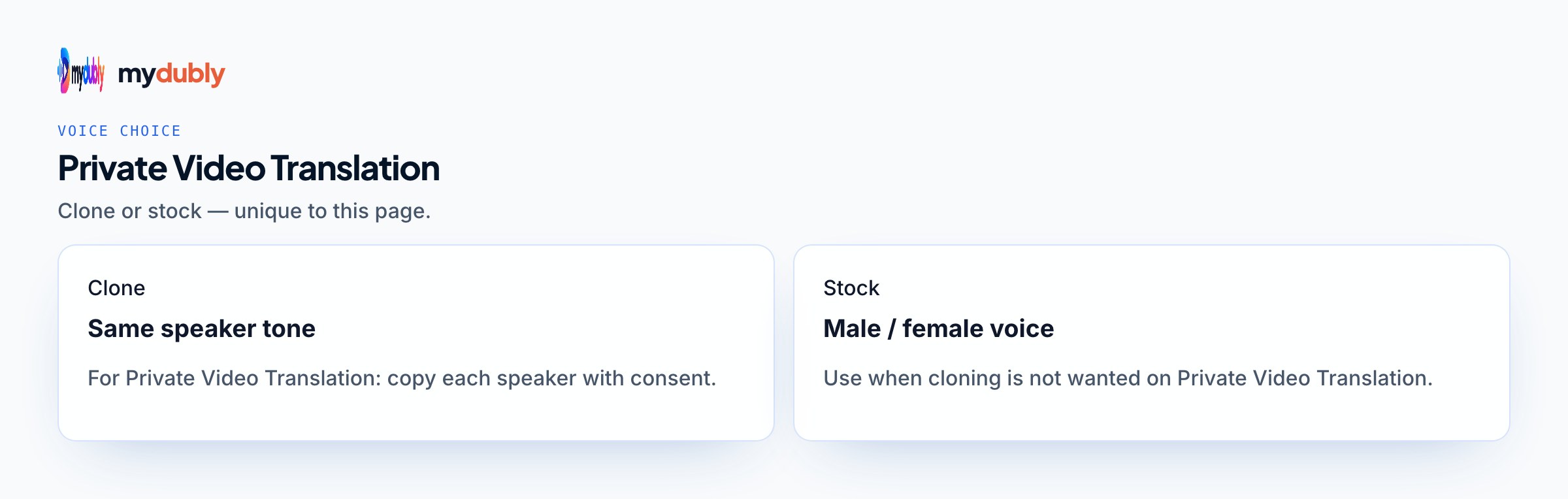
- The different people speaking are told apart (up to 8), and each person's lines are spoken in a copy of their own voice, taken from a short clean sample of their speech. Each line is fitted to the original timing — sped up by at most 1.15× with natural pitch.
- AI vocal separation removes the original speech, and the translated voice is mixed over the remaining music and effects, which dip automatically while the new voice speaks.
- Your browser combines the original picture with the new audio and saves an MP4.
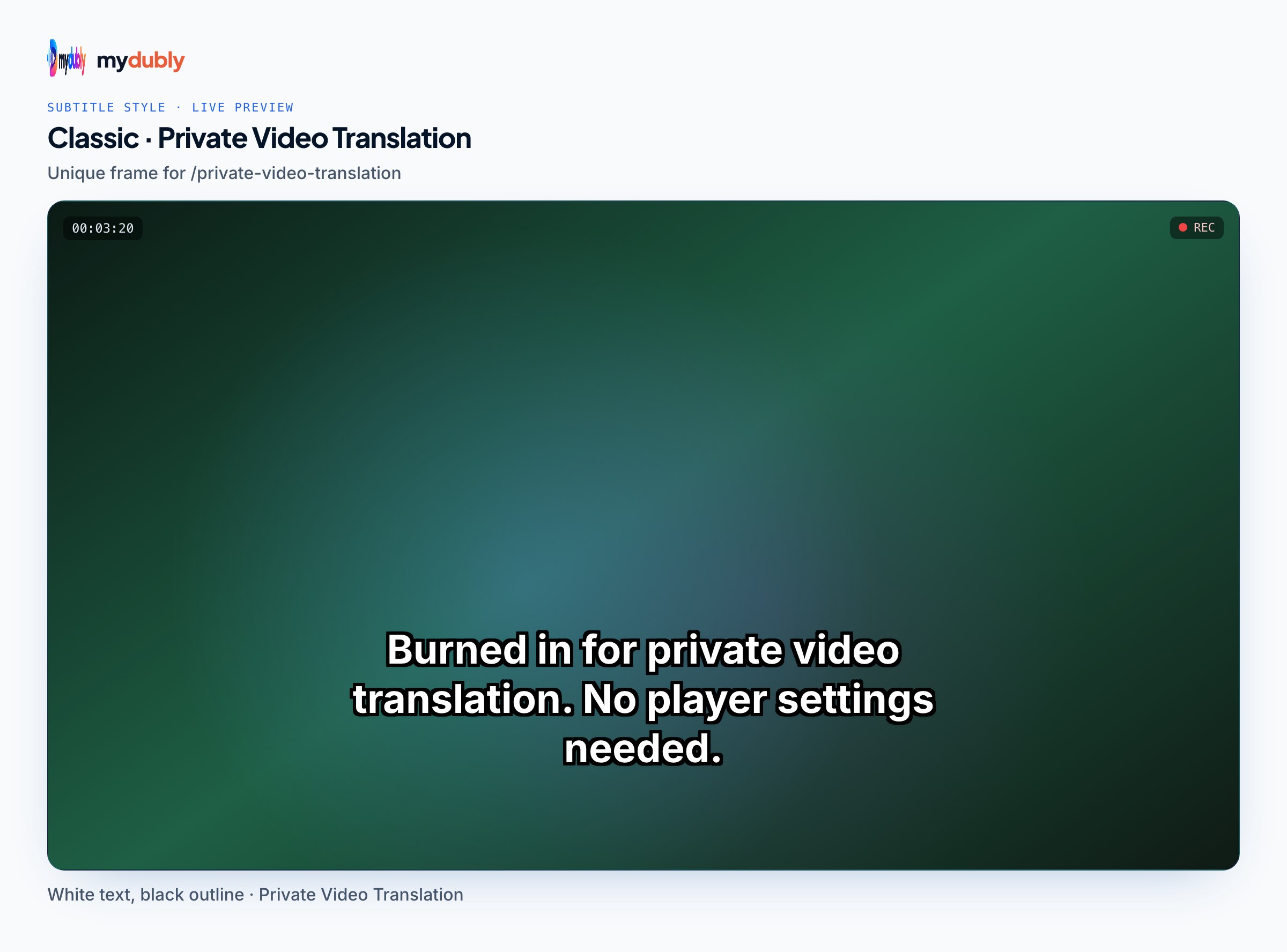
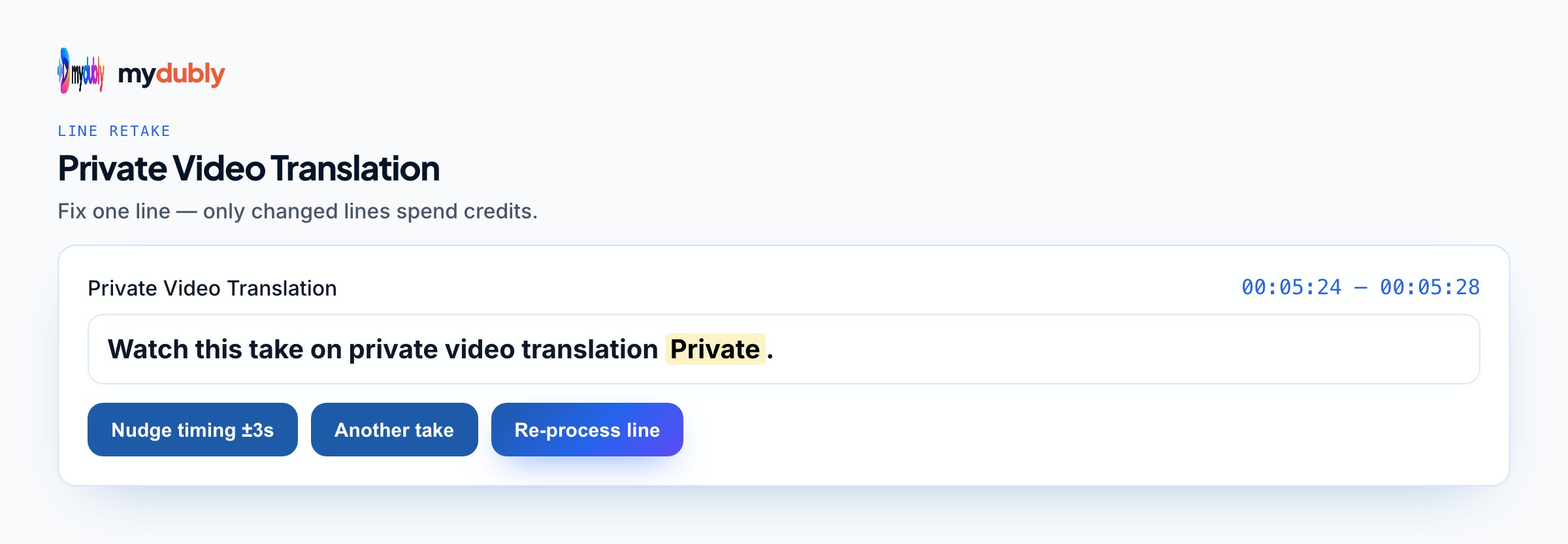
- The dub editor opens on the finished dub. Fix words, move a line's timing, change a line's level, the background, the cleanup of leftover original speech or the loudness, and style subtitles, then re-process once: only changed lines are voiced again (free for timing, levels, background, leftover-speech cleanup, ducking, loudness and subtitles; re-voiced lines cost 120 credits per minute of those lines, minimum 60 credits per re-process).
- Download the results. A dub's audio, script and voice files stay on our servers for 120 minutes after it finishes or after you last use the editor, so you can fine-tune it, and are then deleted; the editor's "Delete files" button removes them at once.
What you get
- Translated video
- MP4 with your original picture and the translated voice over your original music and effects (MKV when the original video codec can't go in an MP4)
- Translated audio
- M4A with the same mix: translated voice over your original music and effects
- Transcript
- Plain text (.txt) of what was said
- Timestamped transcript
- Every line prefixed with its time, e.g. [12:04]
- Subtitles
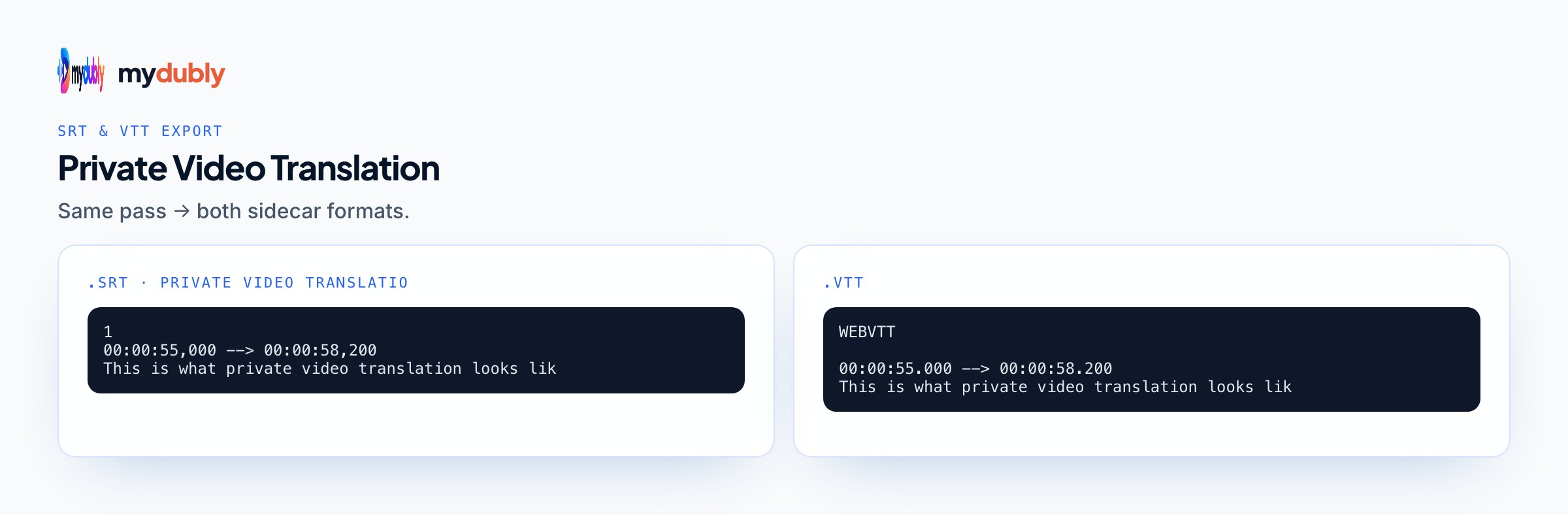
- SRT and VTT, in the language you select
Pricing
- Transcript and subtitles
- 5 credits per minute (0.5¢), minimum 25 credits per file
- YouTube link transcript
- 15 credits per minute (1.5¢), minimum 75 credits per link
- Translated voice (includes everything above)
- 120 credits per minute (12¢), minimum 2 minutes per file
- Text to audio
- 120 credits per minute (12¢), minimum 2 minutes per file
- Corrections in the dub editor
- free for timing, levels, background, leftover-speech cleanup, ducking, loudness and subtitles; re-voiced lines cost 120 credits per minute of those lines, minimum 60 credits per re-process
- Credits
- $1 buys 1,000 credits; each top-up lasts 30 days
- Free credits
- 240 credits when you sign in with Google
Three verified facts, and what each means for you
- Transfer
- Between your browser and mydubly over HTTPS
- Deletion
- Uploaded files and outputs, including the short voice samples a dub copies each speaker from, are deleted 30 minutes after the job ends or after you last use the dub editor
- Final merge
- The translated voice and your original picture are combined in your browser, on your device
Each has a practical consequence. Because outputs are deleted within 30 minutes, the only lasting copies are the ones you download, so save everything you need before you leave the result screen. Because the translated video is assembled in your browser, the finished MP4 is created on your own machine and lands wherever your browser saves files. And HTTPS protects the transfer itself; it says nothing about who else uses your computer or where the result is shared afterwards. How the browser swaps the audio track explains the merge step in detail.
Before you process sensitive footage
- Check consent. If your consent forms or policies say recordings may only be processed by named services, confirm an outside tool is allowed before uploading anything.
- Process only what you need. If one section of a long recording needs translating, trim the file to that section first.
- Decide whether you need a voice at all. Transcript mode returns text files only, with no dubbed video or audio to store and manage.
- Stay with the job and download straight away; outputs are deleted within 30 minutes of the job ending.
- Save downloads where your organisation keeps the source footage, not in a personal folder that syncs elsewhere.
- Delete local files you won't use, such as the translated audio if you only distribute the MP4.
What this page does not claim
Beyond the three facts above, mydubly makes no security or compliance claims here: no certifications, no audit reports, no promises about specific storage locations. If your organisation requires any of those before a processor handles footage, raise it before uploading, not after. Questions to ask any cloud speech service is a useful list to take to your own privacy or security team, and for research projects, the ethics questions for AI transcription covers what a review board may ask.
Worked examples
Dub mode: 900 credits (90¢). The comms team downloads the MP4 to the shared drive that already holds the original, then deletes the translated audio file it doesn't need.
Transcript mode with English as the target: 50 credits (12¢). Only text files come back. The researcher replaces participant names with codes before the transcript goes into the project folder.
Two dub runs of 150 credits each: 300 credits (30¢). Both MP4s are assembled in the browser and kept on the launch team's machines until the embargo lifts.
Choosing the right tool page
Most sensitive work is either translating internal video or transcribing interviews. For staff communications, translating internal company videos covers town halls and policy videos; for recorded conversations, see interview transcription and meeting transcription. If no one needs a translated voice, the video to text converter does the same transcription without the dub. For footage your policy says must never reach any outside service, the honest alternative is a tool that runs entirely offline on your own machine, weighed against the setup and hardware it needs. Language pages such as Polish cover what reviewers should check in the target language.
Learn more
Articles that go deeper on the technology and workflows behind this tool.
- Translating town halls, leadership messages and policy videos for every office
- How Browsers Learned to Process Video Without a Server
- What On-Device Processing Protects in a Video, and What It Doesn't
- Processing Video in the Browser or on a Server: The Real Trade-offs
- What Happens to Your Audio in a Cloud Speech Pipeline
- From Gigabytes to Megabytes: Shrinking What a Video Dubbing Uploads
- Replacing a Video's Audio Track in the Browser Without Touching the Picture
- Working With Multi-Gigabyte Video Inside a Browser Tab
- The Opus Codec: One Format for Voice Calls, Music and Speech Uploads
- Speech AI on Your Own Device: What Runs Locally and What Still Needs a Server
- Managing Research Recordings and Transcripts From Capture to Archive
- Sending Research Audio to an AI Transcription Service: The Ethics Questions
Frequently asked questions
Why only audio?
Translation needs only the speech. Keeping the picture on your device means fewer copies of your footage exist anywhere.
Can staff at mydubly access my audio?
Audio exists on our servers only while it's processed and is deleted after delivery. See the privacy policy for details on processors and access.
What if I don't download the results in time?
Uploaded files and outputs are deleted within 30 minutes of the job ending. After that there's nothing to retrieve, and you'd need to run the file again, which is billed again.
Is mydubly certified for regulated or confidential data?
No certifications are claimed. If your policies require a certified processor, a data processing agreement or a specific data location, check those requirements before using any outside tool, this one included.
Where does the translated video end up?
On your device. The translated voice is merged with your original picture in the browser, and the result is saved wherever your browser stores downloads.