How Kajabi handles captions now
Kajabi moved its transcript and subtitle work into the Media Library, the central store for every video and audio file in your account. Creator Studio, which used to produce a transcript and SRT for each video, is being sunset, so older tutorials that start there are out of date.
- Where
- Media Library, inside the selected video, under Transcriptions.
- Format
- .srt. Kajabi's help center documents SRT for upload and download; VTT isn't mentioned for upload.
- Generate in Kajabi
- Transcripts from 30+ spoken languages, translation into 70+ languages, and dubbed voice-over, all run on AI credits.
- AI credits
- Growth plans include 500 a month; Pro and Founders include 1,000. Transcription uses 1 AI credit per minute. Extra credits can be bought under Settings, Account Settings, Subscription & Billing.
- Order of operations
- A transcription must exist, generated or uploaded, before you can translate or dub the video.
- Scope
- A transcription, translation or dub is attached to the video, not to a lesson or page, so it appears everywhere that video is used.
Upload your own SRT or let Kajabi generate it?
Both routes end with a transcription attached to the video. The difference is cost, control and language.
- Generating in Kajabi is the shortest path for a few new videos, and the result can be edited in Kajabi's interactive editor.
- Uploading an SRT spends no AI credits on transcription, which matters if you're captioning a large back catalog and want to keep the monthly allotment for translations or dubbing.
- An uploaded file you've already proofread becomes the source for any translation Kajabi makes afterwards, so errors you fixed don't get translated.
A worked comparison: a coach with 30 hours (1,800 minutes) of past lessons would need 1,800 AI credits to transcribe them in Kajabi, which is close to two months of a Pro plan's allotment or more than three of Growth's. The same 1,800 minutes through the mydubly subtitle generator cost 1,800 mydubly credits, which is $1.80, with Kajabi's credits left untouched. Neither route is free of review work; both are AI drafts.
Step by step: add an SRT to a Kajabi video
- Make the SRT from the same video file that's in Kajabi. If you edited the video after uploading, export and re-upload the final cut first.
- In mydubly's subtitle generator, drop in the video, choose the spoken language and download the SRT.
- Proofread it. The free subtitle editor imports the SRT next to the video, flags long lines and fast cues, and exports a corrected SRT.
- In Kajabi, open the lesson, page or coaching session that uses the video, click Video Actions and select View in media library. You can also go to the Media Library directly.
- Select the video.
- Under Transcriptions, click Upload a transcription and select your .srt file.
- Open the lesson as a member would see it and check the captions at the start, middle and end.
- If you want other languages from Kajabi, use its Translations option now; it works from the transcription you just uploaded and uses AI credits.
To fix something later, Kajabi's help center suggests downloading the SRT, editing the text or timing, and uploading the edited file to replace it. How to edit an SRT file covers the safe way to change timings and line breaks in a text editor.
A fitness coach has 140 workout videos, most under ten minutes, used across three courses and a free challenge page. She generates an SRT for each with mydubly, fixes recurring exercise names with find and replace in a text editor, and uploads them under Transcriptions. Because captions attach to the video, the free challenge page and all three courses pick them up at once.
A business coach uses the same intro video on a sales page and in a paid course. He wants plain captions in the course but an extra line in the sales version pointing to the offer. Since Kajabi attaches captions to the video asset, he uploads a second copy of the video for the sales page and captions each copy separately.
Translated captions and language editions
Kajabi's translation feature creates other languages from the transcription inside Kajabi. Its help center doesn't describe uploading your own file as a translation, so if you want a reviewed translated version outside Kajabi's AI credits, the dependable route is a separate video:
- Run the video through the subtitle generator with your target language as the output; mydubly translates from the audio into any of its 21 languages.
- Review the translated SRT with a fluent speaker.
- Burn it into the picture with the free subtitle editor, which renders an MP4 in your browser without uploading the video. Burning translated subtitles walks through that job.
- Upload the rendered MP4 to Kajabi as its own video, for example in a Spanish edition of the course.
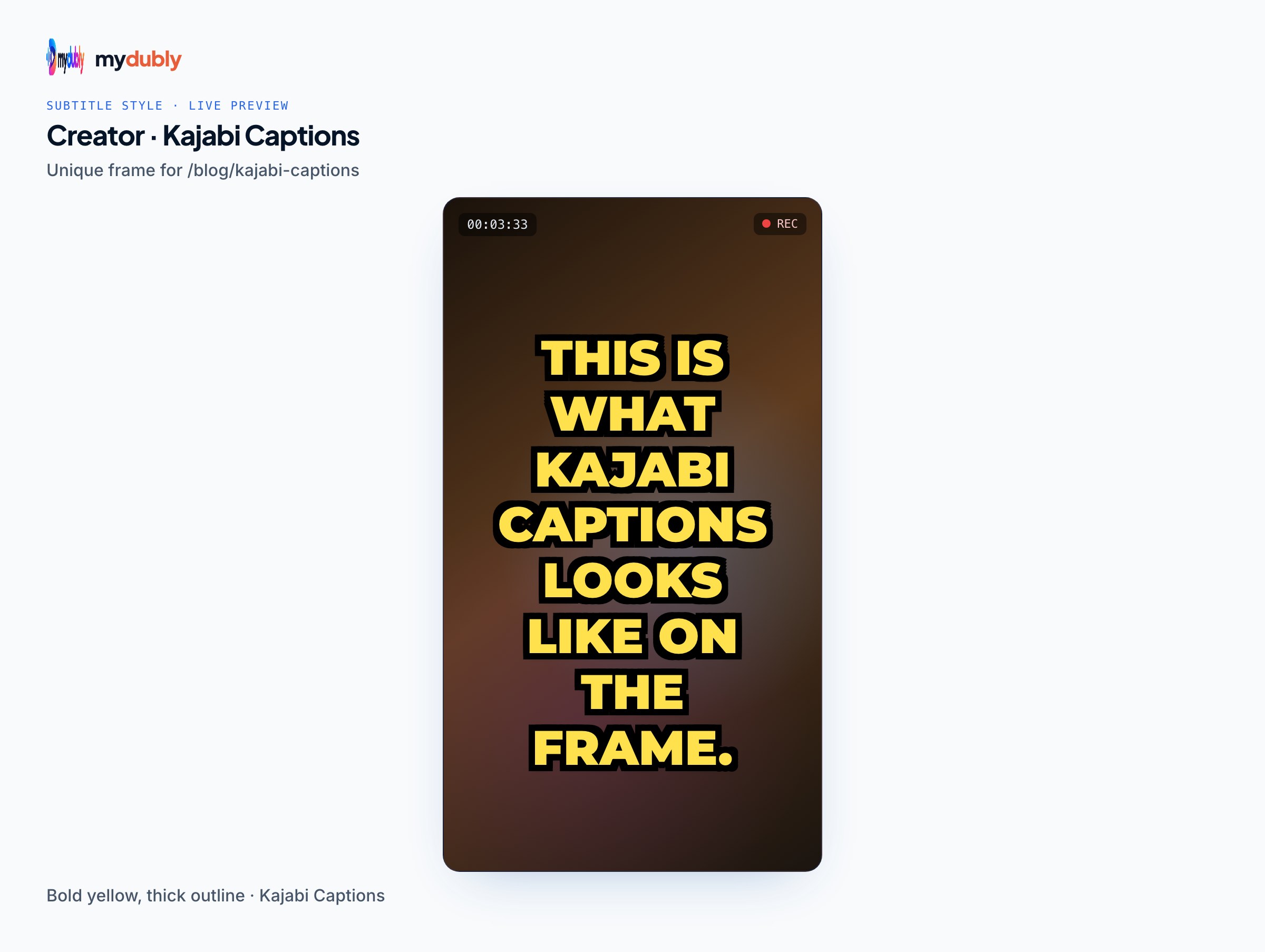
Burned-in captions can't be turned off, so this suits language editions and marketing clips more than the main lesson, where switchable captions are friendlier.
If you used Creator Studio
Kajabi's sunset guide says transcripts already moved into the Media Library are kept, but other Creator Studio work isn't saved unless you run the export, which emails you your written content, transcripts as .txt, and subtitle files as .srt or .vtt. If the export hands you VTT files and you want to upload them to Kajabi, convert them first; VTT to SRT explains the conversion, which mostly comes down to the header line and the comma before milliseconds.
Where mydubly fits, and where it doesn't
mydubly gives you SRT and VTT files from the audio in 100 languages (or translated into 21) for 5 credits per minute (minimum 25 credits per file). A 12-minute lesson costs 12 credits (1.2¢). The video stays in your browser; only the audio track is uploaded for the AI job and deleted within 30 minutes after it finishes. New accounts get 240 free credits and registered accounts 10 free credits a day.
It doesn't connect to Kajabi, import from a Kajabi link, or upload anything into your account; you download the file and upload it yourself. It also can't translate an SRT you already have, because translation runs from the speech.
Limits to keep in mind
- Kajabi's dubbing doesn't currently support coaching and cohort live sessions, though transcripts and translations do.
- AI transcripts from either tool have no speaker labels or sound descriptions. If accessibility is the reason you're captioning, add those by hand where they matter; WCAG caption requirements explains what full captions include.
- Because captions follow the video everywhere, a wrong caption on a shared video is wrong everywhere. Check shared videos first.
- Kajabi's help center documents SRT only; test any other format in the player before relying on it.
On another platform as well? The Thinkific captions guide covers its Asset Library, which also takes SRT files.
Frequently asked questions
What file format does Kajabi accept for captions?
SRT. Kajabi's help center describes uploading and downloading .srt files under Transcriptions in the Media Library and doesn't document VTT uploads.
Does uploading my own SRT use Kajabi AI credits?
Kajabi's AI credits are for generating transcripts, translations and dubs. Uploading a finished SRT replaces the transcription step that would otherwise use 1 AI credit per minute.
Why do my captions appear on a page I didn't edit?
Kajabi attaches transcriptions to the video in the Media Library, not to a lesson or page. Every place that uses the same video shows the same captions.
Can I translate an uploaded SRT inside Kajabi?
Yes. Kajabi requires a transcription, generated or uploaded, before translating, and its translations work from that transcription using AI credits.
Where did Creator Studio subtitles go?
Creator Studio is being sunset and its transcript work moved to the Media Library. Its export emails your subtitle files as .srt or .vtt.
How do I correct a Kajabi caption without starting over?
Download the SRT from the video's Transcriptions, fix the text or timing in an editor, and upload the edited file to replace the old one.