The delivery you want
Slow soothing maps to Calm, Bedtime, and ASMR moods—not a universal slow-motion dial on News or Energetic. Paste gentle scripts you wrote. Medical accuracy and care claims remain yours. No spa playlist or singing-bowl bed is generated under the speech. This style page complements ASMR landings without becoming a second sleep-story translation page. slow soothing AI voice is a delivery-style choice among real presets — Low, Energetic, Calm, Story, Horror — not a pitch plugin, WPM slider, or trailer music pack. Paste lines that match the intent, preview the named voices, and download speech. Effects, score, and picture timing stay outside mydubly for slow soothing ai voice searches. A practical slow soothing ai voice workflow looks like this: decide whether the script truly wants Low weight, Energetic hype, soothing Calm/Bedtime/ASMR, conversational Bright, or cinematic Story/Horror, then paste lines short enough for that style to stay clear. Generate, hear whether the preset fights the wording, rewrite, and re-speak. Add EQ, score, or impacts only after download. There is no universal tempo percentage or bass plugin. Choosing the wrong family and hoping punctuation alone will fix slow soothing AI voice is the expensive mistake.
What changes in the voice
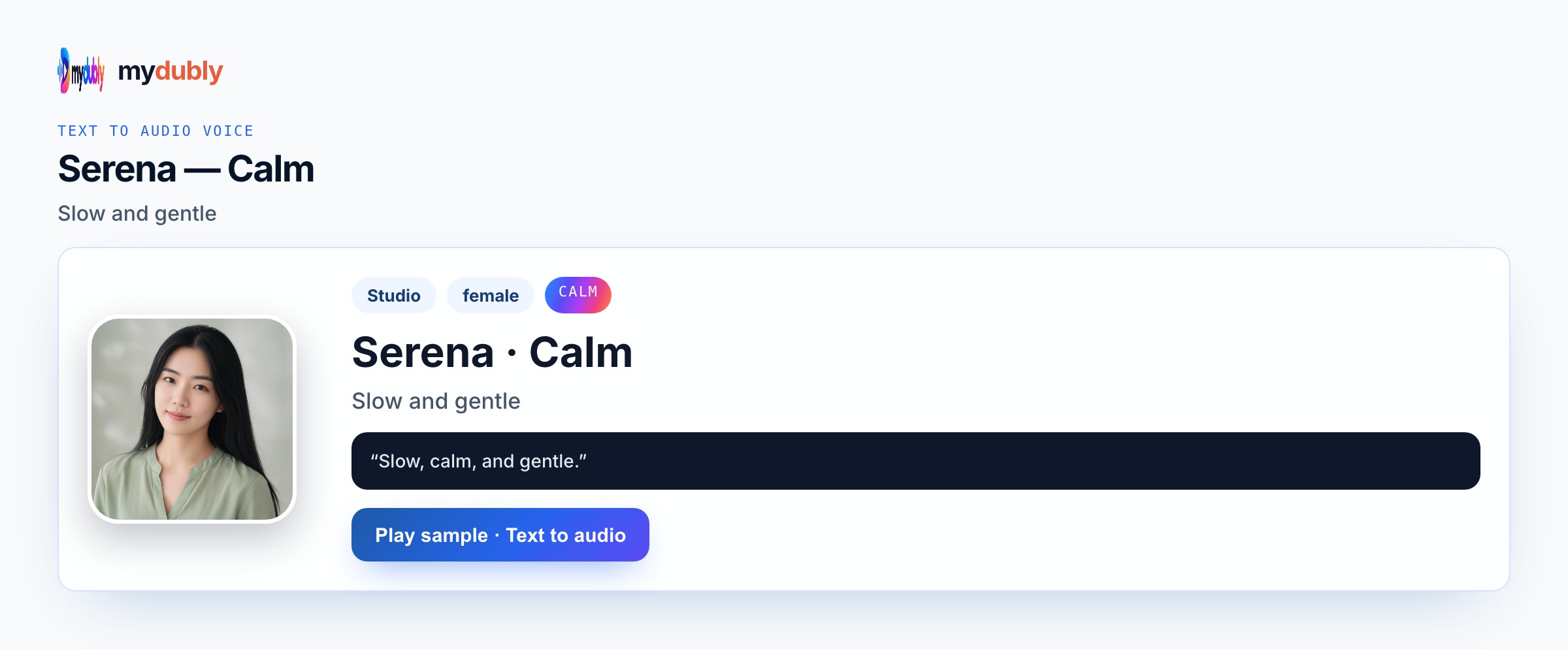
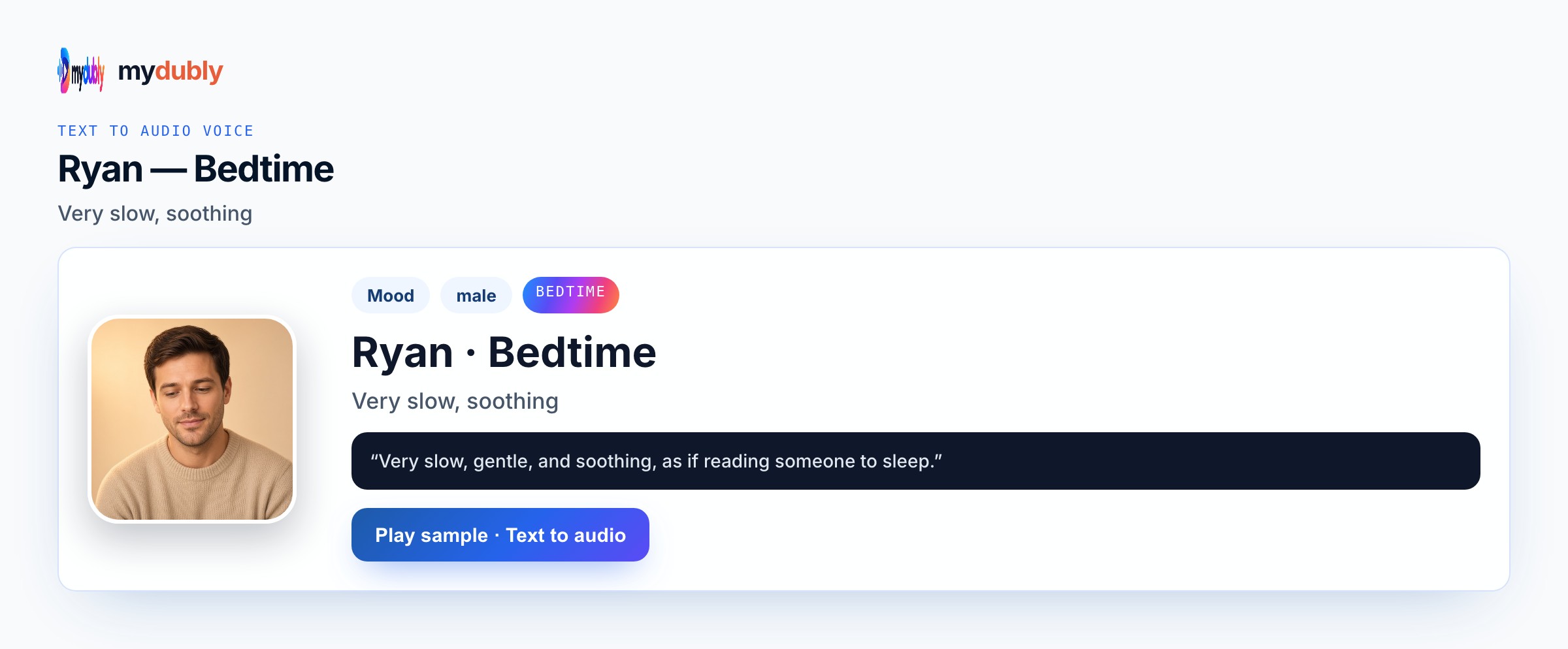
Serena Calm for clear soothing guidance. Ryan Bedtime for sleep-leaning outros. Serena ASMR for closer soft speech. Keep Speak in on a Mood-supported language. Whisper works for the quietest closing line when hush matters more than clarity. On Slow Soothing AI Voice, match the style keyword to a real preset: Uncle Fu for deep serious, Energetic for hype, Calm/Bedtime/ASMR for soothing, Story/Horror for cinematic. There is no bass slider or chipmunk mode. Preview first. slow soothing AI voice fails when you pick the opposite family and hope wording alone fixes it. Editors working on slow soothing ai voice should keep a simple checklist: Speak in correct, voice id locked, fragile tokens isolated, M4A named with the episode or Reel date, and a note of which lines were re-spoken after legal review.
Example lines
"Breathe in slowly through your nose." "There is no prize for rushing this part." "Rest is part of the plan."
"Match the preset to the intent first."
"Short lines keep style intelligible."
"Effects stay in your editor after download."
Jobs that need this style
Slow soothing AI voice serves creators who need slower Calm, Bedtime, or ASMR delivery for wind-down or care content. Nurse educators download post-op calm-breathing outros as M4A. Wellness coaches keep care instructions from racing. Whisper works for the quietest closing line. Medical accuracy remains yours. No spa playlist is generated. Language translation for bedtime stories belongs on bedtime-story spoken — not this style page. Slow Soothing AI Voice users who already locked picture still benefit from one M4A they can duck under B-roll, slides, or soft beds they own — Conversation mode only when a second speaker must contrast.
Choose the voice
Paste the soothing script, choose Calm, Bedtime, or ASMR, set Speak in, and generate. Shorten any line that still feels hurried, then speak the script again. Download the M4A for your care or wind-down player. Generate Slow Soothing AI Voice, confirm the style still matches after you hear it, rewrite lines that fight the preset, and download M4A. Add score or EQ in your DAW if needed. Do not expect percentage tempo controls. Keep slow soothing ai voice lines short enough that the chosen style stays intelligible.
Style mistakes
Expecting a slow-motion percentage slider is false. Using Energetic with “soft words” still sounds rushed. Treating this as bedtime-story translation is the wrong job. Expecting singing bowls in the download is dishonest. CTA exclamation copy undercuts soothing intent. Splitting every care sentence into its own job wastes credits. Inventing auto music beds, lip-sync, or platform auto-post for this job will disappoint — mydubly returns spoken audio you place yourself. Skipping a headphone scrub on names, numbers, and claims forces full re-speaks later when a single editor fix would have been enough.
After you listen
Periods create more felt pause than commas. Avoid CTA language and exclamation marks. For whispered dread teases, use Whisper or Horror pages instead of Calm. For slow soothing delivery, choose Calm, Bedtime, Whisper, or ASMR — not a percentage slow-mo dial — and leave medical accuracy claims to your own review. When you publish slow soothing AI voice audio, credit rules and acceptable-use still apply: original wording or cleared rights, no celebrity impersonation packs, and no claim that mydubly supplied music or lip-sync it did not generate.
Using the tool on this page
- Paste the text. The language it is written in is read from the words. Set the language it should be spoken in. The same language speaks the words as written.
- Studio and Mood voices play a short sample in Chinese, English, French, German, Italian, Japanese, Korean, Portuguese, Russian and Spanish. Hindi, Arabic, Turkish, Polish, Dutch, Swedish, Norwegian, Finnish and Hebrew need a recording of 3 to 15 seconds from someone you have permission to copy. A longer sample keeps the first 12 seconds.
- The reading is priced like a video dub: 120 credits per minute (12¢), minimum 2 minutes per file. A short paragraph still meets the 2-minute minimum.
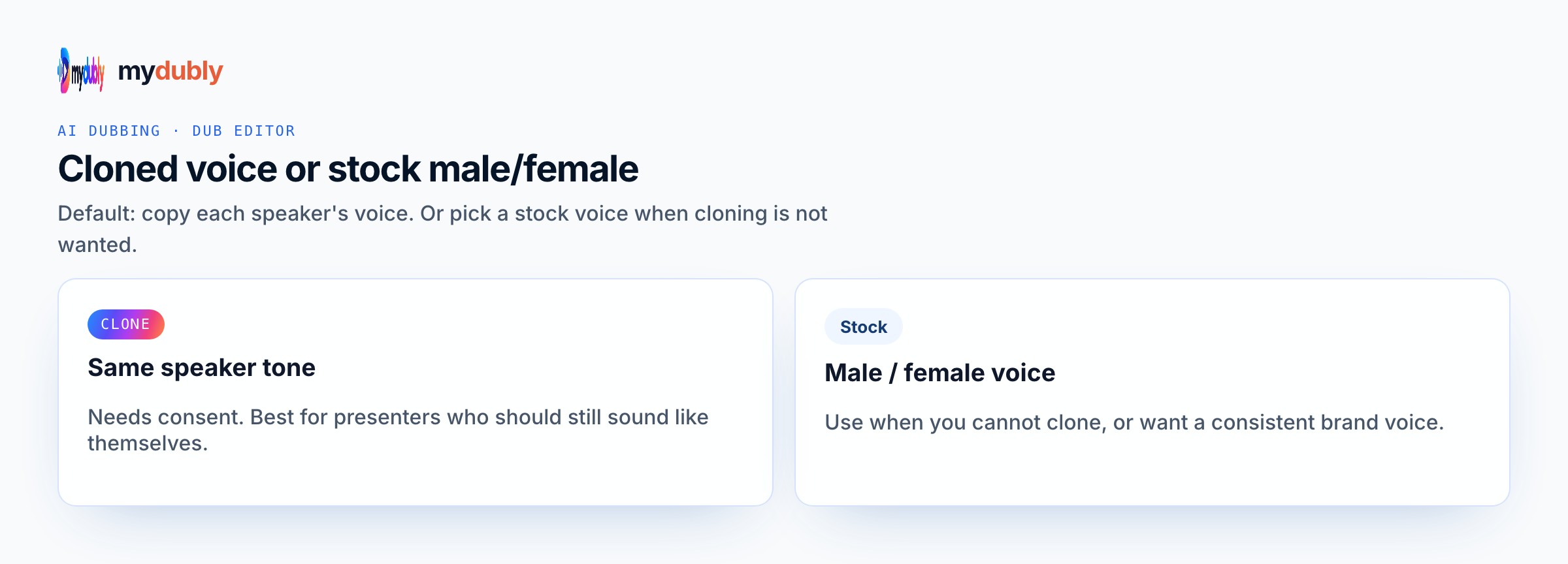
- When it finishes, the reading stays on this page. Edit the script and speak it again: that is a new reading of the whole script at the same dubbing price, including the 2-minute minimum. Download the audio. Files stay 120 minutes. A video dub is a different job and opens in the dub editor. More is on the text to audio dubbing tool page.
Frequently asked questions
Is there a slow-motion percentage control?
No percentage slider. Choose Calm, Bedtime, Whisper, or ASMR moods built for softer, slower delivery.
Where do I open slow soothing ai voice?
On this page, or from the Text to Audio tab on the mydubly home page. The finished job opens in the text editor so you can change a line or a voice and speak the script again.
What file do I get from Slow Soothing AI Voice?
An M4A speech file under dubbing credits, including the two-minute minimum on short pastes. Picture, music, captions, and posting stay in your own tools.