Why softness matters
Relaxing audio fails when the voice stays bright or salesy. Paste a script you control. Calm, Bedtime, and ASMR moods are real product options; a generic “spa voice” filter beyond those is not. No singing bowls or playlist beds are generated under the speech. relaxing AI voice maps to soft Mood delivery such as ASMR, Whisper, Bedtime, or Calm — speech only. Tapping, rain, bowls, and binaural modeling are not generated under the voice. Paste a script you wrote, set a Mood-supported Speak in language, and mix real triggers yourself after the M4A lands. That boundary keeps relaxing ai voice pages honest. A practical relaxing ai voice workflow looks like this: write the soft script without bracketed tap notes, choose ASMR, Whisper, Bedtime, or Calm as this page recommends, generate, then audition on earbuds at the volume your audience will use. Rewrite any line that spikes sibilance. Download M4A and align your own rain, taps, or bowls underneath at a lower voice level. Do not promise weather beds or binaural heads from mydubly. Keep medical or sleep claims honest. Soft delivery is Mood choice plus wording — not a softness slider on News or Energetic — which keeps relaxing AI voice pages trustworthy.
Close, quiet delivery
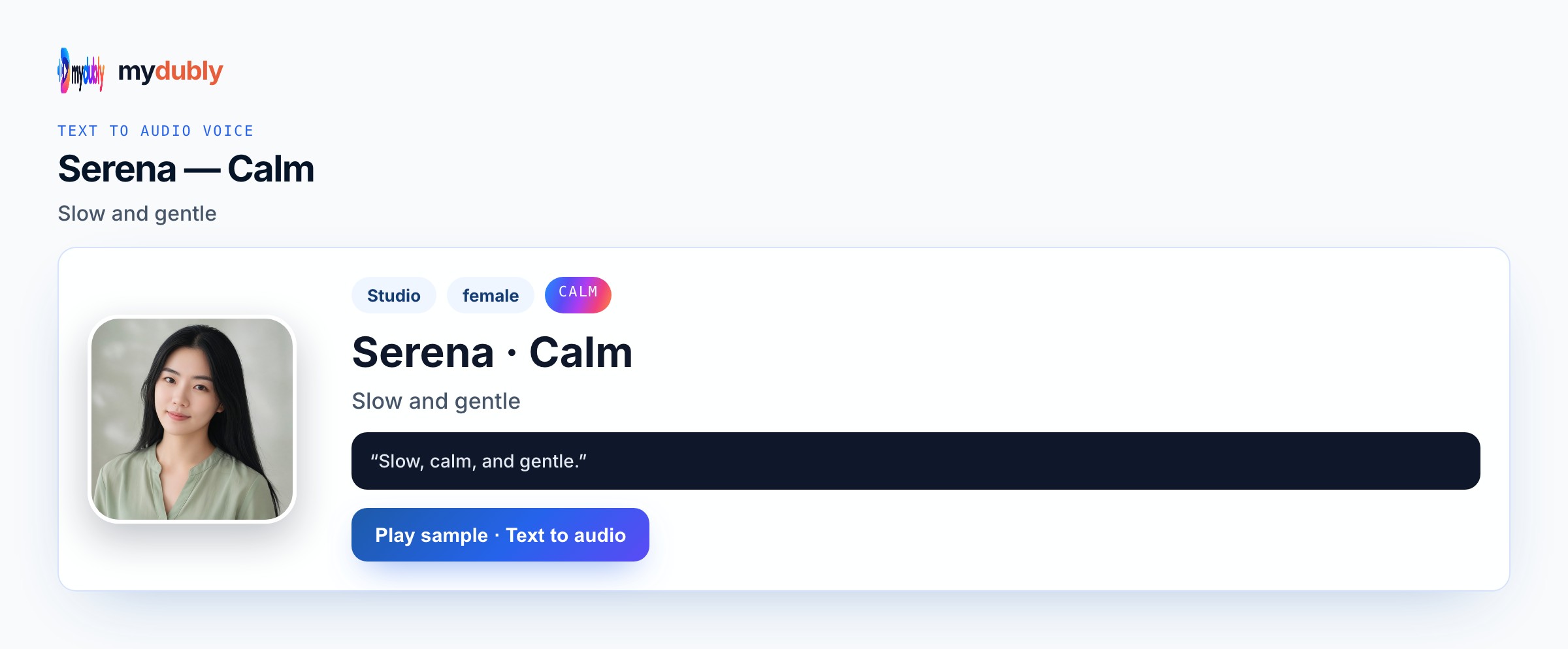
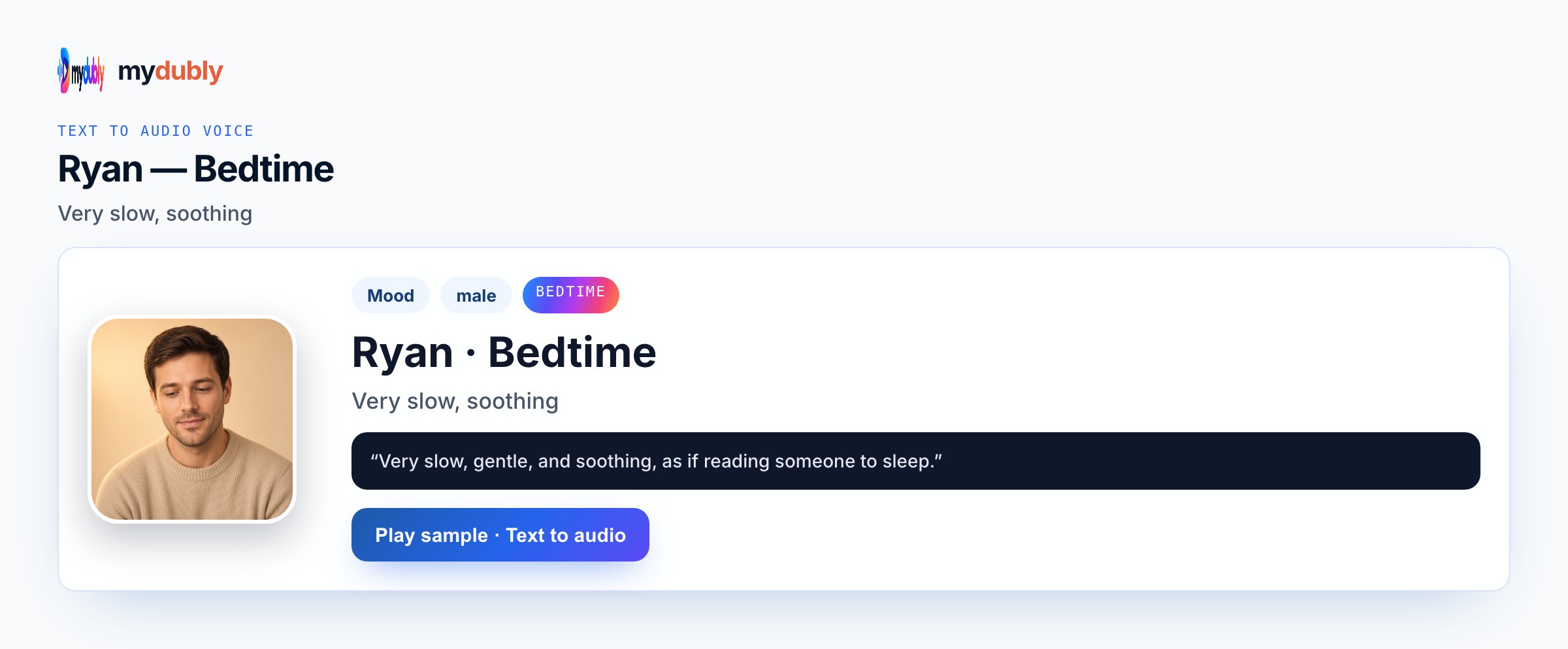
Serena Calm for even, soft guidance. Ryan Bedtime when the goal is sleep-adjacent wind-down. Serena ASMR for closer soft speech. Keep Speak in on a supported language. Energetic and Angry moods fight the intent—avoid them here. On Relaxing AI Voice, Serena or Vivian ASMR, Ryan Whisper, Bedtime, and Calm are the soft family. Keep sentences short for intelligibility. Delete bracketed SFX notes before paste or they may be spoken. Mood languages only. relaxing AI voice should stay quiet without becoming inaudible mush on phone speakers.
Example scripts
"Let your shoulders drop on the next slow breath." "There is nothing you must finish in this minute." "Stay with the quiet for a count of four."
"Soft does not mean mumbled on earbuds."
"Delete tap brackets before you paste."
"Add rain yourself after the M4A."
When a soft take helps
Relaxing AI voice serves wellness creators and coaches who wrote a wind-down script and need Calm, Bedtime, or ASMR delivery that does not rush periods into sales energy. Coaches download M4A for session players. Apps that allow uploaded guidance tracks use soft stock voices. Sleep-adjacent outros can use Bedtime Mood without becoming a translation job. Avoid Energetic and Angry here. Multilingual coaches pick Mood-supported Speak in. Add meditation music yourself after download — mydubly speaks only. Relaxing AI Voice users who already locked picture still benefit from one M4A they can duck under B-roll, slides, or soft beds they own — Conversation mode only when a second speaker must contrast.
Make a soft take
Paste the script, choose Calm, Bedtime, or ASMR, set Speak in, and generate. If a line still sounds hurried, shorten it and speak the script again. Download the M4A for your session player. Generate Relaxing AI Voice, listen on earbuds, soften harsh sibilants by rewriting, re-speak, then layer your own taps or rain under the M4A. Do not expect bowls, bells, or weather synthesis from mydubly. Keep soft scripts batched when they share a voice so relaxing ai voice credits stay sane.
Soft-voice mistakes
Expecting spa music or singing bowls in the download is false. Using Energetic “softly worded” copy still sounds hype. Treating Bedtime Mood as a language translator is wrong — use bedtime-story spoken for that. Leaving “(pause)” in the paste often gets it spoken. Medical cure claims in the script are your responsibility. Splitting every breath cue into separate jobs burns credits. Inventing auto music beds, lip-sync, or platform auto-post for this job will disappoint — mydubly returns spoken audio you place yourself.
After you listen
Write pause cues as separate short lines rather than stage directions the voice might read aloud. Honest limits: speech only, dubbing credits, M4A out. For relaxing AI voice, write emotion and structure into the wording, then let a real Studio or Mood preset carry delivery. Avoid invented celebrity, romantic, sarcastic, or robot filters the product does not ship. Re-speak after legal or factual edits. Keep a note of the voice id you locked for the series so collaborators do not rotate moods by accident. If language change is the real need for a bedtime story you own, use bedtime-story spoken instead of forcing Mood delivery to act like a translator. Preview once more before you publish.
Using the tool on this page
- Paste the text. The language it is written in is read from the words. Set the language it should be spoken in. The same language speaks the words as written.
- Studio and Mood voices play a short sample in Chinese, English, French, German, Italian, Japanese, Korean, Portuguese, Russian and Spanish. Hindi, Arabic, Turkish, Polish, Dutch, Swedish, Norwegian, Finnish and Hebrew need a recording of 3 to 15 seconds from someone you have permission to copy. A longer sample keeps the first 12 seconds.
- The reading is priced like a video dub: 120 credits per minute (12¢), minimum 2 minutes per file. A short paragraph still meets the 2-minute minimum.
- When it finishes, the reading stays on this page. Edit the script and speak it again: that is a new reading of the whole script at the same dubbing price, including the 2-minute minimum. Download the audio. Files stay 120 minutes. A video dub is a different job and opens in the dub editor. More is on the text to audio dubbing tool page.
Frequently asked questions
Will a relaxing voice add meditation music?
No. Only speech is produced. Add music in your own editor if your session needs it.
Where do I open relaxing ai voice?
On this page, or from the Text to Audio tab on the mydubly home page. The finished job opens in the text editor so you can change a line or a voice and speak the script again.
What file do I get from Relaxing AI Voice?
An M4A speech file under dubbing credits, including the two-minute minimum on short pastes. Picture, music, captions, and posting stay in your own tools.