The character on the page
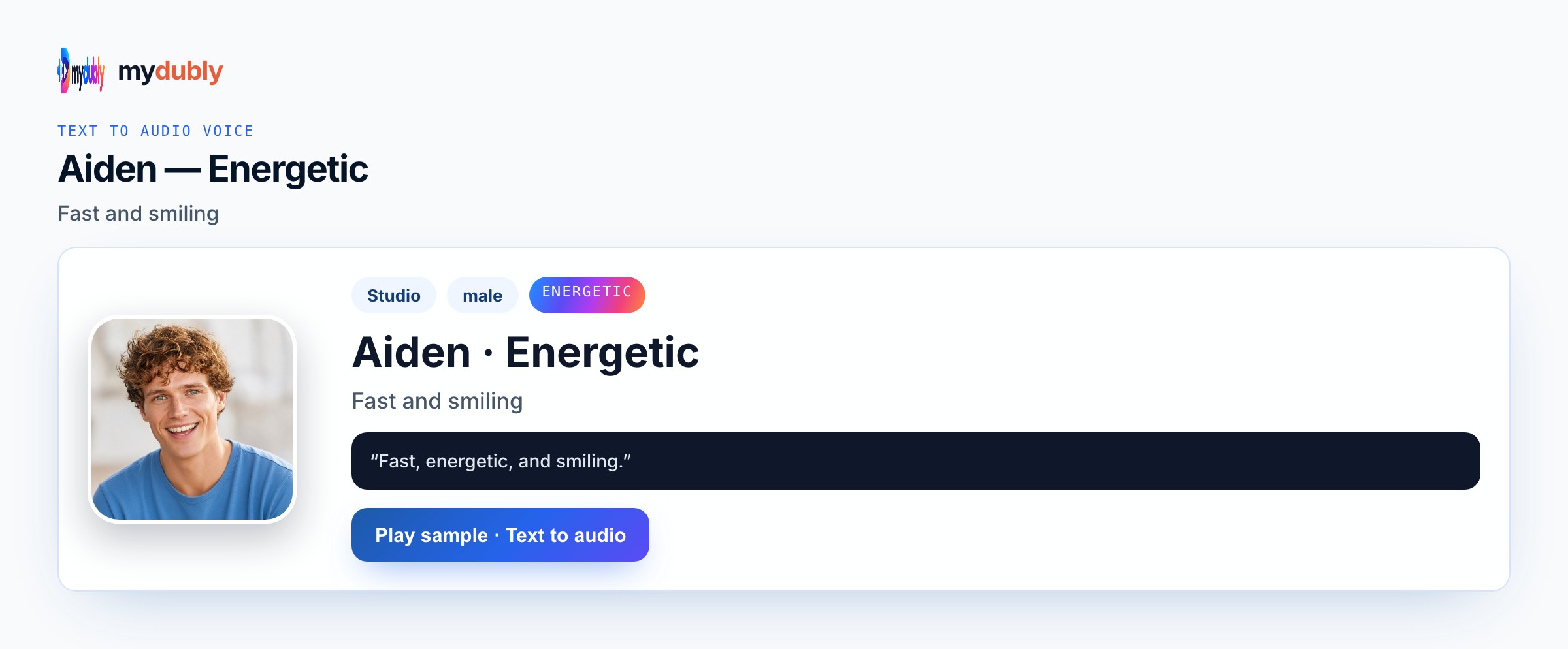
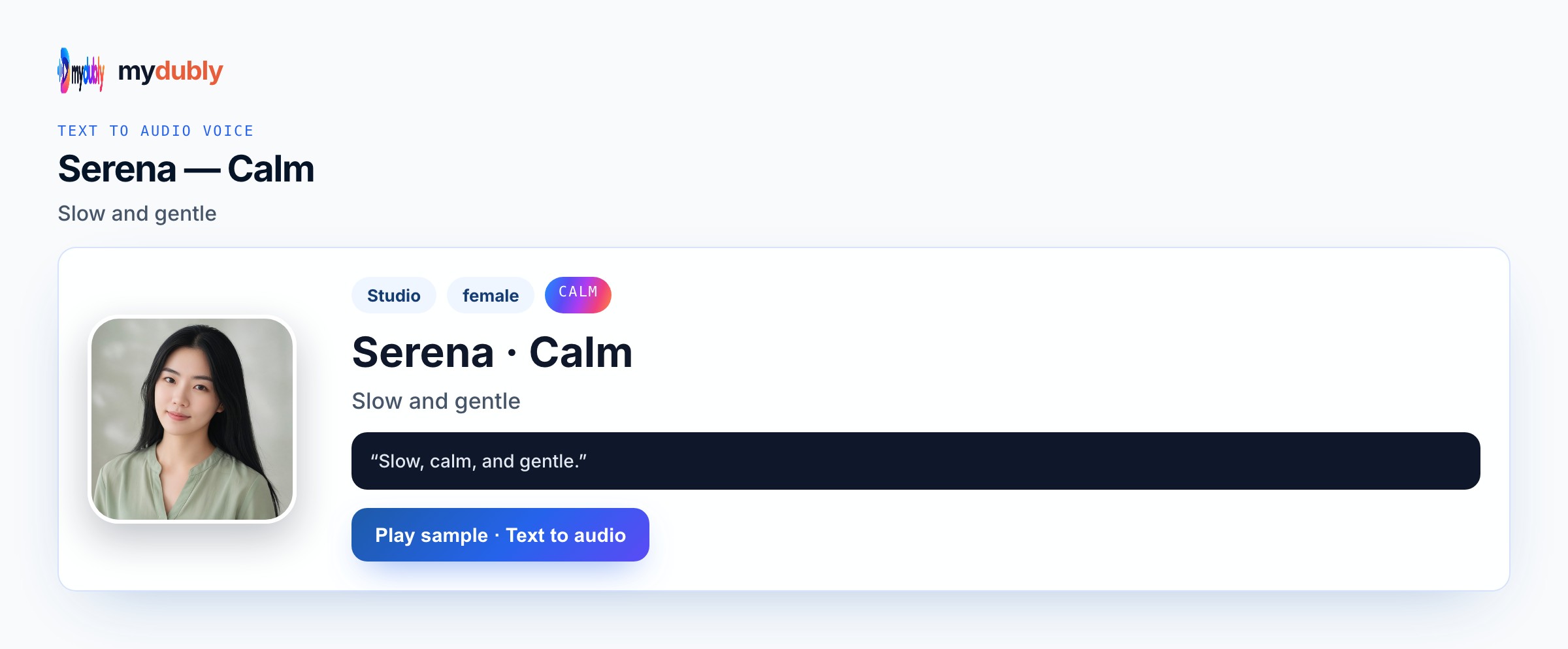
Roleplay dialogue is multi-speaker by nature. Put Low on the quest-giver, Energetic on the ranger, Calm on the healer who mediates. Do not request copyrighted game characters; write original names. Search results often promise a one-click emotion slider; mydubly instead asks you to pick a real Studio or Mood voice and write the beat into the script so the take stays honest. Teams who search roleplay dialogue AI voice usually arrive with a draft already written — A LARP briefing in Utrecht needs the quest-giver and the sceptical ranger heard before players hit the woods — two voices, one printed handout. That situation is exactly when Uncle Fu, Aiden Energetic, or Serena Calm should be previewed on one sentence before a full paste, because the wrong family wastes the two-minute dubbing-credit minimum. LARP organisers and online roleplay groups rehearsing scenes also care about practical shipping: Speak in must match the language of the text, Conversation mode only when another speaker needs a different listed preset, and the download stays M4A speech without a music bed or lip-sync picture. If a proper noun slips, isolate it on its own line in the text editor and re-speak that beat instead of regenerating the entire scene. Keep original characters only; descriptions guide which catalogue voice you pick,
How a character voice stays distinct
Low carries weight; Energetic pushes back; Calm steadies the plan. Conversation mode keeps the handout’s speakers distinct in the M4A. Proper nouns fail first under heat or hush — spell them the way you need them said. While previewing roleplay dialogue AI voice, compare Uncle Fu, Aiden Energetic, or Serena Calm on the same opening sentence from your paste and listen without reading along. Proper nouns, times and UI labels fail first — put them on dedicated lines. One Speak in language per job keeps endings clean. Keep the same preset map the next time you open this scene so collaborators recognise the role by ear. Listen once on the device speakers your audience will use, then retake only the broken names. Write the stakes into concrete nouns before you spend another job of dubbing credits.
Example dialogue
Quest-giver: "Bring the blue marker stone before moonrise." Ranger: "Moonrise is four hours — that path floods." Healer: "Then we take the ridge and save the argument for later."
Who casts this voice
LARP organisers and online roleplay groups rehearsing scenes need roleplay dialogue AI voice audio when the page is still silent. A LARP briefing in Utrecht needs the quest-giver and the sceptical ranger heard before players hit the woods — two voices, one printed handout. They assign Uncle Fu, Aiden Energetic, or Serena Calm, keep one Speak in language per job across the styled set, and drop the M4A into a DAW, LMS or cutscene folder. Conversation mode matters only when a foil must answer in another listed preset. Dubbing credits and the two-minute minimum favour batching the full beat once, then re-speaking drifted names.
Build the scene
Paste the briefing scene, assign Low / Energetic / Calm, generate, retake any marker-stone phrasing that blurred, download for the player group chat. Confirm Speak in matches the language of the paste before you spend credits on a full take. Confirm Speak in, assign voices (Conversation mode when needed), generate once, then retake only broken lines. Download M4A for the folder that matches this roleplay dialogue AI voice job — podcast timeline, LMS, cutscene bank or rehearsal speaker. Keep the same preset map the next time you open this scene so collaborators recognise the role by ear. Listen once on the device speakers your audience will use, then retake only the broken names. Write the stakes into concrete nouns before you spend another job of dubbing credits. Keep the same preset map the next time you open this scene so collaborators recognise the role by ear.
Casting mistakes to avoid
One preset for every role collapses contrast that Uncle Fu, Aiden Energetic, or Serena Calm was meant to protect. Celebrity or franchise names will not trigger an impersonation. For this slug (roleplay-dialogue-ai-voice), expecting music beds, lip-sync video or crying effects invents product features. Leaving speaker labels you do not want heard makes Uncle Fu, Aiden Energetic, or Serena Calm say them. If the scene needs a soft reply against heat, Conversation mode — not a hybrid Mood — is the honest fix. Preview one sentence before a chapter paste.
After you listen
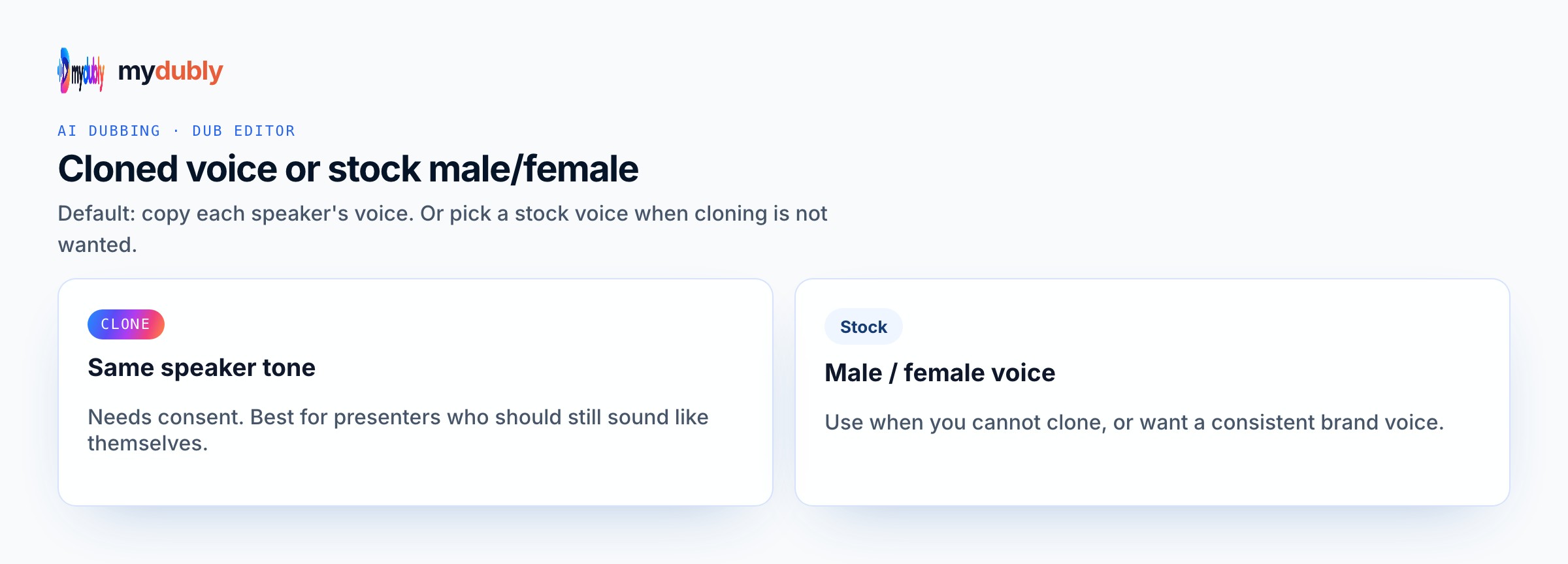
Keep in-world jargon spelled the way players expect to hear it. Isolate stubborn names, numbers and product tokens on their own lines, then re-speak only the broken beat in the text editor. After the first listen for roleplay dialogue AI voice, rewrite soft or muddy clauses with shorter diction and keep Uncle Fu, Aiden Energetic, or Serena Calm rather than stacking punctuation. A LARP briefing in Utrecht needs the quest-giver and the sceptical ranger heard before players hit the woods — two voices, one printed handout. is the ear test — if that situation still sounds wrong, you picked the wrong preset family or left stage directions in the paste. Batch useful runtime against the two-minute minimum, strip labels you do not want spoken, and document the voice map for the next episode. Clone remains permission-based; stock casting stays inside Studio and Mood catalogues.
Using the tool on this page
- Paste the text. The language it is written in is read from the words. Set the language it should be spoken in. The same language speaks the words as written.
- Studio and Mood voices play a short sample in Chinese, English, French, German, Italian, Japanese, Korean, Portuguese, Russian and Spanish. Hindi, Arabic, Turkish, Polish, Dutch, Swedish, Norwegian, Finnish and Hebrew need a recording of 3 to 15 seconds from someone you have permission to copy. A longer sample keeps the first 12 seconds.
- The reading is priced like a video dub: 120 credits per minute (12¢), minimum 2 minutes per file. A short paragraph still meets the 2-minute minimum.
- When it finishes, the reading stays on this page. Edit the script and speak it again: that is a new reading of the whole script at the same dubbing price, including the 2-minute minimum. Download the audio. Files stay 120 minutes. A video dub is a different job and opens in the dub editor. More is on the text to audio dubbing tool page.
Frequently asked questions
Can I clone a player’s voice for their character?
Only with a short sample and their permission. Otherwise use Studio and Mood presets per role.
Where do I open roleplay dialogue ai voice?
On this page, or from the Text to Audio tab on the mydubly home page. The finished job opens in the text editor so you can change a line or a voice and speak the script again.