The job this audio does
Onboarding narration must welcome without muddying logistics. Paste scripts you own. Do not paste private employee data. Style is Bright/Clear/Calm—not a translation-focused course page. No lip-sync to a welcome video face. onboarding video narration AI focuses on Clear, News, Calm, or Low professional delivery for scripts already in the language you want heard. It is not a silent stand-in for course-script or slide-narration translation landings when language change is the real job. Paste module or talk-track copy, generate M4A, and place it in your LMS, deck, or NLE yourself for onboarding video narration workflows. A practical onboarding video narration workflow looks like this: lock a house voice (Clear, News, Calm, or Low), paste one module or talk track, generate, scrub every unit and obligation verb, then import M4A into the LMS, deck, or NLE. Document the voice id for collaborators so module five matches module one. When the job is translating lesson or slide copy into another spoken language, switch to the dedicated translation landings rather than stretching this style page. No SCORM import, no PA push, no lip-sync — speech you place yourself for onboarding video narration AI.
Clear delivery without drama
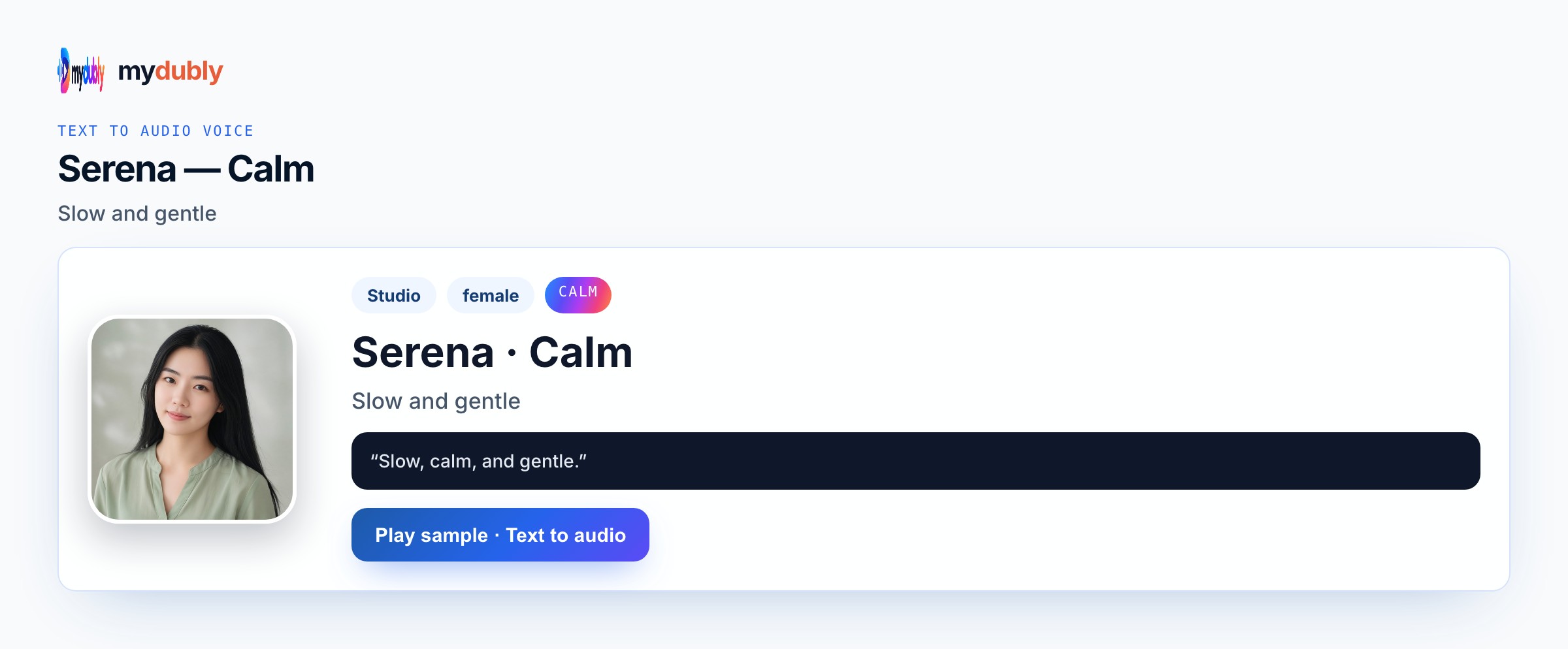
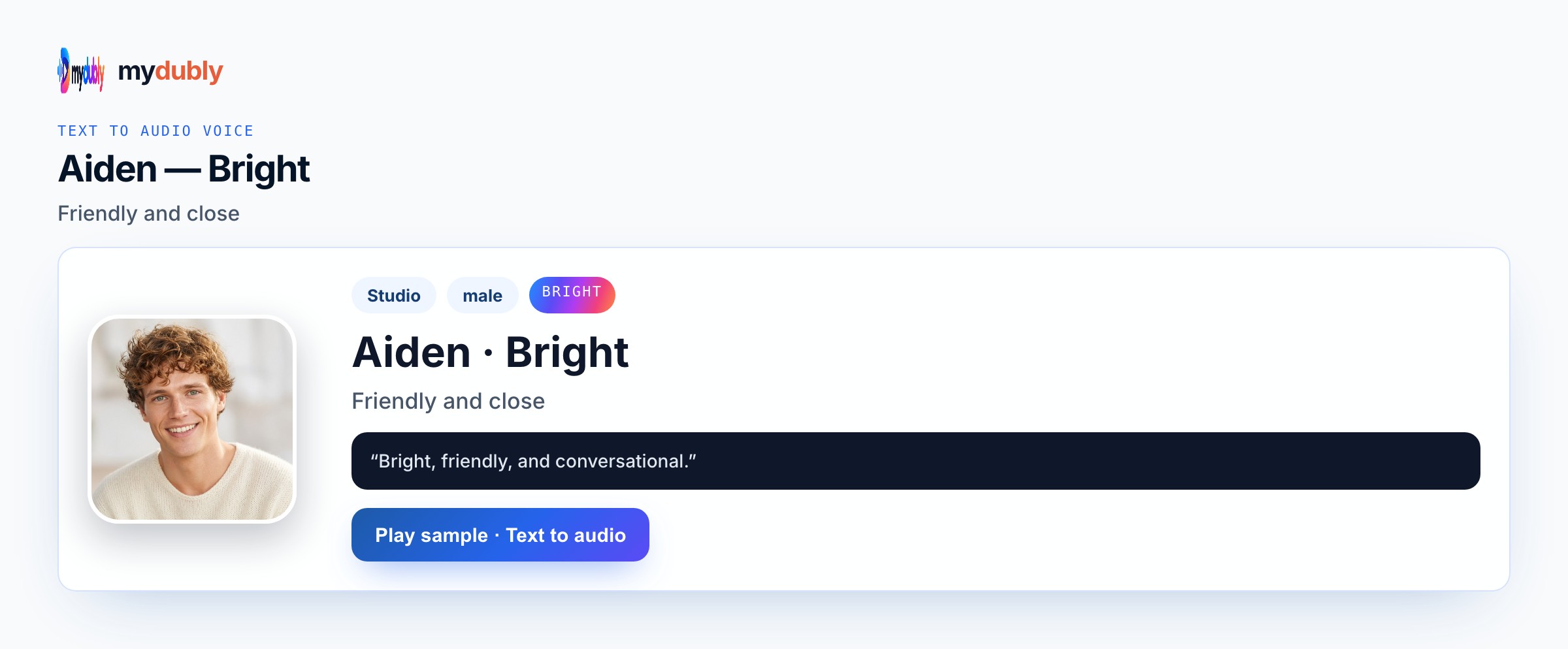
Aiden Bright for warm welcomes. Ryan Clear for systems walkthroughs. Serena Calm for benefits explainers. News can cover formal policy segments inside the same Conversation-mode script if needed. On Onboarding Video Narration AI, Ryan Clear and News keep terms exact; Calm softens wellbeing modules; Uncle Fu carries grave policy tone. Quote UI labels. Avoid Energetic or Angry unless the script truly needs them. Conversation mode can split teacher and example lines. onboarding video narration AI should sound instructional, not theatrical. Editors working on onboarding video narration should keep a simple checklist: Speak in correct, voice id locked, fragile tokens isolated, M4A named with the episode or Reel date, and a note of which lines were re-spoken after legal review.
Example wording
"Welcome to your first day." "Collect your badge at the south desk before ten." "Your manager will meet you after the safety video."
"Say the unit aloud in the script."
"Keep must and never on their own lines."
"One module paste, one cleaner retake."
Teams that ship this
Onboarding video narration AI helps people teams and product educators voicing day-one scripts. Aiden Bright warms welcomes; Ryan Clear covers systems walkthroughs; Serena Calm fits benefits explainers. News can cover formal policy segments inside Conversation mode if needed. Teams download M4A for welcome video timelines. Keep badge desk hours accurate. Prefer public onboarding facts over sensitive personal data. Dubbing credits; no lip-sync. Onboarding Video Narration AI users who already locked picture still benefit from one M4A they can duck under B-roll, slides, or soft beds they own — Conversation mode only when a second speaker must contrast.
Produce the reading
Paste the onboarding script, pick Bright or Clear, set Speak in, and generate. Scrub times and place names. Repair errors and speak the script again. Download the M4A for the welcome video timeline. Generate Onboarding Video Narration AI, scrub units and obligations, re-speak bad lines, and import M4A into your authoring tool or NLE. One module or talk track per job keeps retakes sane. Do not expect SCORM import, PA push, or lip-sync. Translation-centered jobs belong on the dedicated spoken-translation pages, not this onboarding video narration style angle.
Training audio mistakes
Expecting lip-sync to a CEO welcome face is false. Pasting confidential salary details into reusable scripts is a risk. Using Angry for day-one welcomes undercuts culture. Treating this as course translation is the wrong job when style is the need. Music beds are not included. Splitting every welcome sentence into its own job wastes credits. Inventing auto music beds, lip-sync, or platform auto-post for this job will disappoint — mydubly returns spoken audio you place yourself. Skipping a headphone scrub on names, numbers, and claims forces full re-speaks later when a single editor fix would have been enough.
After you listen
Split culture welcome and systems howto into clear sections. Avoid slang that will date quickly. Clone a real CEO welcome only with permission and a clean sample. For onboarding narration, keep badge hours exact, prefer public facts over confidential salary details, and skip lip-sync expectations on welcome faces. When you publish onboarding video narration AI audio, credit rules and acceptable-use still apply: original wording or cleared rights, no celebrity impersonation packs, and no claim that mydubly supplied music or lip-sync it did not generate. Preview once more before you publish.
Using the tool on this page
- Paste the text. The language it is written in is read from the words. Set the language it should be spoken in. The same language speaks the words as written.
- Studio and Mood voices play a short sample in Chinese, English, French, German, Italian, Japanese, Korean, Portuguese, Russian and Spanish. Hindi, Arabic, Turkish, Polish, Dutch, Swedish, Norwegian, Finnish and Hebrew need a recording of 3 to 15 seconds from someone you have permission to copy. A longer sample keeps the first 12 seconds.
- The reading is priced like a video dub: 120 credits per minute (12¢), minimum 2 minutes per file. A short paragraph still meets the 2-minute minimum.
- When it finishes, the reading stays on this page. Edit the script and speak it again: that is a new reading of the whole script at the same dubbing price, including the 2-minute minimum. Download the audio. Files stay 120 minutes. A video dub is a different job and opens in the dub editor. More is on the text to audio dubbing tool page.
Frequently asked questions
Can onboarding narration include confidential salary details?
You control the paste. Prefer public onboarding facts; keep sensitive personal data out of scripts you might reuse.
Where do I open onboarding video narration ai?
On this page, or from the Text to Audio tab on the mydubly home page. The finished job opens in the text editor so you can change a line or a voice and speak the script again.
What file do I get from Onboarding Video Narration AI?
An M4A speech file under dubbing credits, including the two-minute minimum on short pastes. Picture, music, captions, and posting stay in your own tools.