The character on the page
Set Speak in to Japanese when the lines should be heard in Japanese. Paste Japanese text to avoid unwanted translation, or paste another language if you want it spoken in Japanese. Studio/Mood availability follows product language support — clone with permission when a stock voice is not enough. Original characters only. Proper names fail first — check readings before you judge the whole café take. Keep English speaker labels out of the spoken paste so they are not voiced. Write the performance into the words and the listed preset map; mydubly speaks what you paste with Studio or Mood voices, Conversation mode for casts, and an M4A download — not invented comedy engines or copyrighted character clones. mydubly speaks listed Studio and Mood voices (serena calm, aiden bright, ryan clear) or a clone with permission — never a celebrity or copyrighted-character impersonation. You get M4A speech only: no lip-sync to picture, no music bed, no laugh track, and no invented comedy or robot filter beyond the preset you choose.
How a character voice stays distinct
Calm for polite café staff; Bright for the nervous customer; Clear for the manager. Listen for name readings; rewrite in kana if a kanji name is wrong. While previewing japanese character speech AI, compare serena calm, aiden bright, ryan clear on the same opening sentence and listen without reading along. Proper nouns, times, prices, and UI labels fail first — put them on dedicated short lines so a retake does not regenerate the whole scene. One Speak in language per job keeps endings clean; keep the same preset map the next time collaborators open this Japanese Character Speech AI scene so roles stay recognisable by ear. Listen once on the device speakers your audience will use, then retake only broken names before you spend another job of dubbing credits. mydubly speaks listed Studio and Mood voices (serena calm, aiden bright, ryan clear) or a clone with permission — never a celebrity or copyrighted-character impersonation.
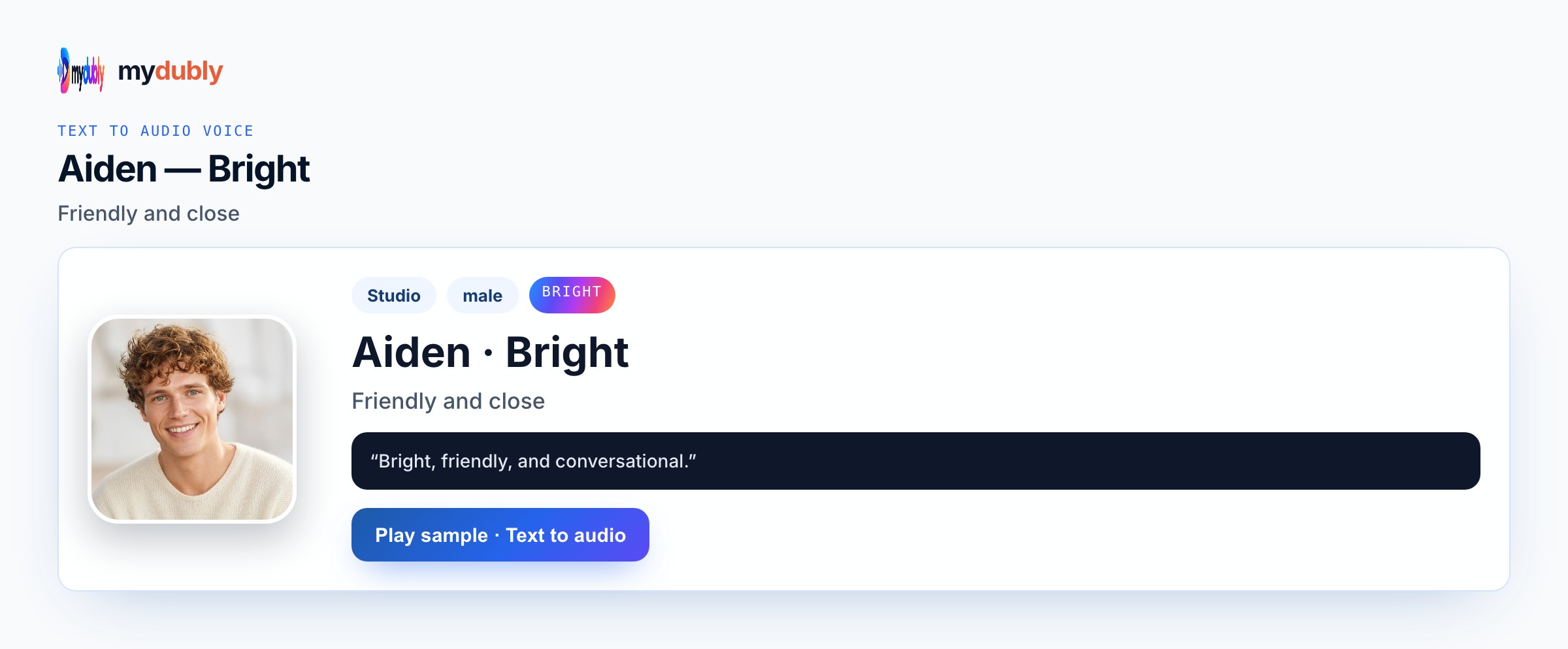
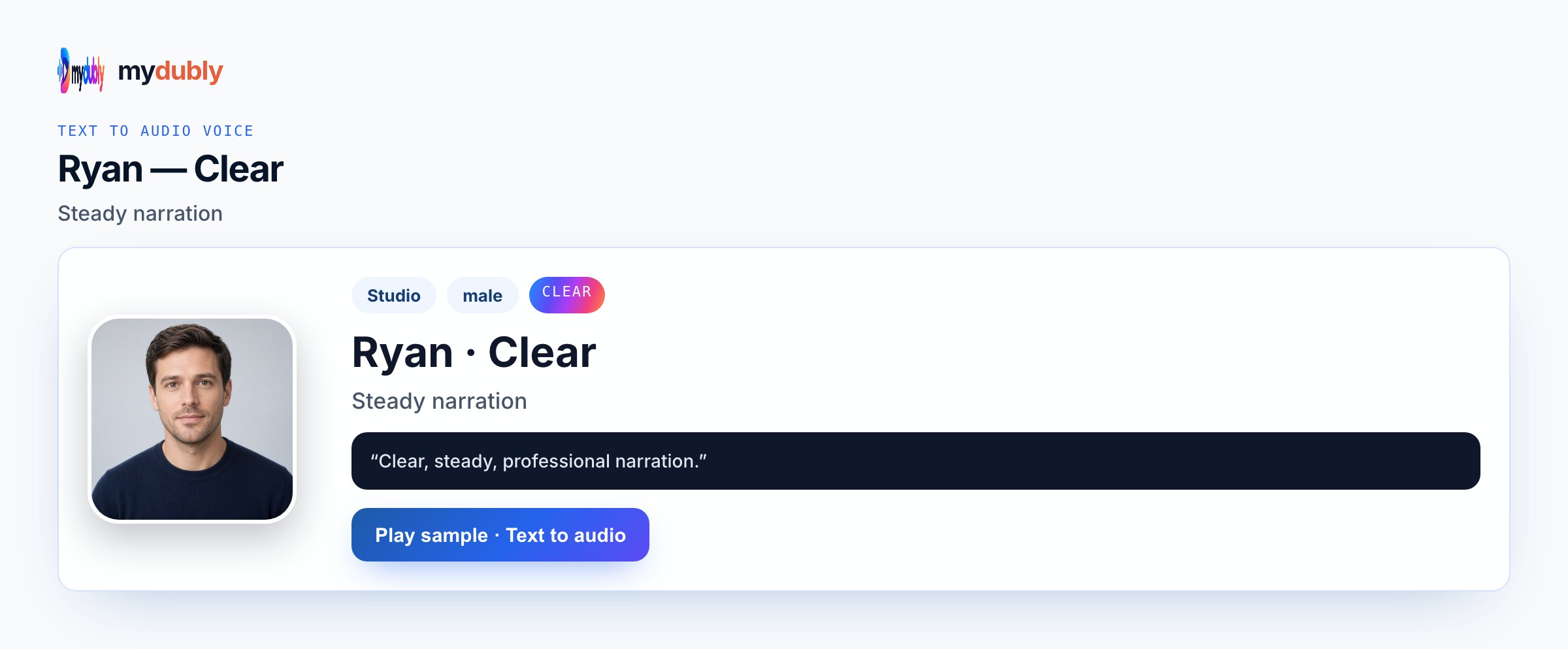
Example dialogue
Staff: "Irasshaimase — window seat or counter?" Customer: "Window, please — and slow coffee." Manager: "Slow coffee still has a price — here is the menu."
Who casts this voice
Writers and students pitching bilingual café scenes need Japanese heard so Tokyo producers catch rhythm without a series dub recreation. Original character table reads for school-city shorts use Calm staff and Bright customers in Conversation mode. Language learners practising spoken role-play generate M4A from their own Japanese scripts. Indie PV teams localising an English board into Japanese Speak in verify names before picture lock. Classroom Japanese clubs stage original dialogues without claiming famous VA impressions. Writers and students needing Japanese spoken character lines for original scenes return to the same voice sheet when a pickup week arrives so the japanese character speech AI take still matches last month's board.
Build the scene
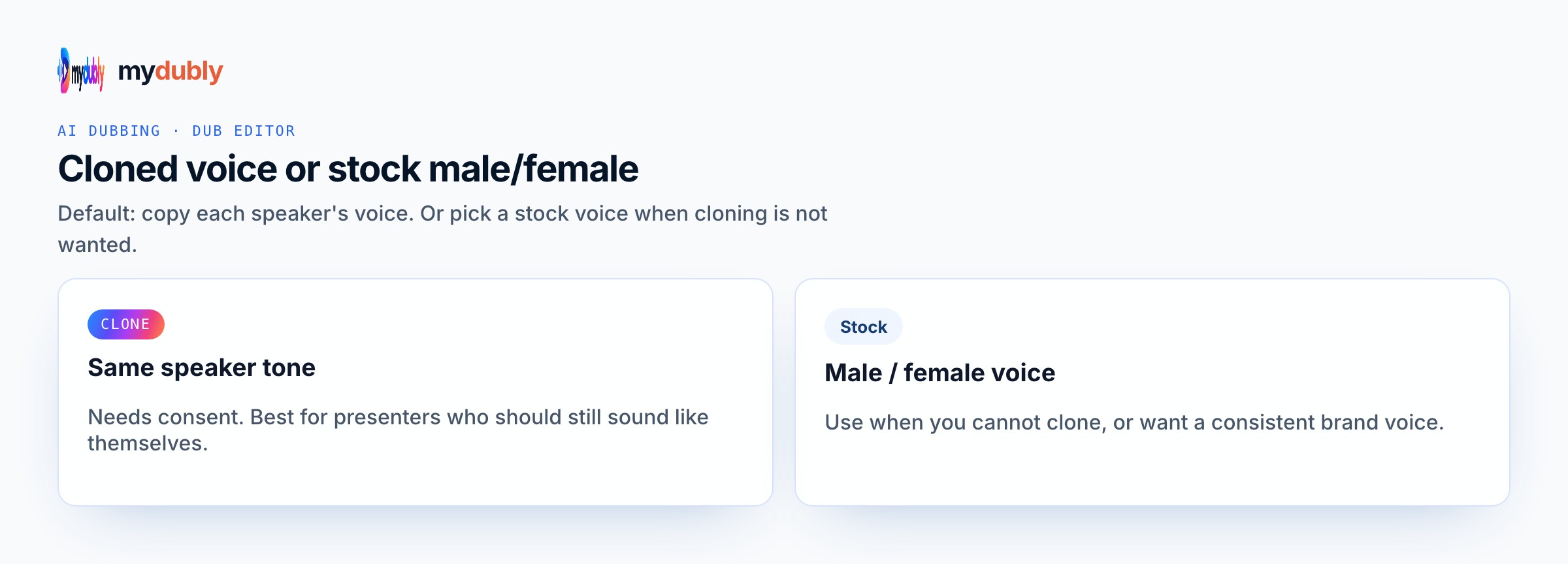
Paste the scene (Japanese or to-translate), set Speak in to Japanese, assign Calm/Bright/Clear per line, generate, fix name readings in the editor, download the M4A. After the first listen for japanese character speech AI, rewrite only the lines that slipped, then speak those again instead of redoing clean takes. Confirm Speak in, assign voices (Conversation mode when needed), generate once, then download M4A into the folder that matches this job — animatic timeline, engine cue bank, podcast scratch, or rehearsal speaker. Batch useful runtime against the two-minute minimum; strip speaker labels from the spoken string if you do not want them heard. Keep the same preset map documented for the next episode or patch so Writers do not drift to a random Bright take by accident.
Casting mistakes to avoid
Imitating a famous Japanese voice actor or copyrighted character is unsupported. Forgetting Speak in Japanese yields the wrong language. Leaving English role labels inside the spoken paste gets them voiced. Skipping name-reading checks until final export forces painful re-speaks. Expecting a perfect accent clone from a calm English sample without permission invents a path. Pasting franchise café dialogue creates rights problems even if the language is Japanese. Treating the download as a finished celebrity or IP performance invents a product path that is not offered.
After you listen
Proper names fail first — check them before you judge the whole take. Prefer kana for tricky names if a kanji reading drifts. Keep Conversation labels for assignment only; do not put “Staff:” into the spoken string if you do not want it heard. Preview a short slate before pasting a full bilingual pitch reel. If the take still feels wrong, change the wording or switch to another real preset — do not invent a hybrid Mood the catalogue does not list. After the first listen for japanese character speech AI, rewrite soft or muddy clauses with shorter diction and keep serena calm, aiden bright, ryan clear rather than stacking punctuation.
Using the tool on this page
- Paste the text. The language it is written in is read from the words. Set the language it should be spoken in. The same language speaks the words as written.
- Studio and Mood voices play a short sample in Chinese, English, French, German, Italian, Japanese, Korean, Portuguese, Russian and Spanish. Hindi, Arabic, Turkish, Polish, Dutch, Swedish, Norwegian, Finnish and Hebrew need a recording of 3 to 15 seconds from someone you have permission to copy. A longer sample keeps the first 12 seconds.
- The reading is priced like a video dub: 120 credits per minute (12¢), minimum 2 minutes per file. A short paragraph still meets the 2-minute minimum.
- When it finishes, the reading stays on this page. Edit the script and speak it again: that is a new reading of the whole script at the same dubbing price, including the 2-minute minimum. Download the audio. Files stay 120 minutes. A video dub is a different job and opens in the dub editor. More is on the text to audio dubbing tool page.
Frequently asked questions
Will this imitate a famous Japanese voice actor?
No. It speaks with product presets or a clone of a sample you have permission to use — never a celebrity or copyrighted character impression.
Can I keep English speaker labels out of the Japanese audio?
Yes. Keep labels for Conversation assignment only; do not put them in the spoken paste.
Where do I open japanese character speech ai?
On this page, or from the Text to Audio tab on the mydubly home page. The finished job opens in the text editor so you can change a line or a voice and speak the script again.
Should I paste Japanese text or English to translate?
Paste Japanese when you want exact wording. Paste another language only when you intentionally want it spoken in Japanese via Speak in.