Two import paths that do different jobs
Most confusion about subtitles in VEGAS Pro comes from two menus with similar names. The VEGAS Pro 23 help describes them on separate pages:
- File > Import > Closed Captioning
- Reads SCC, RT, SRT, SMI, TXT, MCC and DVD Architect SUB files. Each caption becomes a command marker (608CC1 for the primary language) on the timeline. Viewers see them only where the player supports closed captions.
- Insert > Insert Subtitles from File
- Reads TXT or CSV. Each line becomes a title event on a new top track, styled with a text preset you pick, and it is drawn into the picture when you render.
So the honest answer to "can VEGAS Pro import SRT" is yes, as closed captions. Whether the subtitles route accepts SRT depends on who you ask: some older tutorials for VEGAS Pro 18 show an SRT filter in that dialog, while the current official help lists only TXT and CSV. Check the file-type list in the dialog on your version before you plan around it.
If the difference between captions that switch on and text burned into the picture is new to you, open vs closed captions covers it, and CEA-608 vs 708 explains the broadcast caption standard VEGAS uses.
Import an SRT into VEGAS Pro as closed captions
- Place your video on the timeline in its final edit. Caption markers land according to the timecode in the file.
- If the video doesn't start at zero (for example, it begins after a slate or countdown), MAGIX suggests applying a timeline ruler offset before importing so the markers line up.
- Choose File > Import > Closed Captioning.
- In the Open dialog, select the .srt and click Open. The captions appear as command markers along the top of the timeline.
- Turn on a caption overlay in the Video Preview window (the arrow next to the Overlays button) and play the project to see them.
- Open View > Window > Edit Details and choose Commands in the Show list to see every caption in a table. You can edit text there or retime captions one by one: select a row, play, and press Ctrl+K at the moment each caption should appear.
- To change one caption, double-click its marker; to move it, drag the marker tag.
A producer finishes a 26-minute documentary in VEGAS Pro and has an English SRT from the transcription stage. She imports it with File > Import > Closed Captioning, reviews it in Edit Details, and renders XDCAM HD MXF; VEGAS embeds the captions and also writes an .SCC file with the same base name for the channel's playout team.
The 32-character rule and long SRT lines
CEA-608 is an old television format with a fixed grid. The VEGAS help is explicit: for each row, the indent plus the tab offset plus the number of characters can't exceed 32. Ordinary SRT subtitles are often written for 37 to 42 characters per line, and automatic subtitles often arrive as one long line per cue.
Before importing, split or rewrap any line longer than 32 characters. Short cues of one or two short lines also read better as captions. Subtitle segmentation explains where to break lines so each one still makes sense, and the SRT checker helps catch malformed blocks or overlapping times before VEGAS has to read them.
What happens when you render
Captions follow the output format:
- XDCAM HD and HD422 MXF: captions are embedded, and an .SCC file is written too.
- MPEG-2: captions are encoded in ATSC format.
- Formats that can't carry caption markers, which includes the MP4 files most people upload: VEGAS writes a separate .SCC file next to the render instead.
That last point explains the most common complaint: "I imported my SRT, rendered an MP4, and there are no subtitles." The captions weren't lost; they went to a sidecar file, and nothing was drawn into the picture.
For YouTube, VEGAS includes a script for this: Tools > Scripting > Export Closed Captioning for YouTube creates an SRT from the caption markers. Upload it with the video, as uploading subtitles to YouTube describes. Other scripts in the same menu export for DVD Architect, QuickTime and Windows Media Player.
Getting visible, burned-in subtitles
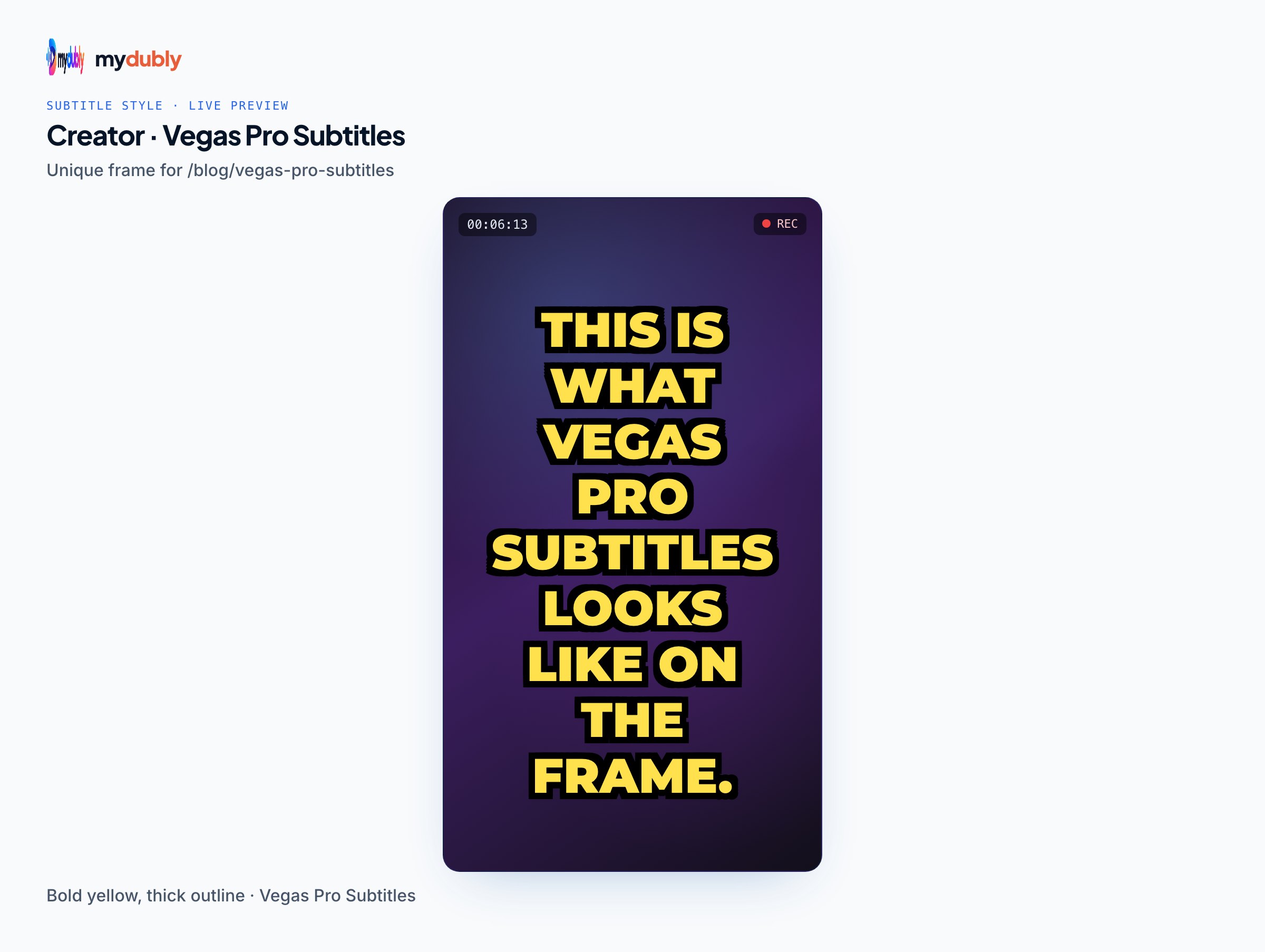
If you want text in the picture (for Instagram, WhatsApp, a lobby screen), closed-caption markers are the wrong tool. Three options remain:
- Insert Subtitles from File with a TXT or CSV. Each line needs start, end, length and text, with timecode written as hh:mm:ss;ff (frames, not milliseconds) for the default 29.97 fps drop-frame timeline. A plain TXT with only text works too, but every line becomes a 5-second title from the start of the project, which you then move by hand. One title event per subtitle also makes very long projects heavier to work with.
- AI Speech to Text, added in VEGAS Pro 22, which turns timeline audio into Titles & Text events. Which licences include it has changed between releases and between subscription and perpetual versions, so check what your own licence offers.
- Render a clean MP4 from VEGAS, then burn the SRT in afterwards. The free mydubly subtitle editor opens the MP4 in your browser, imports the SRT or VTT, lets you pick one style for the whole video (font, colours, background box, position), and renders an MP4 with the subtitles in the picture. Rendering needs a desktop browser such as recent Chrome, Edge, Safari or Firefox; nothing is uploaded for that step.
A creator edits 8-minute reels in VEGAS Pro and wants bold subtitles baked in for viewers watching muted. Building CSV timecodes in frames for every reel is fiddly, so he renders a clean MP4, makes the SRT from it, and burns it in with a yellow style in the browser editor. The same SRT goes to YouTube as a caption file for the long version.
Making the SRT, including translated versions
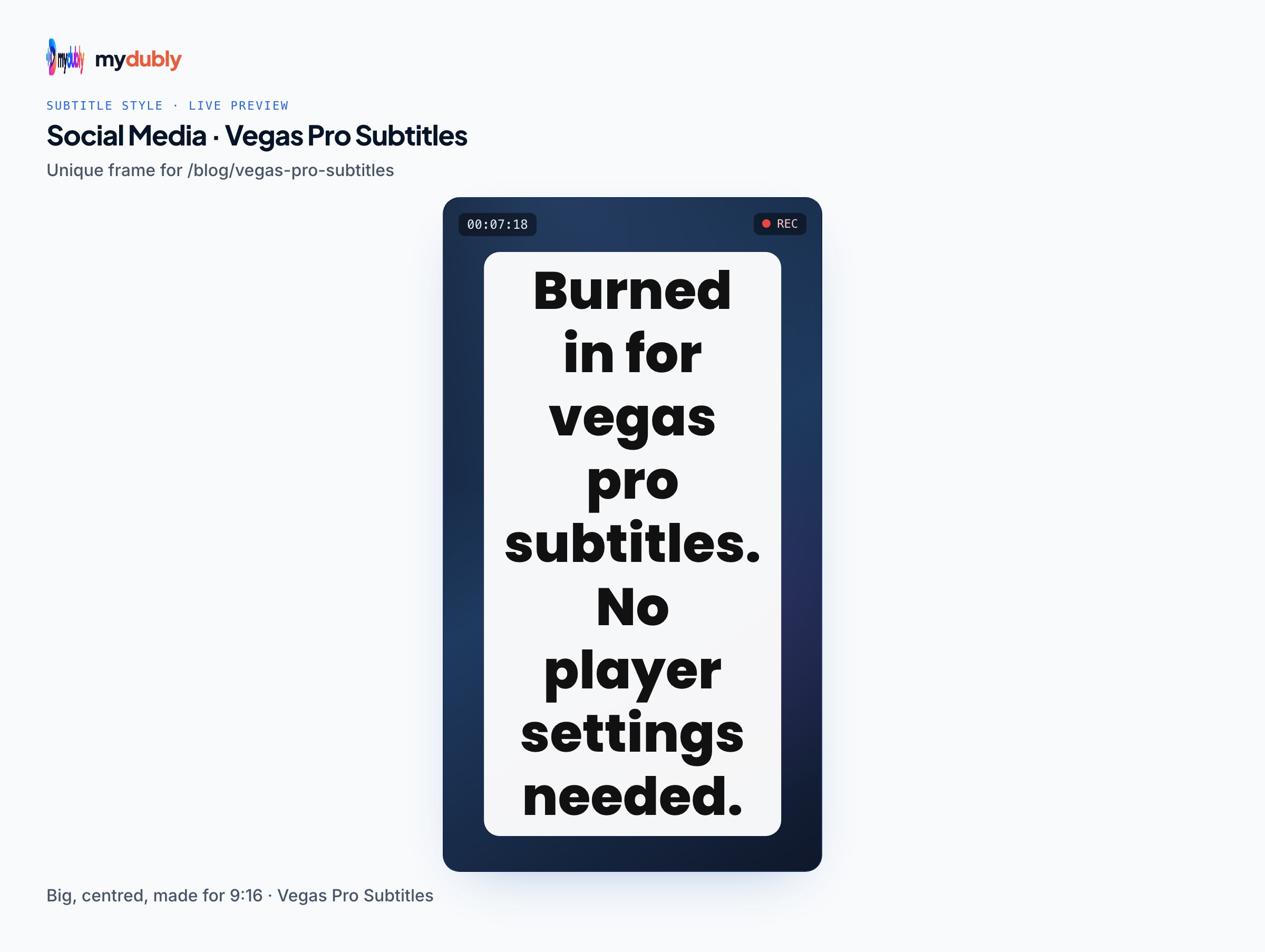
VEGAS can import an SRT but someone still has to write it. The mydubly subtitle generator makes SRT and VTT files from the speech in a video or audio file, in 100 languages, and can translate the subtitles from the audio into any of 21 languages. The video stays in your browser; only the audio track is uploaded, and it's deleted within 30 minutes of the job finishing. It costs 5 credits per minute, minimum 25 credits per file: the 26-minute documentary above would be 26 credits (2.6¢), an 8-minute reel 8 credits (0.8¢). New accounts get 240 free credits, and registered accounts receive 10 free credits a day.
For VEGAS closed captions, a translated SRT can go onto a second caption channel: the help notes that 608CC3 is for secondary-language captions, and Edit Details lets you select a range of caption rows and change their command from 608CC1 to 608CC3 in one go. Import the second language, select its rows, and switch them. CEA-608 is built around a Latin character set with some extensions, so check that languages like Hindi or Arabic will display on the target player before relying on captions for them; burned-in subtitles avoid that question.
Limits to keep in mind
- Closed captions in VEGAS are CEA-608 only (and 708 containers carrying 608 data), with the 32-character row limit and fixed styling from the caption standard.
- MP4 renders don't contain the captions; you get an .SCC file or use the YouTube SRT export script.
- mydubly's subtitles carry no speaker names and arrive one line per cue, so expect to shorten lines for 608 captions.
- mydubly makes subtitles from speech; it doesn't translate an existing SRT file.
Frequently asked questions
Why are my imported SRT subtitles missing from the rendered MP4 in VEGAS Pro?
File > Import > Closed Captioning creates closed-caption markers, and MP4 can't carry them, so VEGAS writes a separate .SCC file instead. For text in the picture, use title events or burn the subtitles in after rendering.
Does Insert Subtitles from File accept SRT in VEGAS Pro?
The VEGAS Pro 23 help lists TXT and CSV only, with timecodes in hh:mm:ss;ff. Some older tutorials show an SRT option, so check the dialog's file-type list in your version.
How many characters fit on a VEGAS Pro caption line?
32 per row, counting the indent and tab offset, because VEGAS uses CEA-608 captions. Split longer SRT lines before importing.
How do I get an SRT back out of VEGAS Pro?
Use Tools > Scripting > Export Closed Captioning for YouTube, which writes the caption markers to an .SRT file.
Can VEGAS Pro hold captions in two languages?
Yes, on separate CEA-608 channels: 608CC1 for the primary language and 608CC3 for a secondary one. Change the command of the second language's markers in the Edit Details window.
How do I preview closed captions in VEGAS Pro?
Turn on a caption overlay from the arrow next to the Overlays button in the Video Preview window, then play the project.