LumaFusion and SRT: what the app does and doesn't do
LumaFusion is a capable multitrack editor, and its titler handles multilayer text with custom fonts, shapes and saved title presets. What it doesn't have is a subtitle track. There is no import option for SRT, VTT or any other subtitle file in LumaTouch's import documentation, no speech-to-text, and no export of a caption file. Recent release notes focus on the title editor, effects and on-device tools such as voice isolation, not on captions. A few third-party articles claim SRT import exists, but none show where; until LumaTouch documents it, treat it as unsupported.
So "LumaFusion SRT" really means one of three goals, and each has its own route:
- Text in the picture
- Burn the subtitles into the exported video (route one or two below).
- Captions viewers can switch on
- Upload the SRT next to the video on YouTube, Vimeo or a course platform. LumaFusion isn't involved.
- Everything inside the app
- Build the subtitles as title clips by hand (route three).
Embedded vs sidecar subtitles explains the trade-off between text in the picture and a separate file if you're not sure which you need.
Route one: finish in LumaFusion, then burn in the SRT
This route keeps LumaFusion for what it's good at and adds subtitles at the very end.
- Finish the edit, including music, titles and transitions. Any later change to the timing means new subtitles.
- Export from LumaFusion as a movie at your project's resolution and a high quality setting, because the subtitle step re-encodes the video once more.
- Move the file to a Mac or PC with AirDrop, iCloud Drive, the Files app or a USB-C drive. If you run LumaFusion on a Mac, it's already there.
- Open the free mydubly subtitle editor in Chrome, Edge, Safari or Firefox and open the exported video. It accepts MP4, MOV, M4V, WebM and MKV.
- Get the subtitles in one of three ways: leave the AI switch on to transcribe the speech (5 credits per minute), import an SRT or VTT you already have, or type the lines yourself.
- Fix the text in the line list and watch the warnings: lines over 42 characters, cues shorter than 0.8 seconds, reading speed above 21 characters per second, and overlaps.
- In the Style tab, pick a preset or set the font, colours and background box, choose Top, Middle or Bottom and nudge the position.
- Download the SRT for platforms that take caption files, and render the MP4 with the subtitles burned in. Then copy it back to the iPad or phone to post.
The editor renders in the browser on the computer; the video isn't uploaded for that step. Only the AI transcription sends the audio track, which is deleted within 30 minutes of the job finishing. Rendering needs a desktop browser (Chrome or Edge 94+, Safari 16.4+ or Firefox 130+). On an iPad or phone you can edit lines and download SRT or VTT, but not render the MP4.
A reporter cuts a 4-minute package in LumaFusion on an iPad, exports it to iCloud Drive and opens it on a newsroom laptop. The AI transcription costs the 25-credit minimum (0.5¢). She corrects two street names, picks a white style with a dark box at the bottom, renders the MP4 for social media and keeps the SRT for the station's website player.
Route two: subtitle the clips before you edit
Sometimes the subtitles belong to the footage rather than the finished film, such as an interview in another language that you'll cut down to a few soundbites. Burn the subtitles into the raw interview first, then import that MP4 into LumaFusion as an ordinary clip. When you trim a soundbite, its subtitles go with it, because they're part of the picture.
The trade-offs are real: you can't restyle or correct burned-in text inside LumaFusion, the clip is re-encoded one extra time, and subtitles may collide with lower thirds you add later. It works best for short soundbites in a longer piece, not for a whole film.
For a foreign-language interview, the mydubly subtitle generator can produce the subtitles translated from the audio into any of its 21 languages, so a Spanish-speaking source can carry English subtitles into your LumaFusion edit. Burning translated subtitles walks through that combination.
A creator records 25 minutes of conversations with stallholders in Lisbon in Portuguese. She makes English subtitles from the audio (25 credits, 2.5¢), burns them into the raw file on her MacBook, and imports the subtitled MP4 into LumaFusion on her iPad, where she cuts it down to six short soundbites for a 3-minute video.
Route three: subtitles as title clips by hand
If the video never leaves LumaFusion, titles are the only option. The workable method is to design one title that looks like a subtitle (font, size, a shape behind the text, position near the bottom), save it as a preset, stretch it across the whole timeline on a top track, then play, split it where each line should end, and change the text in each piece.
An SRT still helps here, as a script with timings. Converting it with the SRT to Word converter gives a table of start times, end times and text that you can keep open in Split View next to LumaFusion, so you only copy and paste each line rather than transcribing by ear. Expect a few minutes of work for every minute of speech; it's fine for a 60-second Reel, tiring for a 20-minute talk.
Vertical videos, safe zones and style
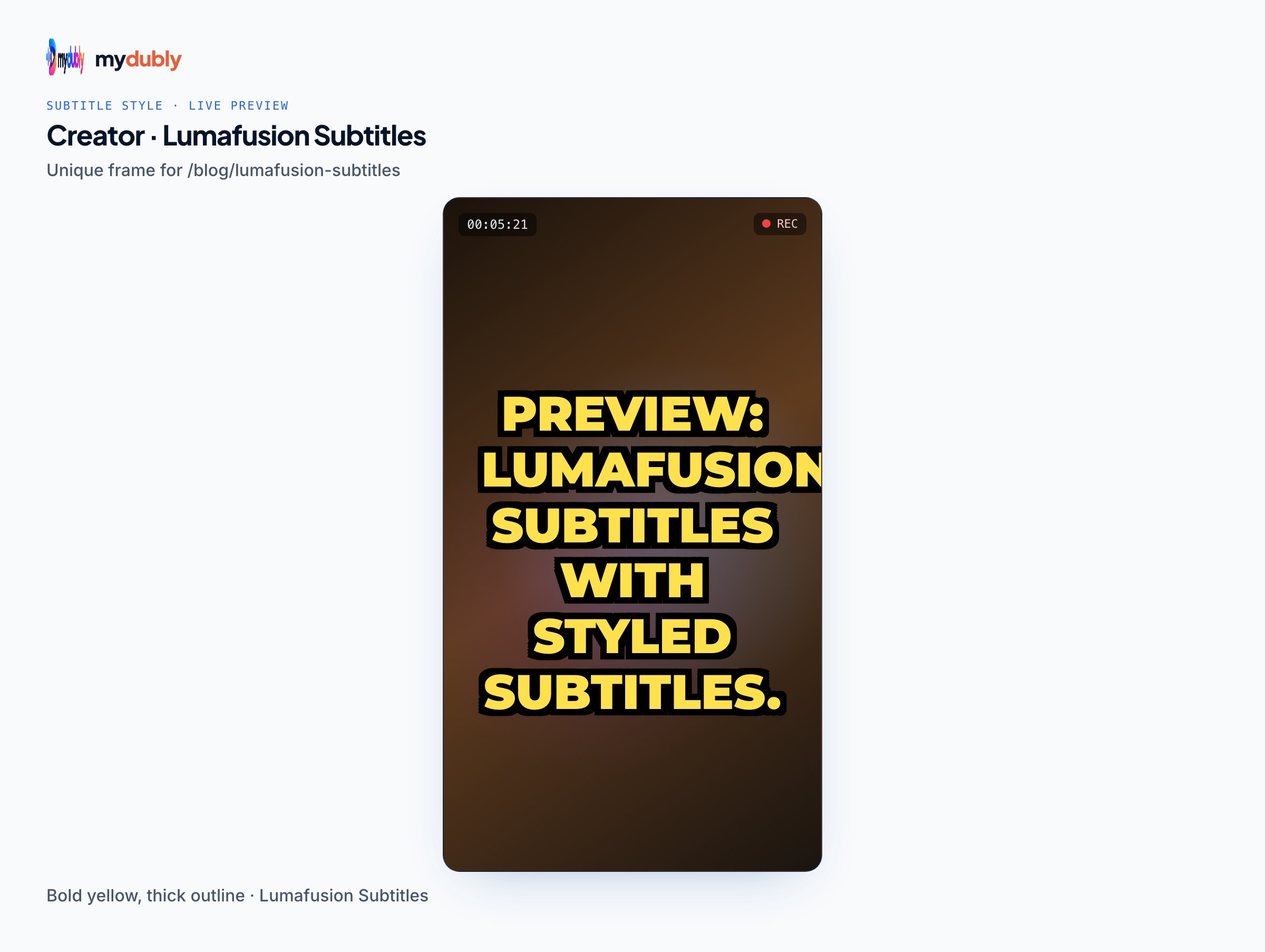
Most LumaFusion edits end up on phones, often as 9:16 Reels, Shorts or TikToks. Platform buttons and captions cover the bottom and the right edge, so subtitles placed at the usual bottom position can disappear behind the interface. The subtitle editor's "Show safe area" guide has 9:16, 4:5, 1:1, 16:9 and 4:3 overlays to check placement before rendering, and the TikTok safe zone explains where the interface sits. For more phone-specific tips, see adding subtitles to an iPhone video.
The editor applies one style to the whole video. It doesn't do word-by-word highlighting or animated captions; if you want that look, it has to be built as titles in LumaFusion.
Costs in short
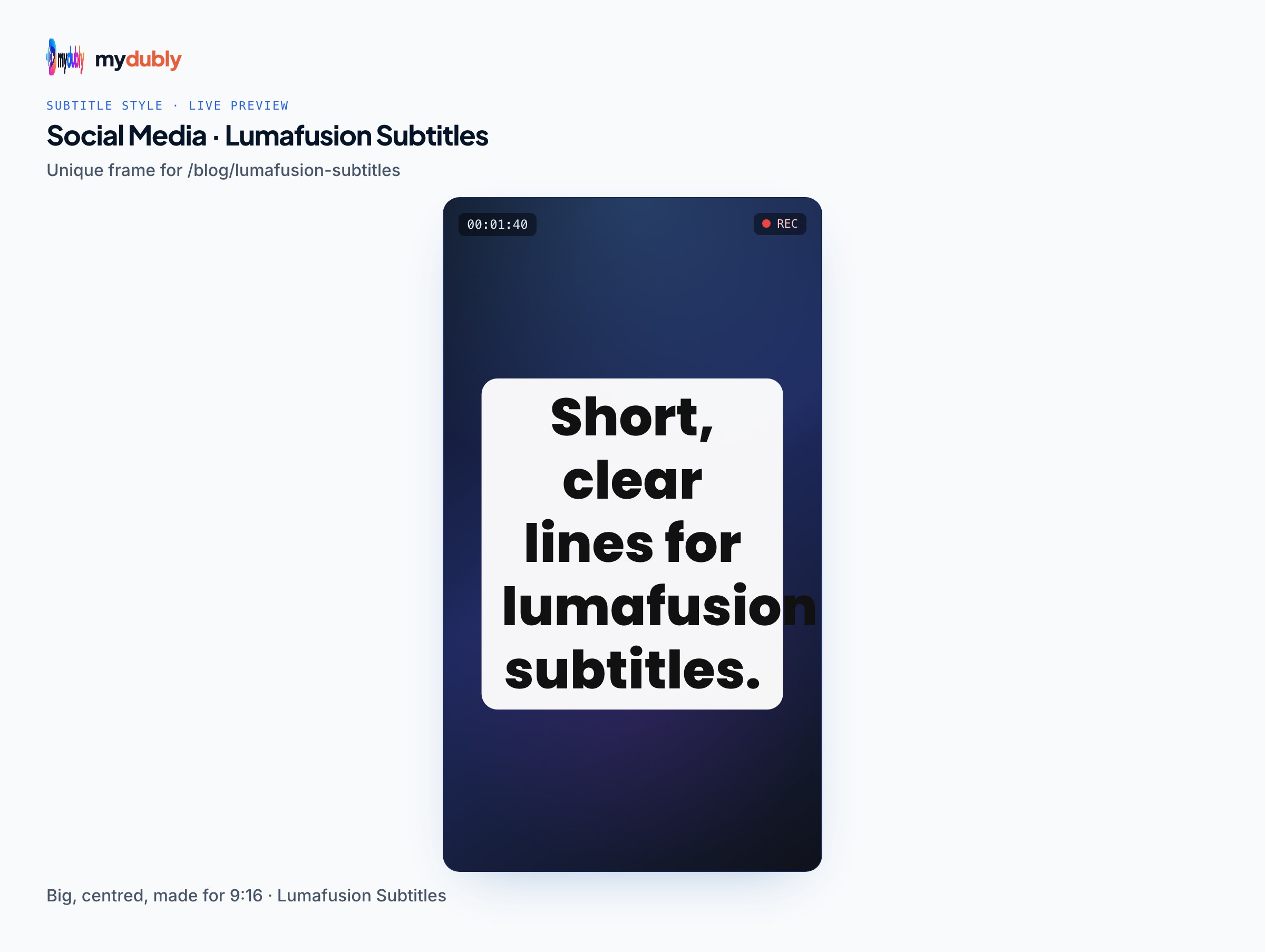
Burning in an SRT you already have costs nothing. AI subtitles, in the editor or the subtitle generator, cost 5 credits per minute with a minimum of 5 credits per file, and translated subtitles cost the same. A new account starts with 240 free credits, and registered accounts receive 10 free credits a day, which covers a 10-minute video each day.
Limits worth knowing
- There's no round trip: subtitles burned in outside LumaFusion can't be edited back inside it. Keep the SRT so you can fix a line and render again.
- Burned-in text can be blurred later but not removed, so check spellings before rendering.
- mydubly's subtitles don't include speaker names, and the AI produces one line per cue; break long cues for vertical video.
- mydubly makes subtitles from speech. It can't translate an SRT someone sends you, and it has no iPad app; it runs in the browser.
Frequently asked questions
Can LumaFusion import an SRT file?
Not according to LumaTouch's documentation, which covers media and LUT imports but no subtitle formats. Burn the SRT into the exported video instead, or upload it separately to the platform.
Does LumaFusion have auto captions?
No built-in speech-to-text or caption generation is documented. Generate subtitles from the exported video with a separate tool, then burn them in or upload them as a caption file.
Can I burn an SRT into a LumaFusion export on my iPad?
The browser editor can edit lines and download SRT or VTT files on an iPad, but rendering the MP4 needs a desktop browser on a computer. Move the export to a Mac or PC for that step.
Will subtitles stay in sync if I trim a subtitled clip in LumaFusion?
Yes, if they were burned into the clip before import: the text is part of the picture, so each trimmed piece keeps its own subtitles.
How do I add captions to a LumaFusion video on YouTube without burning them in?
Upload the exported video to YouTube and add the SRT as a subtitle file in YouTube Studio. Viewers can then turn the captions on or off.
What's the fastest way to make title-clip subtitles in LumaFusion?
Design one subtitle-style title, stretch it across the timeline, then split it at each line break and change the text, copying lines from the SRT kept open beside the app.