The character on the page
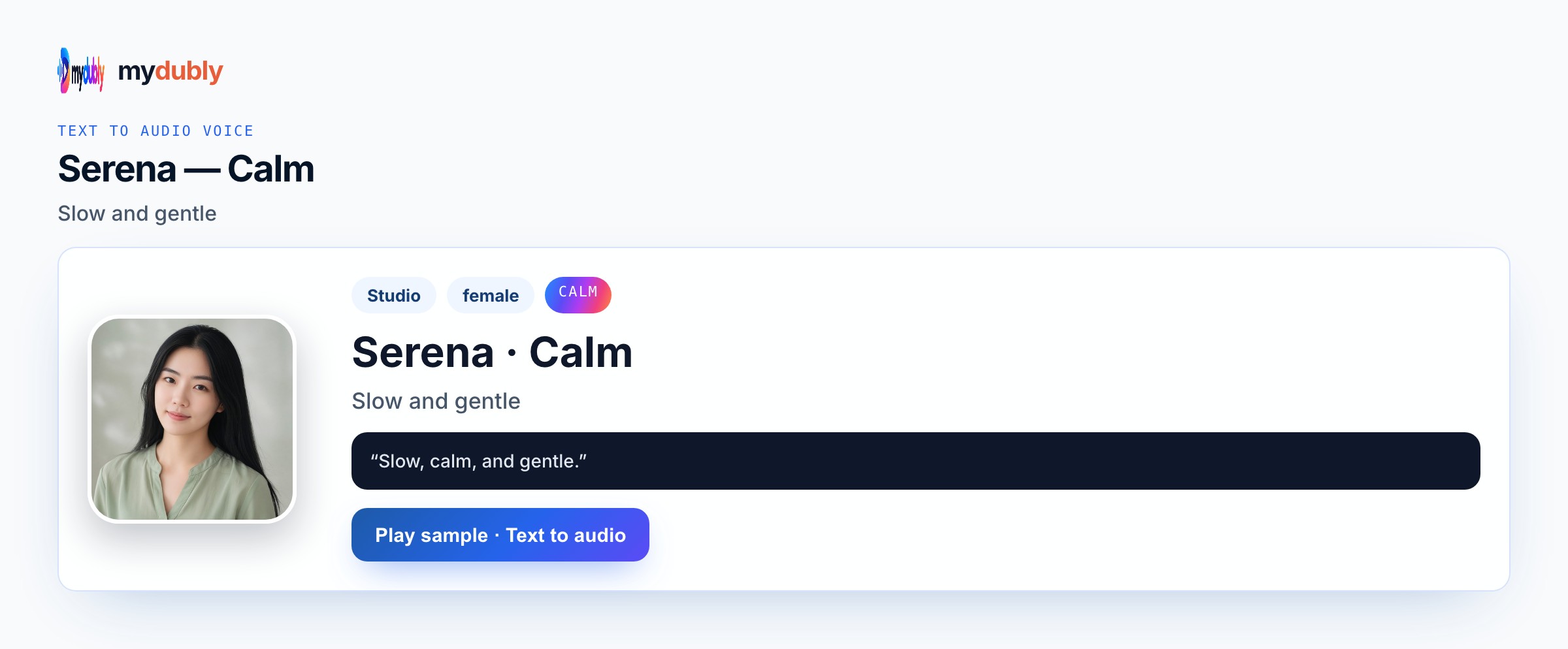
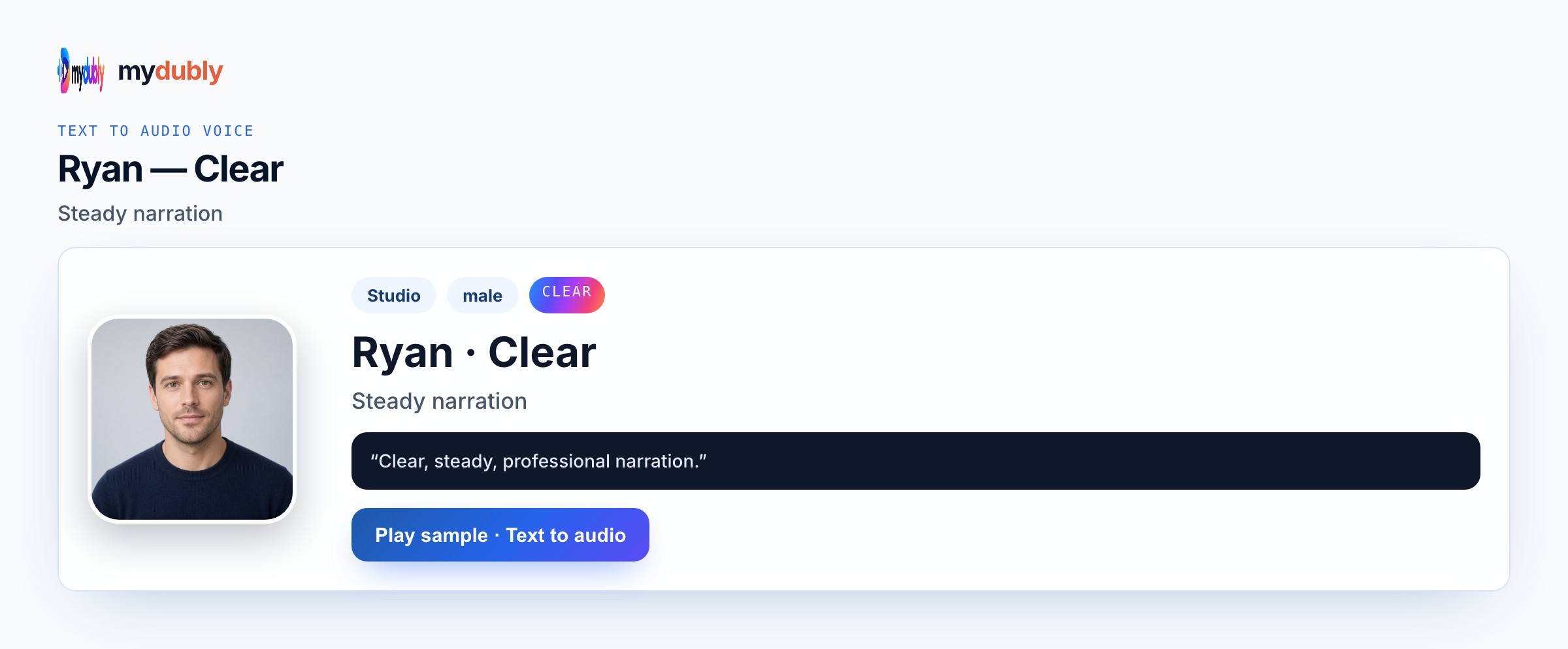
Witty banter fails in a single-voice paragraph. Use Conversation so each line keeps its speaker. Pair Bright with Calm for soft-and-sharp, or Bright with Clear for cleaner rivalry. Keep lines short — long speeches kill banter. A third speaker can join on their lines with another preset. Batch the whole café scene against the two-minute minimum. Write the performance into the words and the listed preset map; mydubly speaks what you paste with Studio or Mood voices, Conversation mode for casts, and an M4A download — not invented comedy engines or copyrighted character clones. mydubly speaks listed Studio and Mood voices (aiden bright, serena calm, ryan clear) or a clone with permission — never a celebrity or copyrighted-character impersonation. You get M4A speech only: no lip-sync to picture, no music bed, no laugh track, and no invented comedy or robot filter beyond the preset you choose. Studio and Mood voices speak Chinese, English, French, German, Italian, Japanese, Korean, Portuguese, Russian and Spanish; other spoken languages need a permitted clone.
How a character voice stays distinct
Keep lines short. Long speeches kill banter. Studio/Mood languages: zh, en, fr, de, it, ja, ko, pt, ru, es. Clone only with permission. While previewing witty banter AI voices, compare aiden bright, serena calm, ryan clear on the same opening sentence and listen without reading along. Proper nouns, times, prices, and UI labels fail first — put them on dedicated short lines so a retake does not regenerate the whole scene. One Speak in language per job keeps endings clean; keep the same preset map the next time collaborators open this Witty Banter AI Voices scene so roles stay recognisable by ear. Listen once on the device speakers your audience will use, then retake only broken names before you spend another job of dubbing credits. mydubly speaks listed Studio and Mood voices (aiden bright, serena calm, ryan clear) or a clone with permission — never a celebrity or copyrighted-character impersonation.
Example dialogue
"You call that a plan?"
"I call it optimism with a schedule."
"Optimism just spilled coffee on the schedule."
Who casts this voice
Script writers polishing Toronto café insult-trading scenes need two voices for blocking rehearsal. Web-series teams hear rapid back-and-forth before a shoot. Sketch comics test soft-and-sharp pairs on Bright and Calm. Three-hander scenes add a third preset per line in Conversation mode. Classroom directing units practise pacing with M4A partners. Localization Speak-in keeps banter in the draft language. Script writers polishing rapid back-and-forth before a shoot return to the same voice sheet when a pickup week arrives so the witty banter AI voices take still matches last month's board. Producers scrub the M4A against picture notes without pretending mydubly added lip-sync, music beds, or franchise impressions.
Build the scene
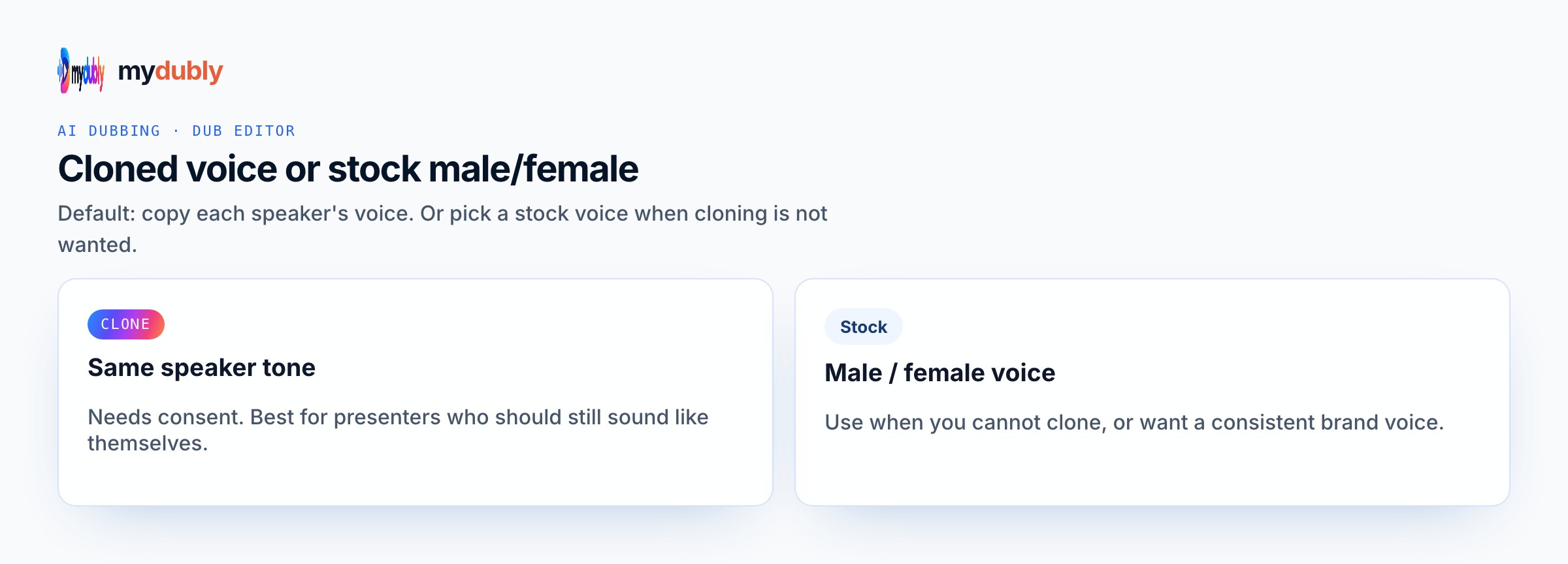
Conversation mode, assign voices, paste alternating lines, Speak in as written, one reading for the scene, download M4A. Re-assign a voice by editing the line and speaking again. After the first listen for witty banter AI voices, rewrite only the lines that slipped, then speak those again instead of redoing clean takes. Confirm Speak in, assign voices (Conversation mode when needed), generate once, then download M4A into the folder that matches this job — animatic timeline, engine cue bank, podcast scratch, or rehearsal speaker. Batch useful runtime against the two-minute minimum; strip speaker labels from the spoken string if you do not want them heard. Keep the same preset map documented for the next episode or patch so Script do not drift to a random Bright take by accident.
Casting mistakes to avoid
Single-voice paragraphs flatten banter. Long speeches kill the rhythm. Celebrity voice claims are unsupported. Skipping Conversation mode merges friends. One line per job burns the minimum. Expecting overlapping walla from sequential M4A is wrong — trim in your editor. Leaving muddy overlaps unshortened wastes the rehearsal. Treating the download as a finished celebrity or IP performance invents a product path that is not offered. Skipping Conversation mode on multi-speaker scenes merges mouths and forces painful editor surgery later. Running one short line per job repeatedly burns the two-minute minimum without improving the witty banter ai voices result.
After you listen
If overlaps feel muddy, shorten lines and re-speak. Batch the whole scene against the two-minute minimum. Soft-and-sharp pairs prefer Bright plus Calm; cleaner rivalry prefers Bright plus Clear. Keep original friend names free of celebrity voice claims. Preview a three-line slate before a long paste so the preset choice is locked early. Keep proper names on short lines for cheap retakes, and verify numbers by ear before you call the take final. If the take still feels wrong, change the wording or switch to another real preset — do not invent a hybrid Mood the catalogue does not list. After the first listen for witty banter AI voices, rewrite soft or muddy clauses with shorter diction and keep aiden bright, serena calm, ryan clear rather than stacking punctuation.
Using the tool on this page
- Paste the text. The language it is written in is read from the words. Set the language it should be spoken in. The same language speaks the words as written.
- Studio and Mood voices play a short sample in Chinese, English, French, German, Italian, Japanese, Korean, Portuguese, Russian and Spanish. Hindi, Arabic, Turkish, Polish, Dutch, Swedish, Norwegian, Finnish and Hebrew need a recording of 3 to 15 seconds from someone you have permission to copy. A longer sample keeps the first 12 seconds.
- The reading is priced like a video dub: 120 credits per minute (12¢), minimum 2 minutes per file. A short paragraph still meets the 2-minute minimum.
- When it finishes, the reading stays on this page. Edit the script and speak it again: that is a new reading of the whole script at the same dubbing price, including the 2-minute minimum. Download the audio. Files stay 120 minutes. A video dub is a different job and opens in the dub editor. More is on the text to audio dubbing tool page.
Frequently asked questions
Can more than two voices banter?
Yes. Conversation mode supports a different voice per line, so a third speaker can join on their lines.
Bright plus Calm or Bright plus Clear?
Calm for soft-and-sharp; Clear for cleaner rivalry. Both need short lines.
Where do I open witty banter ai voices?
On this page, or from the Text to Audio tab on the mydubly home page. The finished job opens in the text editor so you can change a line or a voice and speak the script again.
Should banter include stage directions?
Only if you want them spoken. Prefer short dialogue lines and add action notes in your script doc instead.