The clip you are posting
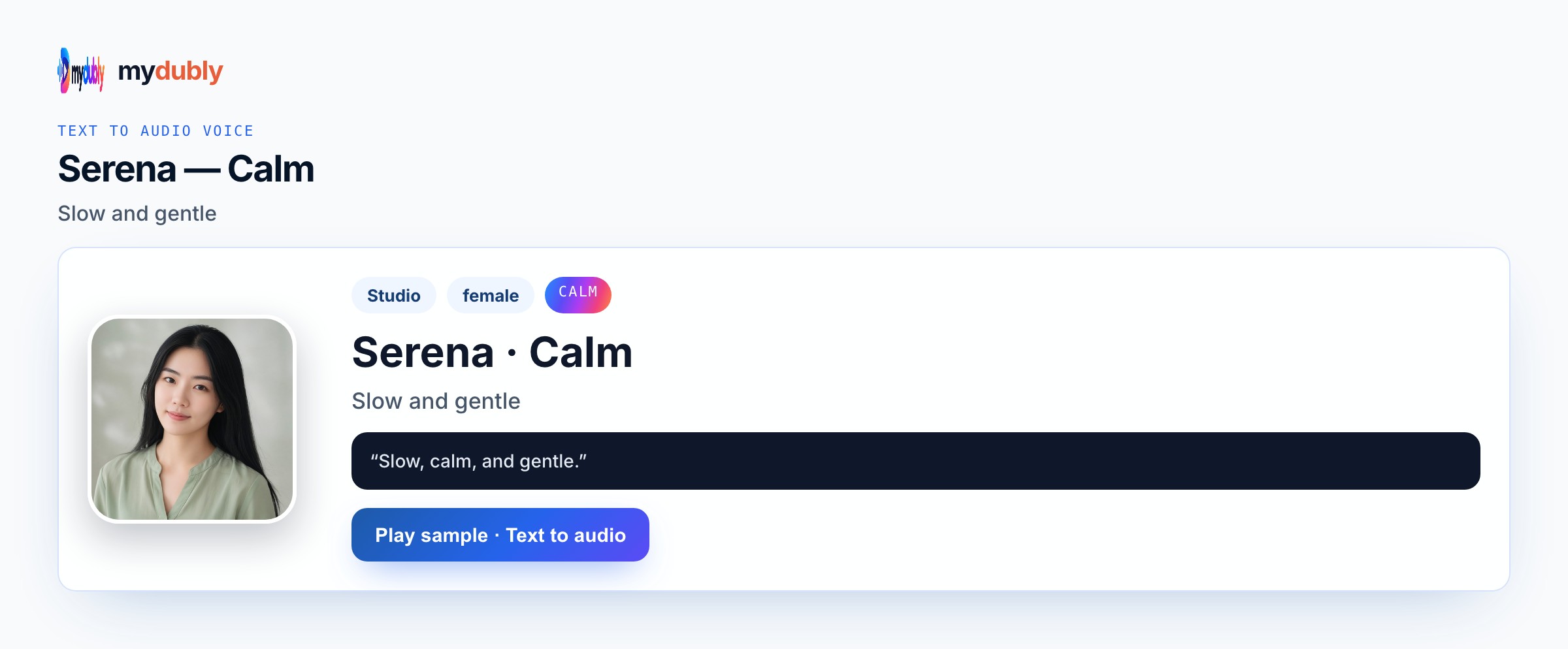
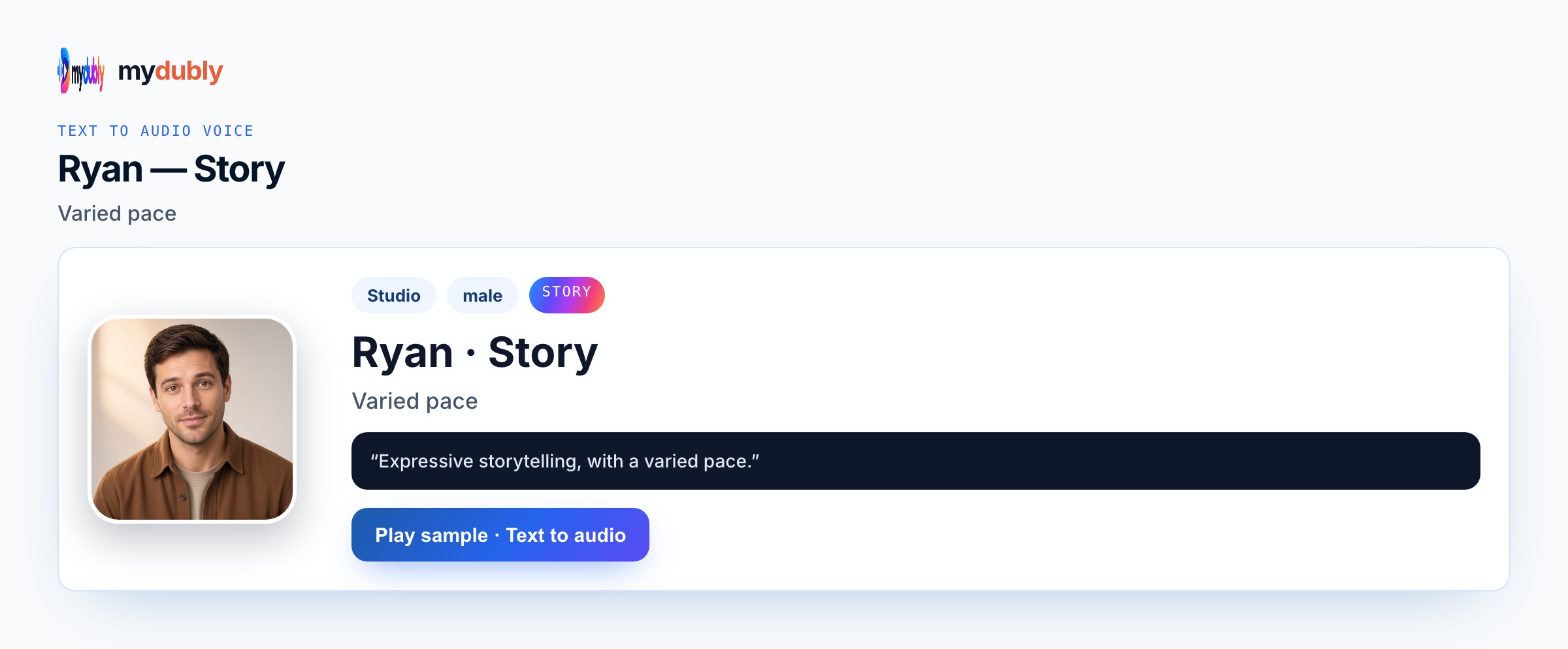
Storytime TikTok voiceover follows your written anecdote. Keep private details out of the paste. Story for classic storytime; Bright when the tale is funny; Calm for reflective endings. storytime TikTok voice AI here stays voiceover for vertical cuts: paste spoken words, pick Bright, Energetic, Story, Clear, or another real preset named on this page, then download M4A under dubbing credits. mydubly will not burn captions, auto-post to TikTok or Instagram, or lip-sync a talking head. That honesty matters for storytime tiktok voice creators who otherwise bounce when a tool overpromises a full social suite. A practical storytime tiktok voice workflow looks like this: draft the spoken script in a doc, strip caption shorthand into full sentences, paste once, choose the voice this page names, generate under dubbing credits, then slice the M4A to picture. If retention dies in the first second, rewrite only the opener and re-speak. If a product claim changes, fix that line in the editor rather than re-recording an entire week’s pack. Keep Speak in matched to the language on the page. When you need two characters, Conversation mode is the honest path — not forcing one Story voice to argue with itself. Music, stickers, and posting remain outside mydubly for storytime TikTok voice AI.
Voice that fits short video
Voiceover only — caption stickers are separate. Styled languages; batch several storytimes if they share a voice and you split later. On Storytime TikTok Voice AI, preview Bright for friendly tips, Energetic for hooks, Story for arcs, Clear for facts, and Conversation mode for dual-character skits. Keep hooks numbered when you batch. Styled languages cover stock Studio and Mood voices; clones need permission. Mobile speakers punish mumbled names — isolate them. The take should sound spoken for storytime TikTok voice AI, not like a sticker.
Example scripts
"The call light blinked for the quietest patient."
"We expected a question about water."
"They asked if the sunrise looked the same on this side."
"Save this before you film the take cold."
"Batch three scripts that share Bright."
"Re-speak the opener if retention drops."
Creators who need this
Storytime TikTok voice AI fits posters who speak anecdotes over photo slideshows or greenscreen rather than to-camera takes. Nurses, teachers, and creators with cleared personal stories use Story, Bright, or Calm under stills. Editors batch several storytimes that share a voice to respect dubbing credits. Soft reflective endings can use Calm without becoming a translation job. Rights-safe original wording only. You attach the M4A in TikTok or CapCut; mydubly does not post or provide viral creator voice packs. Creators telling cleared hospital or classroom anecdotes over stills use Story so the slideshow can carry emotion without a talking-head take.
Make the audio
Paste the storytime script, pick Story, Speak in, download M4A, attach under the photo slideshow in TikTok or CapCut. Generate Storytime TikTok Voice AI, fix drifted hooks or names in the editor, re-speak, then drop the M4A under B-roll in CapCut or the native app. Batch numbered openers against the two-minute minimum. Do not expect caption burns, auto-post, or lip-sync. One coherent storytime tiktok voice paste usually beats fourteen tiny jobs.
Hooks that fail on mobile
Asking for famous storytime creator voices is outside the product. Pasting uncleared medical or workplace details is your risk. Using Bedtime Mood when you need another language belongs on bedtime-story spoken instead. Caption-only storytelling without audio is a different workflow. Expecting auto photo ken-burns in the M4A is false. Skipping the opening hook flattens retention. Opening with throat-clearing context instead of a hook sentence drops retention before the anecdote begins. Inventing auto music beds, lip-sync, or platform auto-post for this job will disappoint — mydubly returns spoken audio you place yourself.
After you listen
Hook in sentence one. If listeners drop, rewrite the opening and re-speak — leave the ending if it already worked. For storytime TikTok voice AI, write emotion and structure into the wording, then let a real Studio or Mood preset carry delivery. Avoid invented celebrity, romantic, sarcastic, or robot filters the product does not ship. Re-speak after legal or factual edits. Keep a note of the voice id you locked for the series so collaborators do not rotate moods by accident. If language change is the real need for a bedtime story you own, use bedtime-story spoken instead of forcing Mood delivery to act like a translator.
Using the tool on this page
- Paste the text. The language it is written in is read from the words. Set the language it should be spoken in. The same language speaks the words as written.
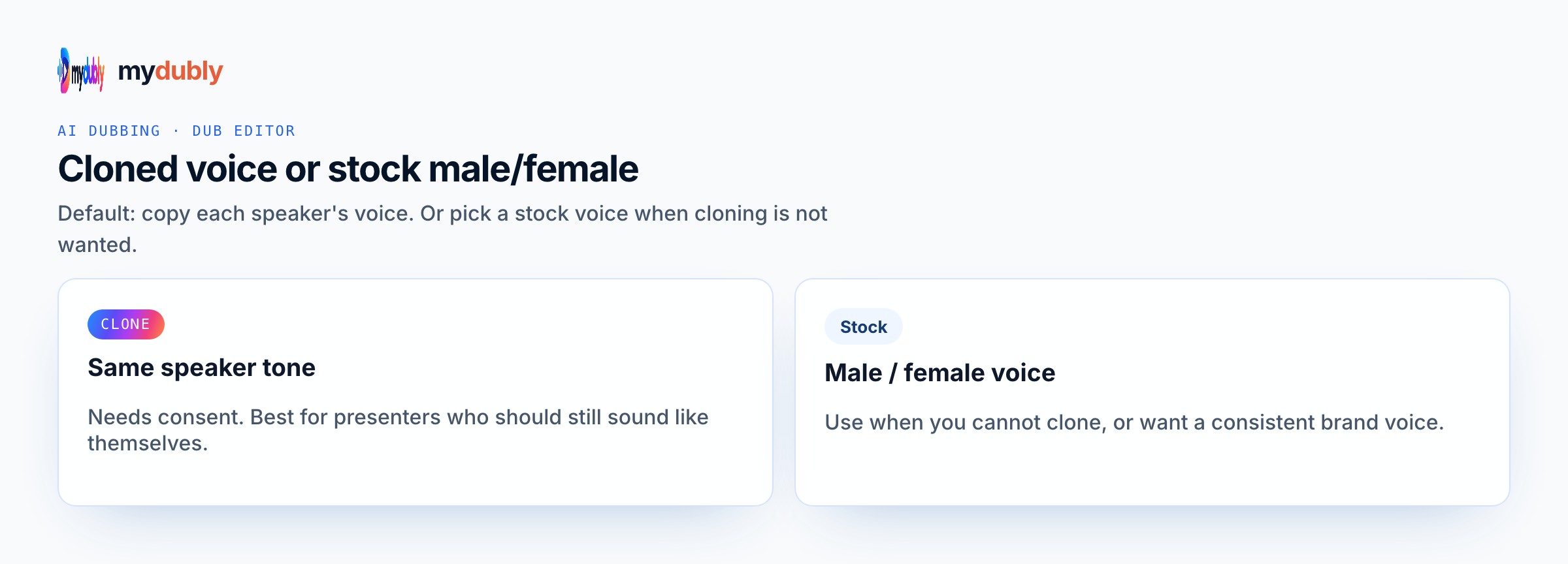
- Studio and Mood voices play a short sample in Chinese, English, French, German, Italian, Japanese, Korean, Portuguese, Russian and Spanish. Hindi, Arabic, Turkish, Polish, Dutch, Swedish, Norwegian, Finnish and Hebrew need a recording of 3 to 15 seconds from someone you have permission to copy. A longer sample keeps the first 12 seconds.
- The reading is priced like a video dub: 120 credits per minute (12¢), minimum 2 minutes per file. A short paragraph still meets the 2-minute minimum.
- When it finishes, the reading stays on this page. Edit the script and speak it again: that is a new reading of the whole script at the same dubbing price, including the 2-minute minimum. Download the audio. Files stay 120 minutes. A video dub is a different job and opens in the dub editor. More is on the text to audio dubbing tool page.
Frequently asked questions
Do you provide viral storytime creator voices?
No. Use Story, Bright or Calm — or a clone you have permission to make of your own voice.
Where do I open storytime tiktok voice ai?
On this page, or from the Text to Audio tab on the mydubly home page. The finished job opens in the text editor so you can change a line or a voice and speak the script again.
Is this different from Shorts storytime voice?
Same storytelling approach; this page leans on TikTok posting context. Both are voiceover from your script. For storytime tiktok voice, remember the download is M4A speech under the same dubbing price rules as video, including the two-minute minimum on short pastes.