The feeling you need
“Emotional” in search often means many different deliveries. In product terms you pick a real Mood or Studio voice: Sad for loss, Story for scene-setting with pace changes, Calm for restrained reflection. Romantic or sarcastic emotion generators are not available. Styled languages apply to these voices; Portuguese Speak in fits Valparaíso when you want that language heard. Teams burn credits when they paste five conflicting tones in one block — lock the delivery for this keyword first, then run a second job if the scene truly shifts. Teams who search emotional narration AI voice usually arrive with a draft already written — A Valparaíso filmmaker needs voiceover for a three-minute piece about a closed fish market. The narration must feel human without claiming a “crying” preset mydubly does not sell. That situation is exactly when Ryan Sad, Serena Sad, or Ryan Story should be previewed on one sentence before a full paste, because the wrong family wastes the two-minute dubbing-credit minimum. Documentary shorts producers and memoir narrators also care about practical shipping: Speak in must match the language of the text, Keep the brief product-honest.
What makes this voice convincing
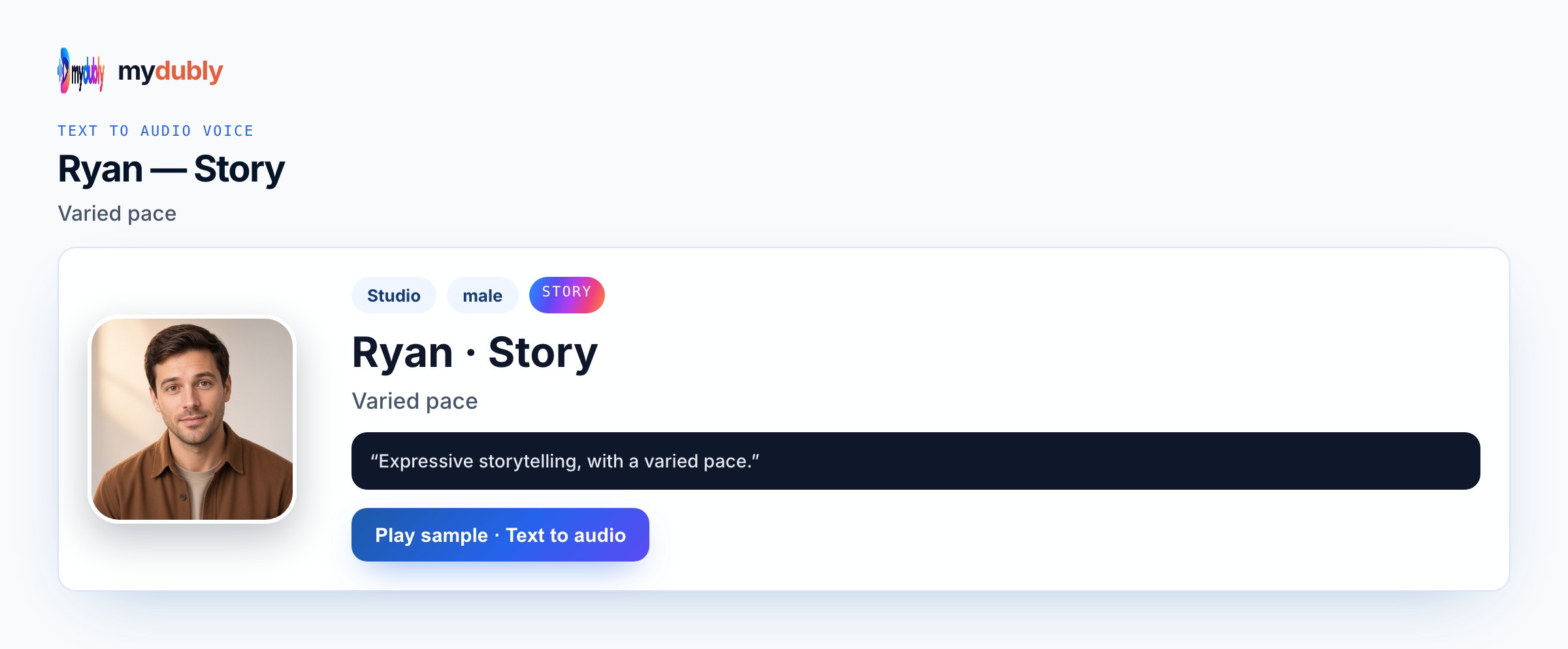
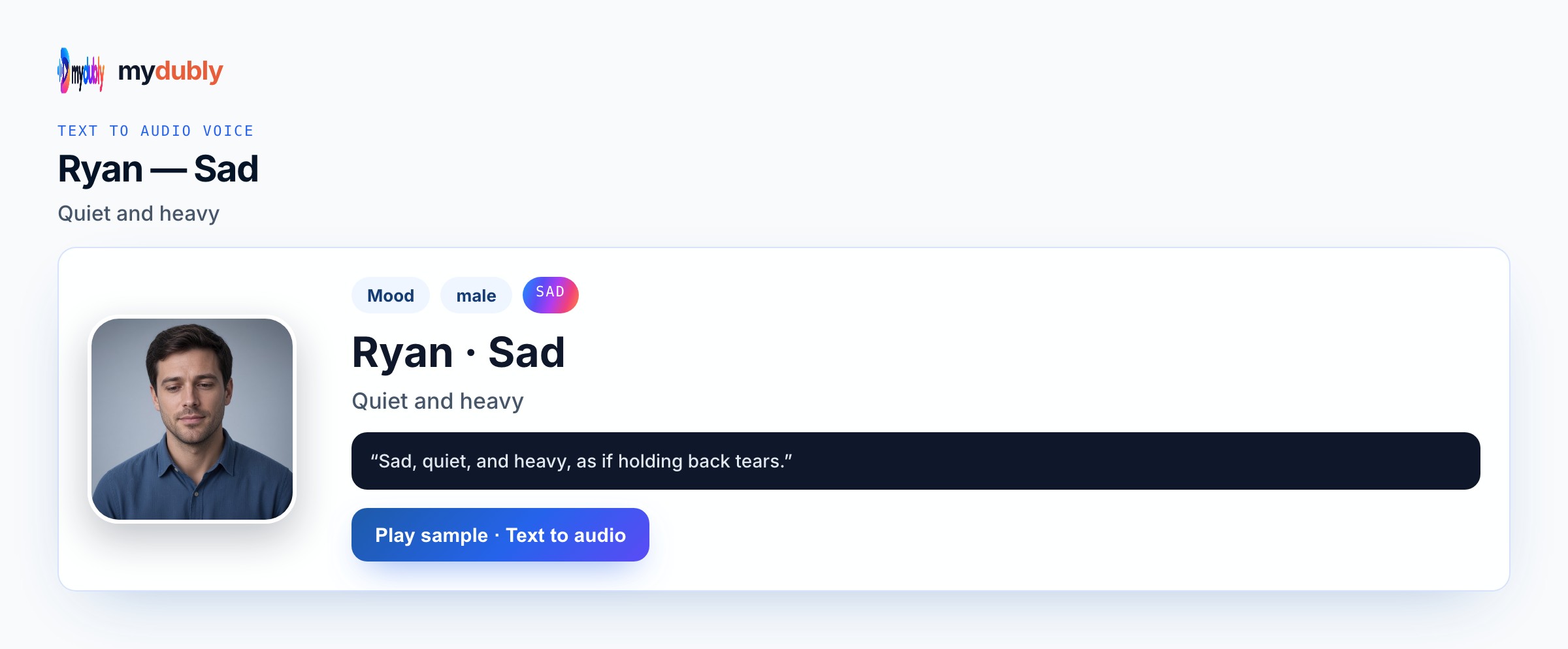
Preview Ryan Sad or Serena Sad for farewell passages, Ryan Story when the piece walks through stalls and dates. Conversation mode is optional for quoted vendors versus narrator. No music bed is generated — score the film yourself. One spoken language per job keeps endings and names clean; bilingual releases are separate readings. While previewing emotional narration AI voice, compare Ryan Sad, Serena Sad, or Ryan Story on the same opening sentence from your paste and listen without reading along. Proper nouns, times and UI labels fail first — put them on dedicated lines. One Speak in language per job keeps endings clean. Keep the same preset map the next time you open this scene so collaborators recognise the role by ear. Listen once on the device speakers your audience will use, then retake only the broken names. Write the stakes into concrete nouns before you spend another job of dubbing credits.
Example lines
"The ice machines stopped in March and the gulls never left."
"Rosa sold the last crate before the shutter came down."
"I still hear the scales click when I walk that alley."
"This market fed three generations and one quiet winter."
Who uses this kind of take
Producers searching emotional narration AI voice usually already wrote the scene; they need catalogue casting, not a celebrity impersonation. A Valparaíso filmmaker needs voiceover for a three-minute piece about a closed fish market. The narration must feel human without claiming a “crying” preset mydubly does not sell. In practice they preview Ryan Sad, Serena Sad, or Ryan Story on one sentence, then generate the full exchange or monologue. Bilingual releases are separate Speak in jobs. M4A files land in podcast timelines, rehearsal speakers, LMS modules or game folders. Documentary shorts producers and memoir narrators keep a one-line casting note so the next episode does not drift to News or Bright by accident.
Make it in mydubly
Paste the VO script. Choose Speak in. Pick Ryan Sad, Serena Sad or Ryan Story. Generate with dubbing credits. Retake any date line in the editor. Download M4A and drop it on the timeline. After the first listen, rewrite only the lines that slipped, then generate those again instead of redoing the whole scene when the rest already works. Confirm Speak in, assign voices (Conversation mode when needed), generate once, then retake only broken lines. Download M4A for the folder that matches this emotional narration AI voice job — podcast timeline, LMS, cutscene bank or rehearsal speaker. Keep the same preset map the next time you open this scene so collaborators recognise the role by ear. Listen once on the device speakers your audience will use, then retake only the broken names. Write the stakes into concrete nouns before you spend another job of dubbing credits. Keep the same preset map the next time you open this scene so collaborators recognise the role by ear.
Mistakes that flatten the mood
Ryan Sad, Serena Sad, or Ryan Story will not add crying SFX; write restrained memories instead of the word sob. Whisper can hide consonants when the mix still needs intelligibility. For this slug (emotional-narration-ai), expecting music beds, lip-sync video or crying effects invents product features. Leaving speaker labels you do not want heard makes Ryan Sad, Serena Sad, or Ryan Story say them. If the scene needs a soft reply against heat, Conversation mode — not a hybrid Mood — is the honest fix. Preview one sentence before a chapter paste.
After you listen
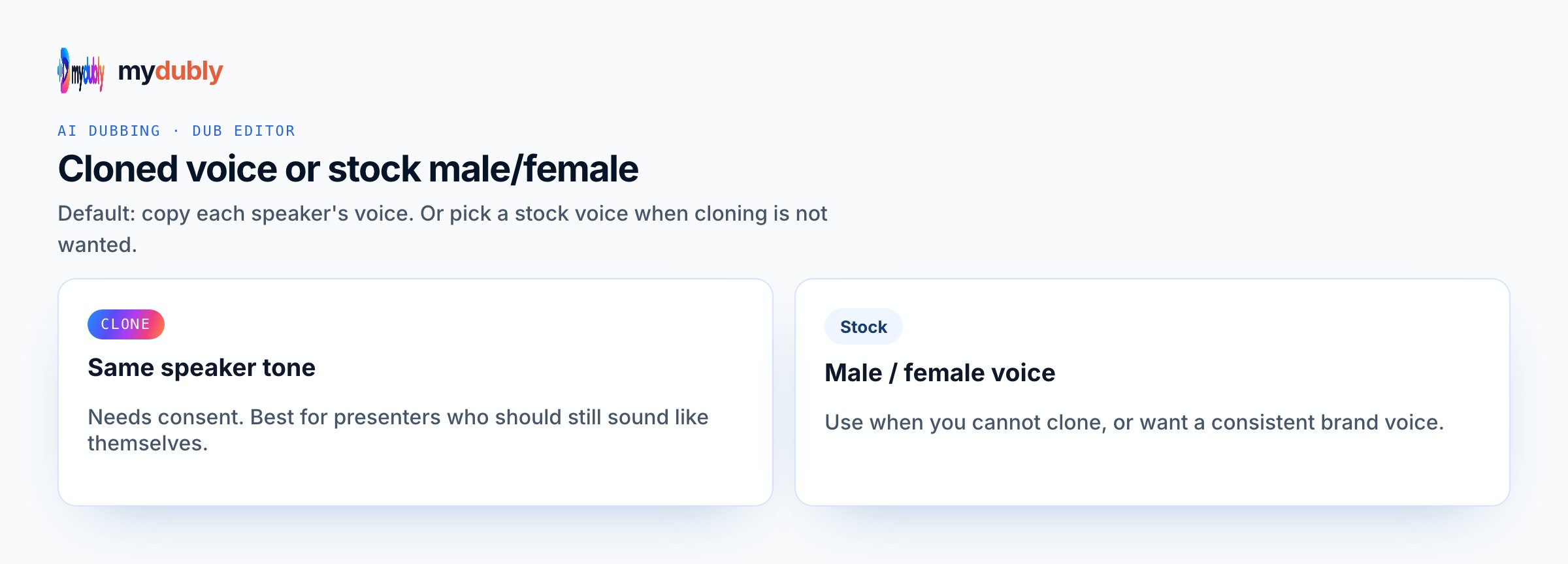
Match Mood to section: Story for travelogue sentences, Sad for the closing. Do not expect one preset to morph mid-sentence — split the paste or use Conversation mode with different voices per line. Keep stage directions and speaker labels out of the spoken text unless you truly want those words heard. After the first listen for emotional narration AI voice, rewrite soft or muddy clauses with shorter diction and keep Ryan Sad, Serena Sad, or Ryan Story rather than stacking punctuation. A Valparaíso filmmaker needs voiceover for a three-minute piece about a closed fish market. The narration must feel human without claiming a “crying” preset mydubly does not sell. is the ear test — if that situation still sounds wrong, you picked the wrong preset family or left stage directions in the paste. Batch useful runtime against the two-minute minimum, strip labels you do not want spoken, and document the voice map for the next episode. Clone remains permission-based; stock casting stays inside Studio and Mood catalogues.
Using the tool on this page
- Paste the text. The language it is written in is read from the words. Set the language it should be spoken in. The same language speaks the words as written.
- Studio and Mood voices play a short sample in Chinese, English, French, German, Italian, Japanese, Korean, Portuguese, Russian and Spanish. Hindi, Arabic, Turkish, Polish, Dutch, Swedish, Norwegian, Finnish and Hebrew need a recording of 3 to 15 seconds from someone you have permission to copy. A longer sample keeps the first 12 seconds.
- The reading is priced like a video dub: 120 credits per minute (12¢), minimum 2 minutes per file. A short paragraph still meets the 2-minute minimum.
- When it finishes, the reading stays on this page. Edit the script and speak it again: that is a new reading of the whole script at the same dubbing price, including the 2-minute minimum. Download the audio. Files stay 120 minutes. A video dub is a different job and opens in the dub editor. More is on the text to audio dubbing tool page.
Frequently asked questions
Is there an emotional crying preset?
No. Use Sad Mood for grief-leaning narration, Story for expressive storytelling, or Calm for restraint. Write the emotion into the script.
Where do I open emotional narration ai voice?
On this page, or from the Text to Audio tab on the mydubly home page. The finished job opens in the text editor so you can change a line or a voice and speak the script again.
Do short scripts still use the two-minute dubbing minimum?
Yes. Credits follow the same dubbing rules as video, including the two-minute minimum, so batch useful lines in one paste when you can.