The character on the page
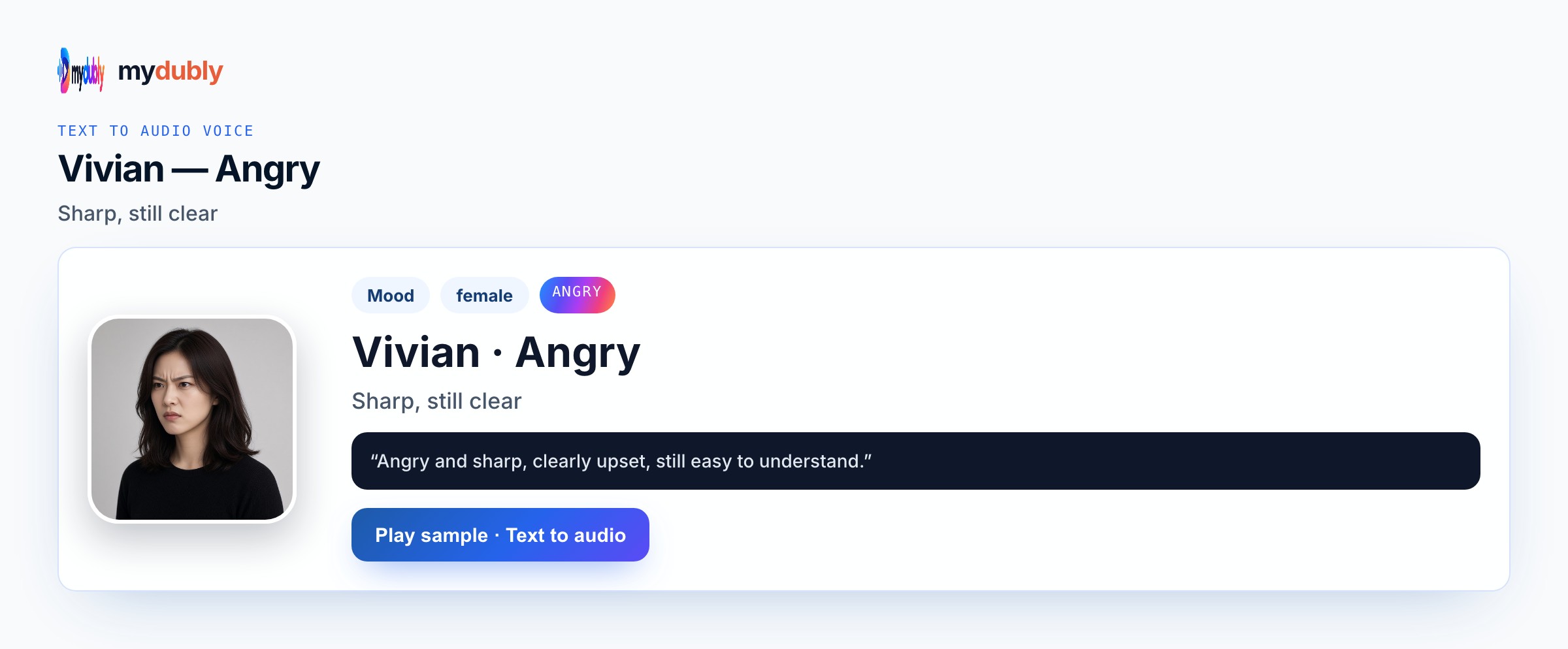
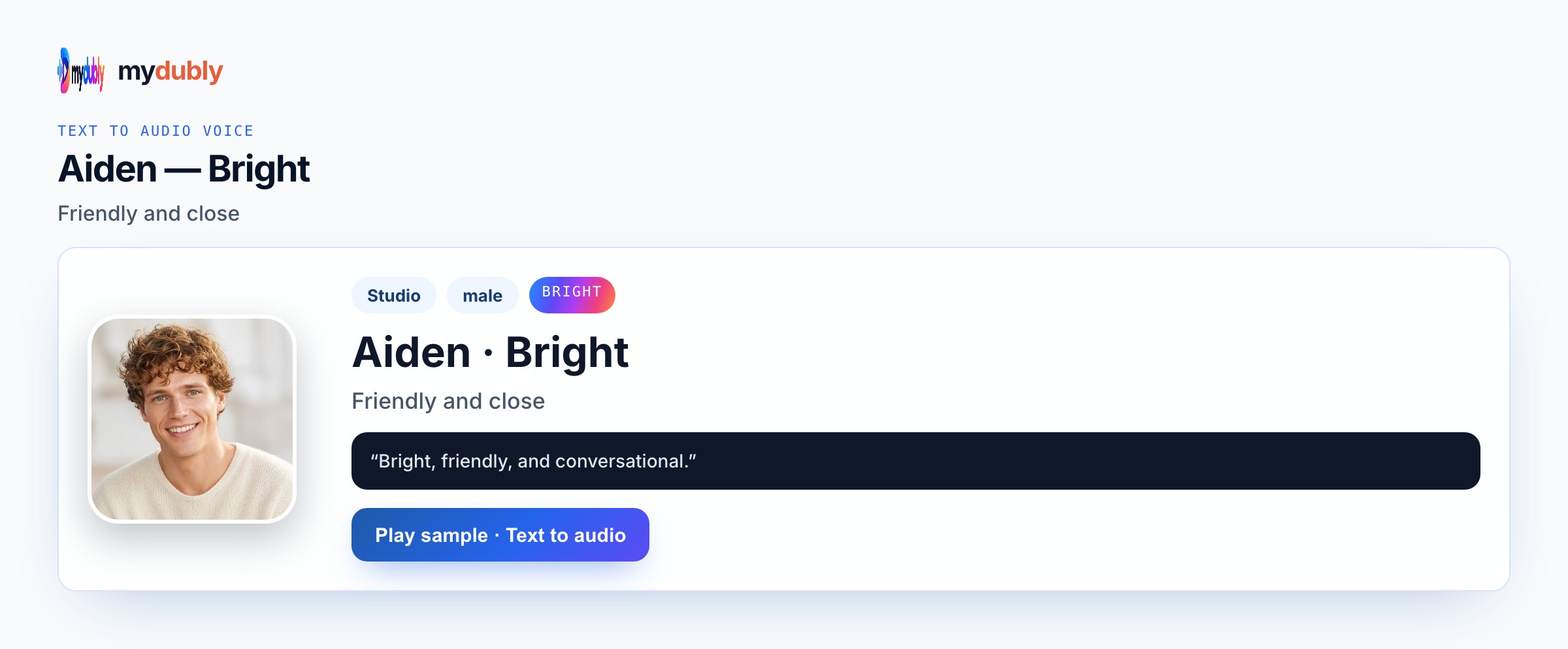
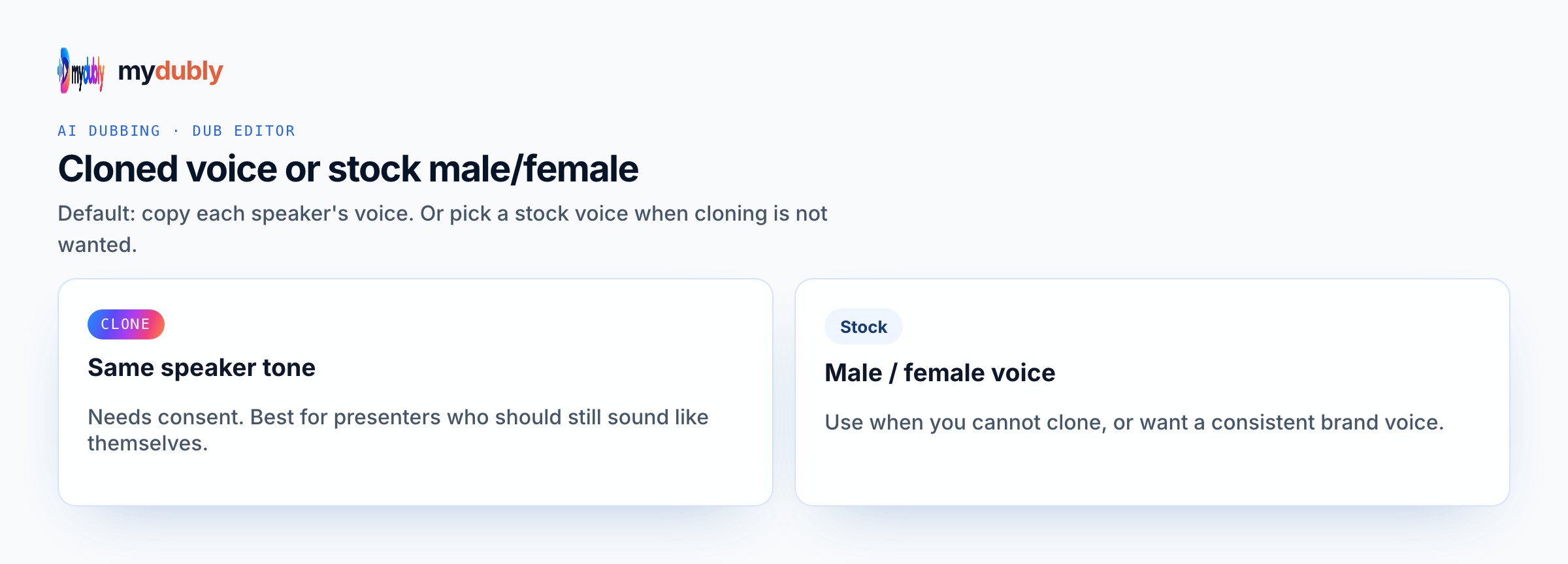
Cartoon energy comes from contrast and short lines, not from cloning a famous studio mascot. Put Bright or Energetic on the mouse, Clear on the owl, Angry on the burnt-cookie outburst. Conversation mode keeps the cast split so the bakery short still sounds like two personalities trading beats. Clone only with a permitted sample of a real person you work with — never ask the product for a trademarked toon timbre. Temp M4A speech is enough for an animatic; lip-sync and music beds stay in your animation tool. Write the performance into the words and the listed preset map; mydubly speaks what you paste with Studio or Mood voices, Conversation mode for casts, and an M4A download — not invented comedy engines or copyrighted character clones. mydubly speaks listed Studio and Mood voices (aiden bright, aiden energetic, ryan clear) or a clone with permission — never a celebrity or copyrighted-character impersonation.
How a character voice stays distinct
Bright for bounce; Energetic for chase; Clear for rules; Angry for the slapstick spike. mydubly does not ship cartoon music beds or lip-sync to picture — M4A speech only. While previewing cartoon voice generator AI, compare aiden bright, aiden energetic, ryan clear on the same opening sentence and listen without reading along. Proper nouns, times, prices, and UI labels fail first — put them on dedicated short lines so a retake does not regenerate the whole scene. One Speak in language per job keeps endings clean; keep the same preset map the next time collaborators open this Cartoon Voice Generator scene so roles stay recognisable by ear. Listen once on the device speakers your audience will use, then retake only broken names before you spend another job of dubbing credits.
Example dialogue
Mouse: "The jam jar is taller than my courage!" Owl: "Courage is not a climbing plan." Mouse: "Then lend me a spoon." Owl: "The spoon is for stirring — not for scaling shelves."
Who casts this voice
Weekend indie animators use this when an original bakery, playground, or kitchen short needs a cast heard before any talent is booked. Student thesis teams lock Bright-versus-Clear contrast for a mouse-and-owl pilot so mentors can judge timing, not silence. YouTube toon channels draft original mascot pilots without claiming a network franchise voice. Festival shorts that only have two speaking roles still benefit from Conversation mode so the slapstick spike lands on Angry while the straight foil stays Clear. Storyboard passes, animatic reviews, and early pitch reels all need reusable M4A stems that match the character sheet — not a one-off celebrity impression that cannot ship.
Build the scene
Paste labelled original-character lines, assign Bright/Energetic vs Clear in Conversation mode, generate, retake any pastry name that blurred, download the M4A for the animatic. After the first listen for cartoon voice generator AI, rewrite only the lines that slipped, then speak those again instead of redoing clean takes. Confirm Speak in, assign voices (Conversation mode when needed), generate once, then download M4A into the folder that matches this job — animatic timeline, engine cue bank, podcast scratch, or rehearsal speaker. Batch useful runtime against the two-minute minimum; strip speaker labels from the spoken string if you do not want them heard. Keep the same preset map documented for the next episode or patch so Indie do not drift to a random Bright take by accident.
Casting mistakes to avoid
Asking for a famous studio mascot by name guarantees the wrong outcome — the product speaks original lines with listed presets only. Using one Bright voice for every character flattens the cartoon into a monologue. Pasting paragraph jokes instead of short flaps makes lip-sync hell in your editor. Treating temp VO as final cast without labelling files confuses producers. Skipping Conversation mode when two mouths trade lines blends speakers. Expecting a laugh track or boing SFX from text-to-audio wastes a take — add those in your sound editor after the M4A downloads.
After you listen
Keep lines short so mouth flaps in your animation software stay manageable. Write the voice id next to each cast name on the board so episode two reuses the same map. If a gag overruns the shot, cut words on that line and re-speak rather than stretching silence. Batch the whole scene once against the two-minute dubbing minimum instead of one joke per job. If the take still feels wrong, change the wording or switch to another real preset — do not invent a hybrid Mood the catalogue does not list. After the first listen for cartoon voice generator AI, rewrite soft or muddy clauses with shorter diction and keep aiden bright, aiden energetic, ryan clear rather than stacking punctuation.
Using the tool on this page
- Paste the text. The language it is written in is read from the words. Set the language it should be spoken in. The same language speaks the words as written.
- Studio and Mood voices play a short sample in Chinese, English, French, German, Italian, Japanese, Korean, Portuguese, Russian and Spanish. Hindi, Arabic, Turkish, Polish, Dutch, Swedish, Norwegian, Finnish and Hebrew need a recording of 3 to 15 seconds from someone you have permission to copy. A longer sample keeps the first 12 seconds.
- The reading is priced like a video dub: 120 credits per minute (12¢), minimum 2 minutes per file. A short paragraph still meets the 2-minute minimum.
- When it finishes, the reading stays on this page. Edit the script and speak it again: that is a new reading of the whole script at the same dubbing price, including the 2-minute minimum. Download the audio. Files stay 120 minutes. A video dub is a different job and opens in the dub editor. More is on the text to audio dubbing tool page.
Frequently asked questions
Can I make it sound like a famous cartoon character?
No. Use original characters and product presets. Impersonating copyrighted cartoon voices is not supported.
Do I need Conversation mode for a single toon lead?
No. Paragraph mode with one preset is fine for a solo character. Switch to Conversation when two or more roles trade lines.
Where do I open cartoon voice generator?
On this page, or from the Text to Audio tab on the mydubly home page. The finished job opens in the text editor so you can change a line or a voice and speak the script again.
Is cartoon voice the same as a funny gaming NPC?
Similar presets can appear, but this page is for animated original casts and animatics. Gaming comedy pages focus on in-engine barks and fail lines.