Why delivery matters here
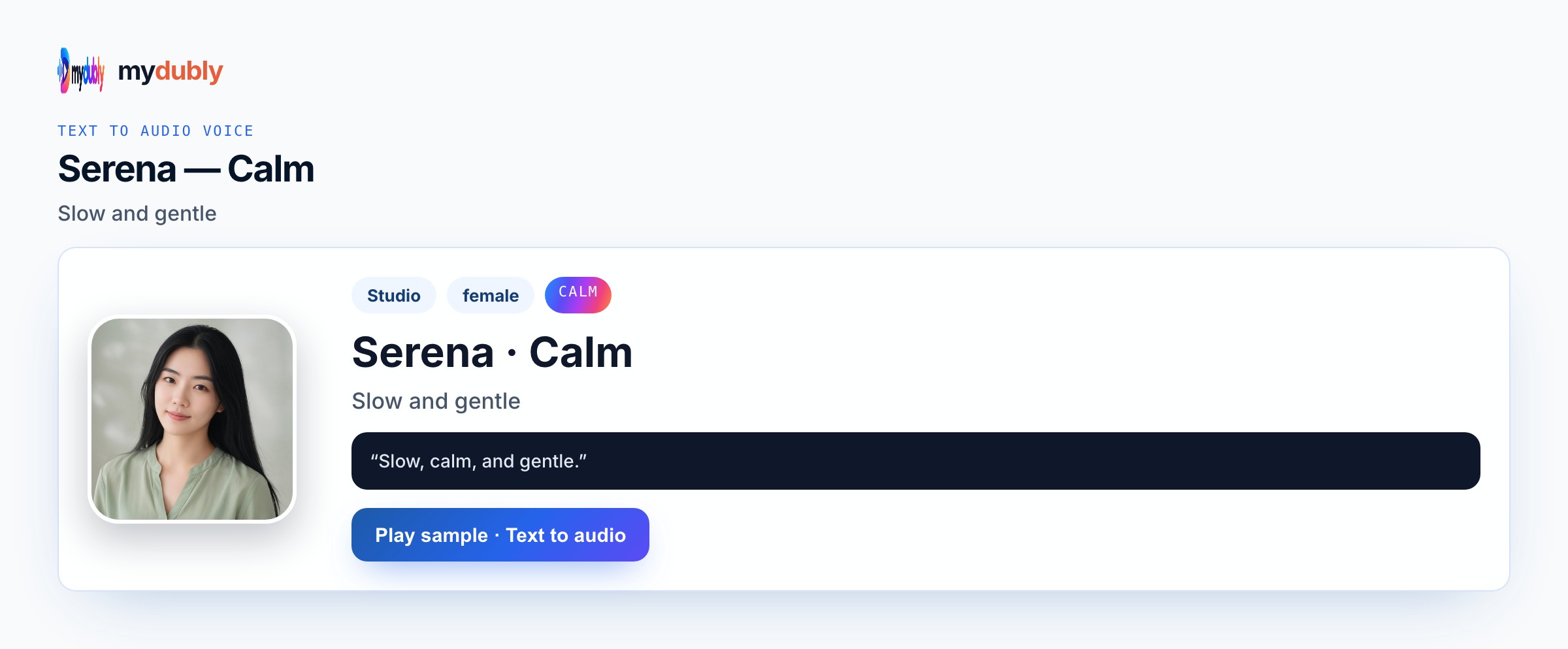
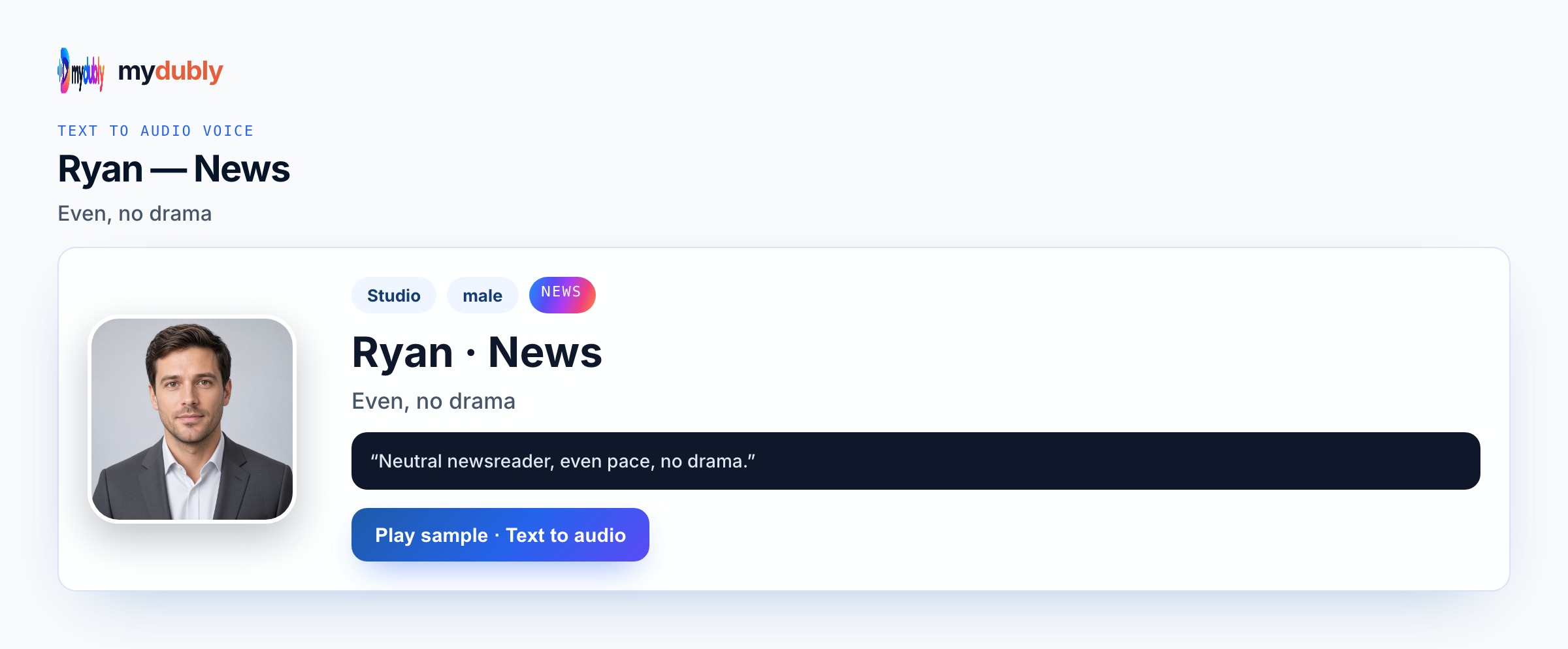
Explainers fail when the voice is too theatrical. Clear or News for steps; Calm for reassurance; Bright for a friendly hook. If a mascot speaks, give it a different preset in Conversation mode. One instruction per sentence helps learners and mouth-timing alike. mydubly does not add a music bed or auto lip-sync — you place M4A under the compost animation yourself. Write the performance into the words and the listed preset map; mydubly speaks what you paste with Studio or Mood voices, Conversation mode for casts, and an M4A download — not invented comedy engines or copyrighted character clones. mydubly speaks listed Studio and Mood voices (ryan clear, serena calm, ryan news) or a clone with permission — never a celebrity or copyrighted-character impersonation. You get M4A speech only: no lip-sync to picture, no music bed, no laugh track, and no invented comedy or robot filter beyond the preset you choose.
Pacing and tone
Clear lists steps; News punches feature bullets; Calm softens worries; Bright opens the hook. No background music bed from mydubly. While previewing animated explainer voice AI, compare ryan clear, serena calm, ryan news on the same opening sentence and listen without reading along. Proper nouns, times, prices, and UI labels fail first — put them on dedicated short lines so a retake does not regenerate the whole scene. One Speak in language per job keeps endings clean; keep the same preset map the next time collaborators open this Animated Explainer Voice scene so roles stay recognisable by ear. Listen once on the device speakers your audience will use, then retake only broken names before you spend another job of dubbing credits. mydubly speaks listed Studio and Mood voices (ryan clear, serena calm, ryan news) or a clone with permission — never a celebrity or copyrighted-character impersonation.
Sample narration
"Layer greens, then browns — keep the pile as damp as a wrung sponge." "If it smells sharp, add more browns." "Turn weekly — the worms will do the quiet work."
Listeners this suits
Edtech teams voicing original compost, maths, or safety explainers need Clear teaching VO before any mascot talks. Marketing animations for products use News for feature bullets and Bright for the hook. Nonprofits shipping sixty-second how-tos generate Calm reassurance after sharp-smell worries. Student motion-graphics courses paste procedural scripts to practise timing. Mascot explainers keep Conversation mode so the worm stays distinct from the teacher voice. Edtech and marketing teams voicing original explainer animations return to the same voice sheet when a pickup week arrives so the animated explainer voice AI take still matches last month's board. Producers scrub the M4A against picture notes without pretending mydubly added lip-sync, music beds, or franchise impressions.
Record the story
Paste the explainer script, pick Clear/Calm/News/Bright per section, generate, fix any measurement that was misread, download into the animation timeline. After the first listen for animated explainer voice AI, rewrite only the lines that slipped, then speak those again instead of redoing clean takes. Confirm Speak in, assign voices (Conversation mode when needed), generate once, then download M4A into the folder that matches this job — animatic timeline, engine cue bank, podcast scratch, or rehearsal speaker. Batch useful runtime against the two-minute minimum; strip speaker labels from the spoken string if you do not want them heard. Keep the same preset map documented for the next episode or patch so Edtech do not drift to a random Bright take by accident.
Narration mistakes
Theatrical Story across every procedural step muddies instructions. One preset for narrator and mascot confuses kids. Expecting lip-sync or a music bed from mydubly delays the real edit. Long multi-clause sentences hurt both learning and flaps. Skipping measurement retakes leaves wrong ratios in the M4A. Using Angry for “urgency” in a friendly compost explainer usually sounds wrong. Treating the download as a finished celebrity or IP performance invents a product path that is not offered. Skipping Conversation mode on multi-speaker scenes merges mouths and forces painful editor surgery later.
After you listen
One instruction per sentence helps learners and mouth-timing alike. Keep measurements and ratios on short lines for easy retakes. Soften worry lines on Calm after Clear steps. If a worm mascot speaks, never use the narrator’s preset for that character. Preview a three-line slate before a long paste so the preset choice is locked early. If the take still feels wrong, change the wording or switch to another real preset — do not invent a hybrid Mood the catalogue does not list. After the first listen for animated explainer voice AI, rewrite soft or muddy clauses with shorter diction and keep ryan clear, serena calm, ryan news rather than stacking punctuation.
Using the tool on this page
- Paste the text. The language it is written in is read from the words. Set the language it should be spoken in. The same language speaks the words as written.
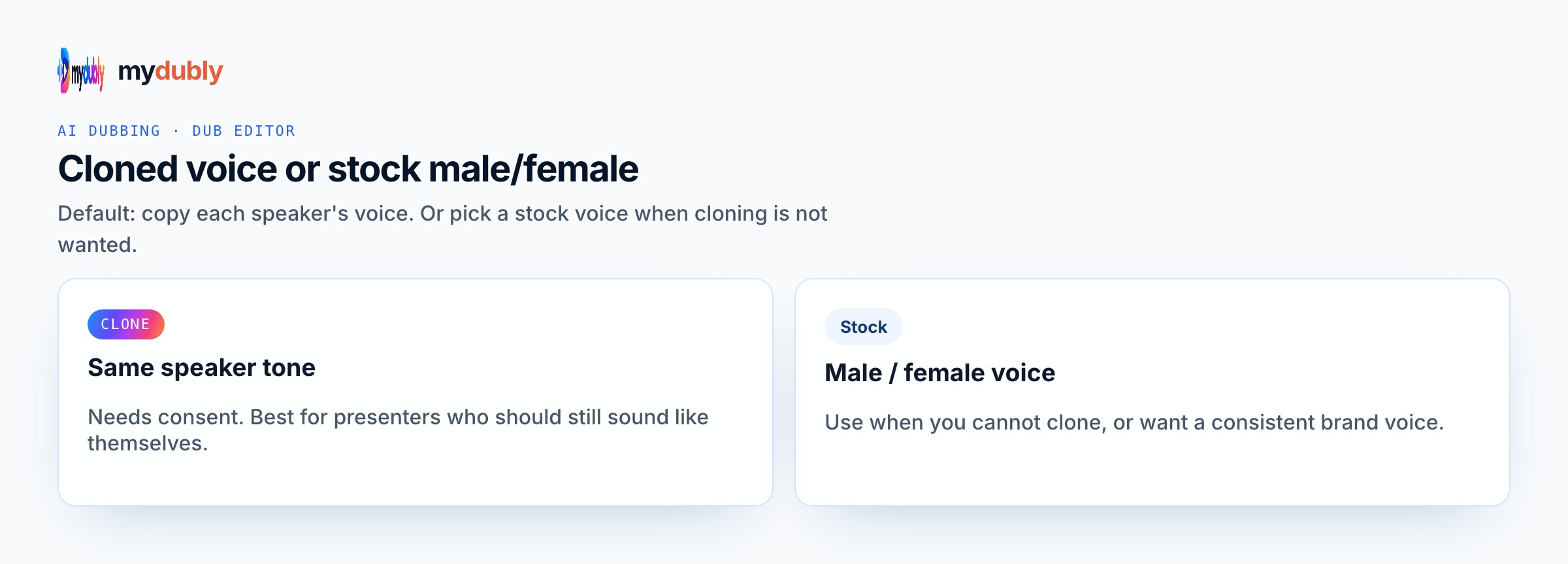
- Studio and Mood voices play a short sample in Chinese, English, French, German, Italian, Japanese, Korean, Portuguese, Russian and Spanish. Hindi, Arabic, Turkish, Polish, Dutch, Swedish, Norwegian, Finnish and Hebrew need a recording of 3 to 15 seconds from someone you have permission to copy. A longer sample keeps the first 12 seconds.
- The reading is priced like a video dub: 120 credits per minute (12¢), minimum 2 minutes per file. A short paragraph still meets the 2-minute minimum.
- When it finishes, the reading stays on this page. Edit the script and speak it again: that is a new reading of the whole script at the same dubbing price, including the 2-minute minimum. Download the audio. Files stay 120 minutes. A video dub is a different job and opens in the dub editor. More is on the text to audio dubbing tool page.
Frequently asked questions
Should explainer VO use Story?
Story fits narrative bridges. For procedural steps, Clear or News usually stays clearer.
Calm or Clear for reassurance?
Clear for steps; Calm for worry-softening lines after a problem is named.
Where do I open animated explainer voice?
On this page, or from the Text to Audio tab on the mydubly home page. The finished job opens in the text editor so you can change a line or a voice and speak the script again.
Can I localise the explainer into French?
Yes — set Speak in to French (or another styled language). Verify measurements by ear after generate.