YouTube's rules for chapters
Chapters only appear when the timestamp list in your description follows YouTube's format. According to YouTube's help:
- The first timestamp must be 00:00.
- There must be at least three timestamps.
- Timestamps must be in ascending order.
- Each chapter must be at least 10 seconds long.
Each line holds a timestamp followed by a title, for example "04:12 Setting up the microphone". YouTube can also create chapters automatically for some videos, and a channel can opt out of automatic chapters; chapters you write yourself take priority. You add or edit them in YouTube Studio under Content: open the video's details and edit the description.
Why a transcript makes chapters faster
Scrubbing through a video to find topic changes means watching most of it again. A transcript with timestamps lets you scan the whole video in a few minutes, because reading is faster than watching, and every line already carries the time it was spoken. You also see the exact words that open each section, which often make the best chapter titles.
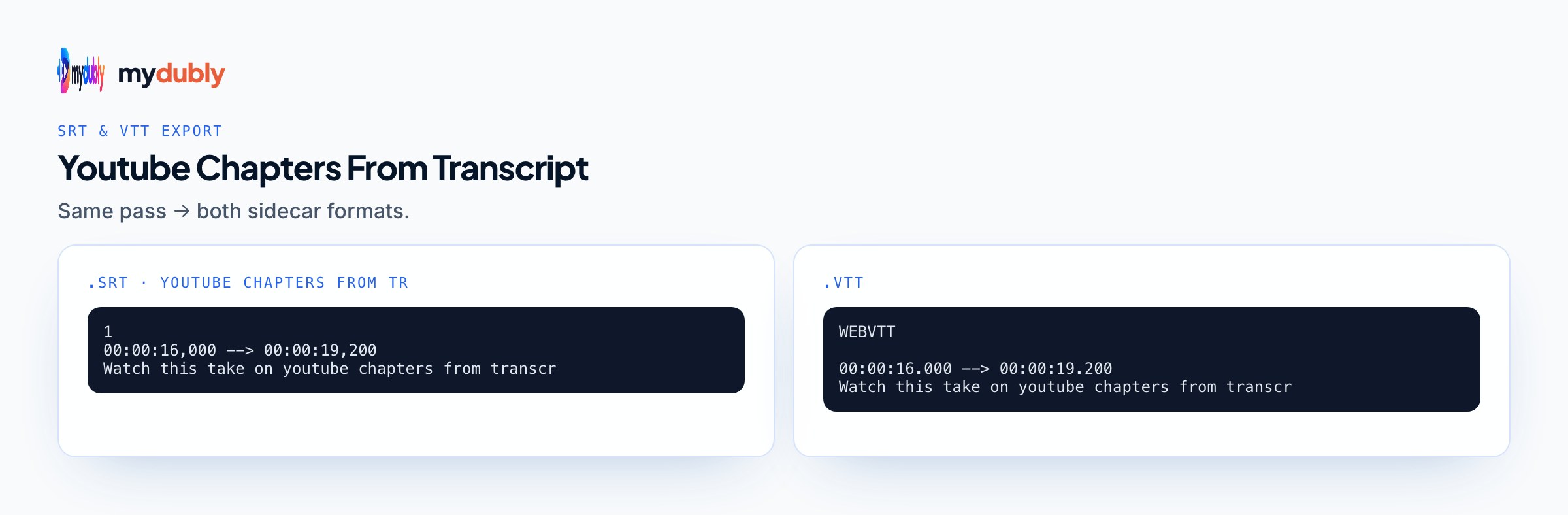
To get one, upload the video to video to text. The video stays on your device; only the audio is sent. The timestamped transcript lists each line with its start time, and the same run gives SRT and VTT subtitle files you can upload as captions.
Finding the topic changes
Read the transcript with a pen, or a highlighter in a text editor, and mark the lines where the subject shifts. Useful signals:
- Signposting phrases: "next", "now let's look at", "the second thing", "moving on".
- Questions you answer on screen: "So how do you fix that?"
- A change of guest, location or product.
- The start of a demo, a recap or a sponsor segment.
Aim for chapters that match what viewers search for or skip to, not every small shift. A 20-minute tutorial might have six to ten chapters; a two-hour podcast might have fifteen. Check the shortest chapter is over 10 seconds, or YouTube won't show any of them.
Writing chapter titles
Chapter titles appear on the progress bar and in search results for some videos, so treat them as tiny headlines:
- Lead with the subject: "Microphone settings", not "Now we talk about the microphone".
- Keep them short enough to read on a phone.
- Use the words your viewers use. If the transcript shows you said "levels" but people search for "volume", pick "volume".
- Keep the first chapter meaningful: "Intro" is fine, but "What you'll build" tells viewers more.
A creator transcribes her tutorial, skims the timestamped text in five minutes and marks nine topic changes where she said "next" or started a new tool. She copies the times, rounds each to the second the sentence starts, writes short titles in viewers' words ("Fix choppy playback", "Export settings for YouTube") and pastes the list into the description, starting with 00:00.
Formatting the list
Paste the list on its own lines, near the top of the description so viewers see it. Use minutes and seconds (04:12) for videos under an hour and hours, minutes and seconds (1:04:12) past that. Keep titles on the same line as the timestamp. Don't put anything other than the time at the start of the line, and avoid two timestamps less than 10 seconds apart.
If chapters don't appear after saving, check the four rules first, then wait: changes can take a little while to show. The YouTube captions and SEO article covers how captions and descriptions help viewers find the video, and translating YouTube titles and descriptions covers the text around the video.
Reusing the transcript beyond chapters
Once you have the transcript for chapters, it does more work. Upload the SRT as captions so viewers can watch on mute, paste a cleaned excerpt into the description for context, and pull quotable lines for Shorts or social posts. For a long podcast or livestream, the same marked-up transcript that gave you chapter times shows where the best clips start; finding clips in long videos covers that workflow. If you translate videos regularly, the YouTube video dubbing tool page covers the whole routine for a channel.
Chapters for translated versions with mydubly
If you publish the video in other languages, viewers of each version expect chapters in their language. With mydubly, translate the video into Spanish, Hindi or another of 21 languages and you get a translated transcript with the same timestamps, because the translation follows the original lines. Use it to write the translated chapter titles: the times stay the same, only the words change. For a separate dubbed upload, the chapter times match too, since the dub keeps each line in step with the original video. Multi-language audio on YouTube explains publishing several audio tracks on a single video instead.
Limits to keep in mind
- Chapter times come from where speech starts; for a section that opens with a silent demo, adjust the time by eye.
- Automatic transcripts can mishear product names, which matters if you copy phrases into titles. Proofread those lines.
- mydubly doesn't write chapters for you; it gives you the timestamped text you write them from.
- Files up to 2 hours; split longer livestreams first.
Frequently asked questions
What are YouTube's rules for chapters?
The first timestamp must be 00:00, there must be at least three, they must be in ascending order, and each chapter must be at least 10 seconds long.
Where do I add chapters on YouTube?
In the video description, in YouTube Studio under Content. Edit the description and paste the timestamp list.
Why aren't my YouTube chapters showing?
Usually one of the rules is broken: the list doesn't start at 00:00, there are fewer than three timestamps, they're out of order or a chapter is under 10 seconds.
How do I find timestamps quickly?
Transcribe the video and read the timestamped transcript. Each line carries its start time, so you can copy the times where topics change.
How much does a transcript of a 30-minute video cost?
30 credits, about 3 cents, and new accounts get 240 free credits.
Can I make chapters in another language?
Yes. A translated transcript keeps the original timestamps, so you can write translated chapter titles with the same times.