What Pinterest does with captions
Pinterest's help page on video Pins is short and clear on three points:
- Captions on Pinterest videos are auto-generated from the speech, and creators can't edit or customise them.
- Viewers turn them on or off with the captions icon at the bottom right of a video Pin. The choice carries over: switch captions on for one Pin and they appear on other Pins that have captions too.
- Every video Pin shows the CC option, but if Pinterest couldn't produce captions for a video, the toggle does nothing.
Pinterest also warns that background noise, accents and dialects can lead to speech being misrepresented. It doesn't publish which spoken languages its captions cover, so don't assume a video in Hindi or Turkish will get them.
What's missing for creators is any upload path. Some guides claim Pinterest accepts SRT files; Pinterest's own help says the opposite. So you're choosing between Pinterest's automatic captions (free, uncontrolled, viewer-switched) and text you put in the picture yourself.
When automatic captions aren't enough
The automatic track is fine for a quick clip with clear speech. Burned-in text is worth it when:
- The video depends on names, product codes, measurements or ingredients the recogniser may garble.
- Most of your viewers won't touch the CC icon, and the Pin needs to make sense silently in the feed.
- You want the text in another language, for example English captions on a video narrated in Spanish.
- Captions are part of the look: a consistent font and colour across all your Pins.
A home baker posts a 50-second video for a cardamom bun recipe. Pinterest's automatic captions turn "cardamom" into "card a mom" and drop the oven temperature. She makes subtitles with the right spelling and "200°C / 390°F" written out, burns them into the video, and the numbers are readable even for people who never switch captions on.
Pinterest's video specs and safe zones
Pinterest's Pin spec page sets the frame you're working in:
- File types
- Web upload: MP4 or M4V. Android and iOS apps: MP4, MOV or M4V.
- Encoding
- H.264 or H.265.
- Length
- Minimum 4 seconds, maximum 5 minutes.
- Aspect ratio
- 9:16 (1080x1920) recommended for full-screen video; 1:2, 2:3, 3:4, 4:5 and 1:1 also accepted.
- Safe zones
- Keep text 270 px from the top, 65 px from the left, 195 px from the right and 790 px from the bottom.
Do the arithmetic for a 1080x1920 video and the safe area is a box 820 px wide (from x 65 to x 885) and 860 px tall (from y 270 to y 1130). That bottom margin is large: Pinterest asks you to keep text out of the lower 41% of the frame, where its own interface can cover it. Captions placed in the usual bottom-of-screen spot will sit underneath them. On Pinterest, subtitles belong in the upper middle of the frame, and the right margin is wider than the left, so centred text needs to stay narrow.
Add captions to a Pinterest video, step by step
- Edit the video to its final length (4 seconds to 5 minutes) and shape. If it's landscape, the free horizontal to vertical converter crops a 9:16 window or fits the whole frame into 1080x1920 with a blurred background, in your browser.
- Make the subtitle text. Open the video in the mydubly subtitle generator; the video stays in your browser and only the audio track is uploaded. Pricing is 5 credits per minute with a 25-credit minimum, so most Pins cost 5 credits (0.5¢). Or type the lines yourself in the free subtitle editor.
- In the subtitle editor, fix spelling and split long cues. Vertical video is narrow: keep each line short, around 25 to 32 characters, so it fits in the 820 px safe width at a readable size. The editor warns about lines over 42 characters and lines shown too briefly.
- Open the Style tab. Pick a preset with a background box or strong outline so text stays readable over busy footage, and set the position to Middle rather than Bottom, then nudge it up if needed so every line sits between Pinterest's top and bottom margins.
- Turn on "Show safe area" and choose 9:16. It's a general guide rather than Pinterest's exact numbers, so check the result against the 270 px top and 790 px bottom margins above.
- Render the MP4 with the subtitles burned in. Rendering runs in the browser on a computer (Chrome or Edge 94+, Safari 16.4+, or Firefox 130+).
- Upload the MP4 to Pinterest as a video Pin and preview it in the app to confirm no line hides behind the buttons.
Subtitle safe areas explains the general idea, and adding subtitles to vertical video covers sizing text for 9:16 in more depth.
Translated captions for other markets
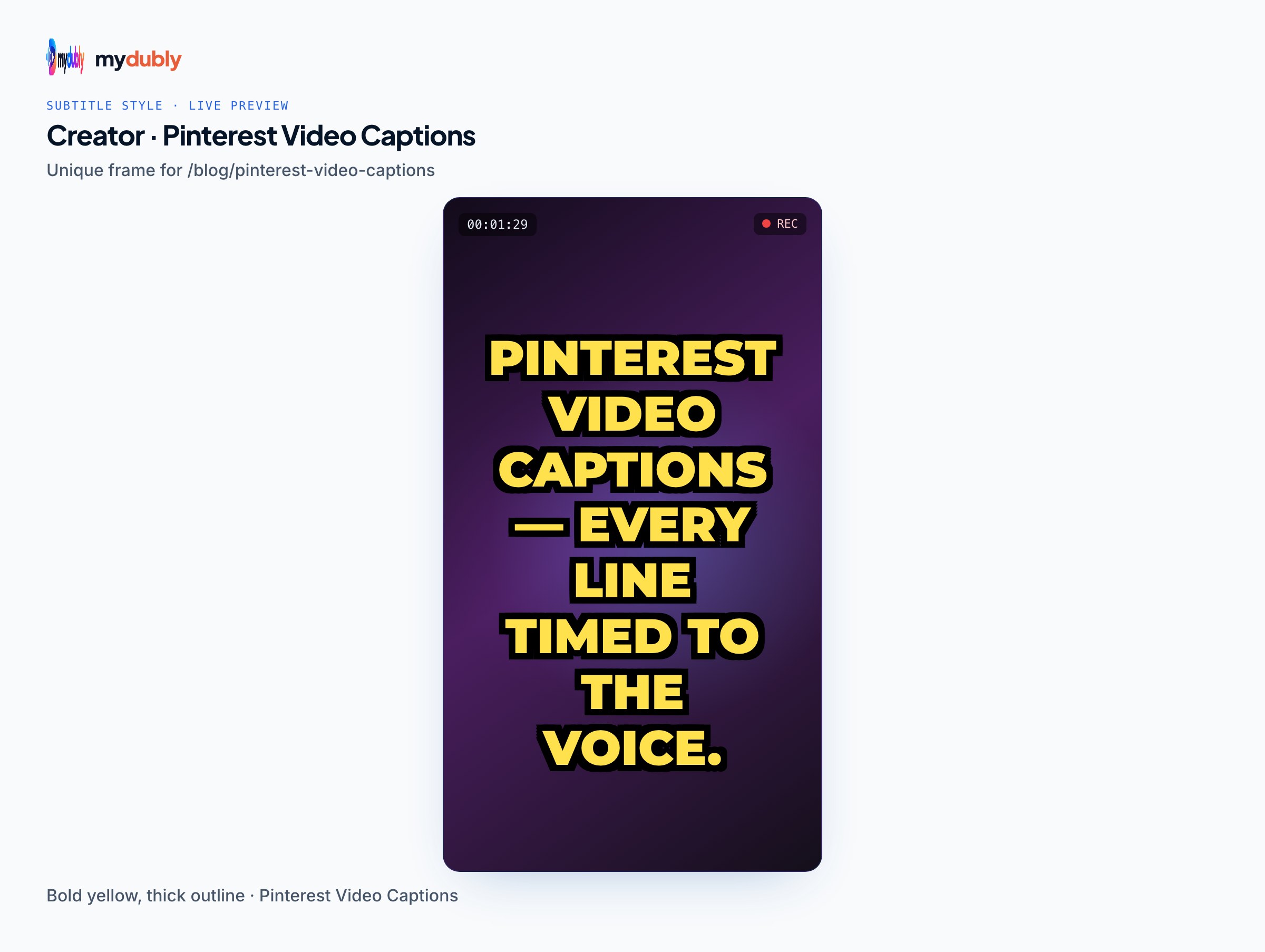
Pinterest's automatic captions follow the spoken language; they won't translate a video. To reach viewers in another language, burn translated subtitles in. Run the video through the mydubly video dubbing tool, pick one of 21 target languages, then load the translated SRT into the subtitle editor and render. Make one copy per language and post each to a board aimed at that audience.
A small ceramics studio narrates a 40-second glazing video in English. For its Pinterest boards aimed at buyers in Germany and Mexico, it renders two extra versions: German subtitles and Spanish subtitles, each placed mid-frame inside the safe area, each posted with a title and description written in that language.
German and other long-word languages take more room than English. Check every line still fits the 820 px width; split long cues into two shorter ones rather than shrinking the font. Text expansion in translation explains why translated lines grow.
If you'd rather the video speak the other language, AI dubbing produces a dubbed MP4 (120 credits per minute, 19 languages) that you can subtitle and post the same way.
Limitations to plan around
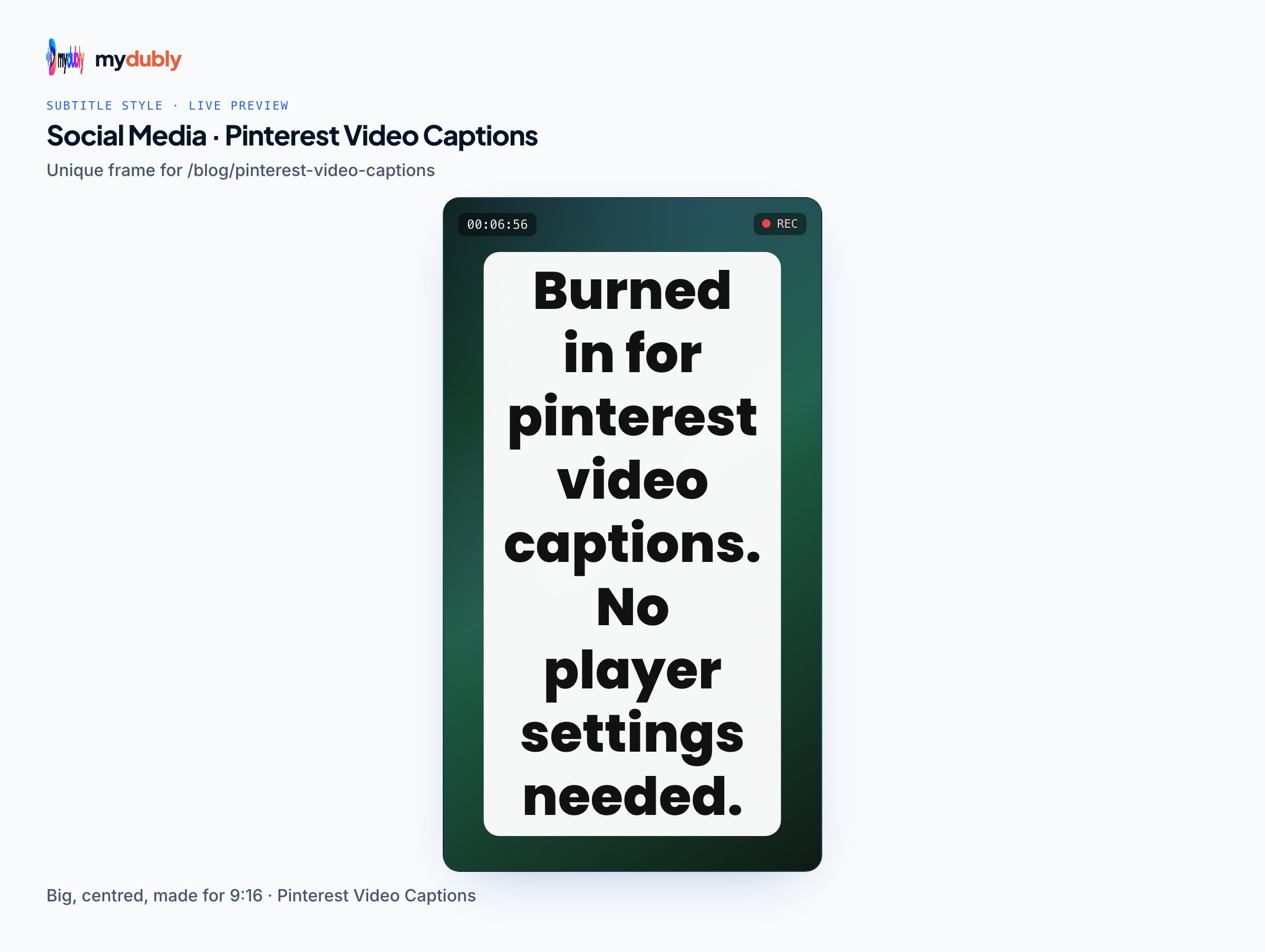
- Burned-in subtitles can't be switched off or corrected after upload. To fix a typo, render and upload a new Pin.
- Pinterest may still offer its own automatic captions on your Pin. A viewer who turns CC on could see both, so preview the Pin with captions switched on before you share it widely.
- The subtitle editor applies one style to the whole video: no per-word highlighting or animated karaoke captions.
- If your source already has burned-in text you want hidden, the editor's blur band can blur it, but it can't erase it.
- mydubly can't fetch a Pin by link. Work from your original video file.
- Pinterest's title (100 characters) and description (800 characters) are separate text fields, not captions. Descriptions don't show in the home feed, so the burned-in text carries the message there.
Frequently asked questions
Can I upload an SRT file to Pinterest?
No. Pinterest's help says captions on videos are auto-generated and can't be edited or customised by the creator, and there's no caption-file upload.
How do viewers turn on captions on Pinterest?
They tap the captions icon at the bottom right of a video Pin. The setting then applies to other video Pins that have captions.
Where should captions go on a Pinterest video?
Inside Pinterest's safe zone: at least 270 px from the top, 790 px from the bottom, 65 px from the left and 195 px from the right of a 1080x1920 frame. That means the upper middle, not the bottom.
How long can a Pinterest video be?
Pinterest's spec page lists a minimum of 4 seconds and a maximum of 5 minutes for video Pins.
Can Pinterest translate my video captions?
Pinterest doesn't document caption translation. To show another language, burn translated subtitles into the video before uploading.