What Google Translate handles
Google Translate's website and apps cover:
- Typed or pasted text.
- Documents, uploaded on the website, in formats such as Word, PDF and PowerPoint.
- Websites, by entering a URL.
- Images and the camera view in the mobile app, translating text in pictures.
- Speech through the microphone, in conversation-style modes in the mobile app.
Video files aren't on the list. You can't upload an MP4 and get translated subtitles back.
The microphone workaround
Some people play a video out loud and let the Google Translate app listen through the microphone. It can give you the gist of a short clip, but:
- It runs in real time, so a 30-minute video takes 30 minutes of holding up a phone.
- Speaker sound, room echo and background music reduce accuracy.
- You get text on your phone screen, not a subtitle file synced to the video.
- Pauses and fast speech break the flow.
For understanding a short clip once, it can work. For anything you want to share or keep, it falls short.
YouTube's auto-translated captions
If the video is on YouTube, there's a separate Google feature: auto-translate for captions. Turn on captions, open the settings, choose Subtitles/CC, then Auto-translate, and pick a language. YouTube translates the video's captions as you watch. Quality depends on the source captions: if they were generated automatically and contain errors, the translation inherits them. It only works on YouTube, only while watching, and doesn't give you a file. YouTube auto-translate captions covers it in detail.
Copy-paste with a transcript
Another approach: get a transcript of the video, then paste the text into Google Translate. That gives a full translation of the words, but you lose the timings, so you can't use it as subtitles without re-syncing every line. It works for reading what was said, as with translating the text of a lecture to study it.
An exchange student has a 50-minute recorded lecture in German. Holding her phone up to the laptop speaker gives patchy text and drains her battery. Instead, she uploads the lecture file to a video dubbing tool, chooses English and gets English subtitles to watch with the lecture and a timestamped English transcript to study from, in a few minutes.
Translating a video file with mydubly
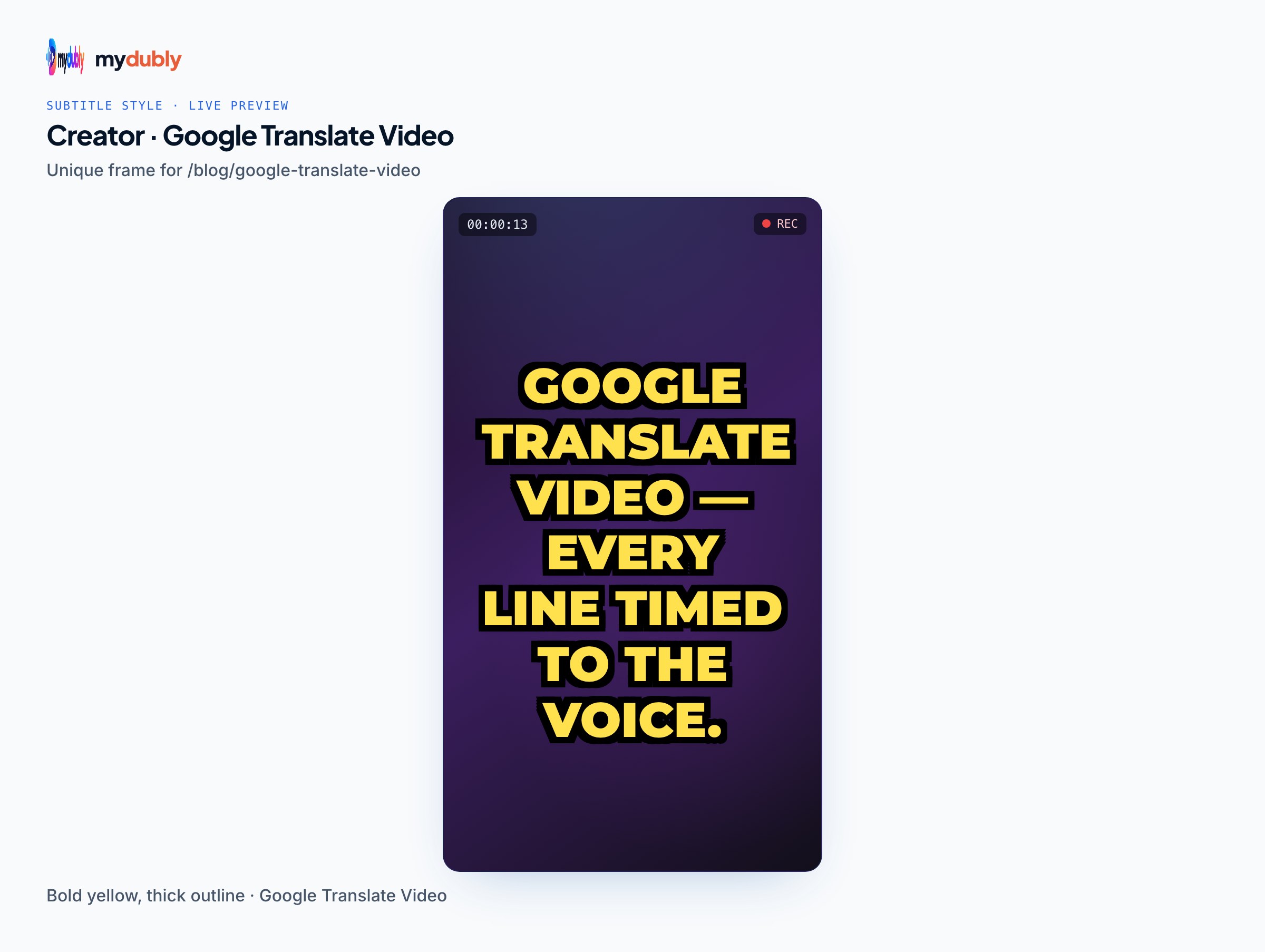
mydubly is built for the job Google Translate doesn't do: translating video files. Open the video dubbing tool and add the file, such as an MP4, MOV, MKV or WebM. The video stays on your device; the browser extracts the audio and sends only that. Choose the spoken language and a target from 21 languages. You get:
- Translated SRT and VTT subtitles, timed to the video.
- Translated plain and timestamped transcripts.
- Optionally, a dubbed MP4 in a copy of each speaker's voice, in 19 voice languages.
Translated subtitles cost 5 credits per minute; a dub costs 120 credits per minute. New accounts get 240 free credits. How AI video dubbing works explains the steps behind it.
Translating audio files and voice notes
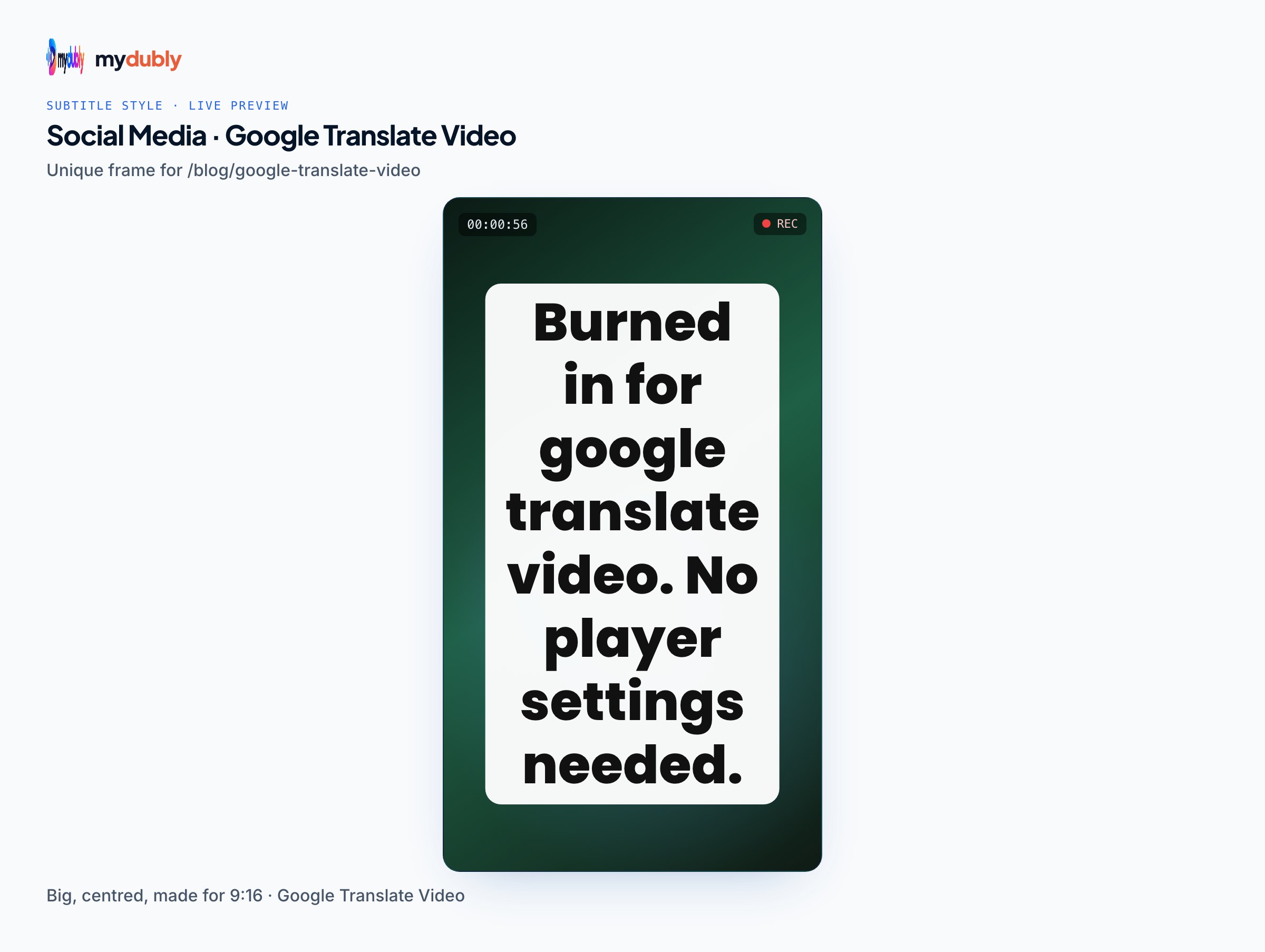
The same gap applies to audio: Google Translate has no upload for MP3s, voice notes or podcast episodes either. A file-based audio dubbing tool works the same way as for video. Upload the audio to the audio dubbing tool, choose the target language, and download a translated transcript and subtitles, or a dubbed audio file in a copy of the speaker's voice. For voice messages from messaging apps, which often come in Opus format, a quick conversion to MP3 in the browser comes first. The how to translate a video guide covers the full workflow step by step, including checking the result with a fluent speaker.
Limits: what none of these tools do
- Translate on-screen text in the video picture; translating on-screen text covers options.
- Guarantee accuracy for legal or medical use; human review is still needed.
- mydubly works on files, not links: download the video first (if you have the right to), then upload it. Translating someone else's video legally covers permissions.
- Live translation during a call or stream is a different problem; real-time speech translation explains how it works.
Choosing the right route
- Understanding a short clip once: Google Translate's microphone mode may be enough.
- Watching a YouTube video in another language: YouTube's auto-translate captions.
- Sharing, publishing or studying a video properly: a file-based translator that gives synced subtitles or a dub.
- High-stakes content: machine translation plus a fluent human reviewer.
Frequently asked questions
Can Google Translate translate a video?
Not directly. Google Translate has no video upload; it translates text, documents, websites, images and live speech through the microphone.
Can I play a video into Google Translate?
You can hold your phone up to the speaker in a speech mode, but it's real time, error-prone with music and echo, and gives no subtitle file.
How do I translate a YouTube video's captions?
Turn on captions, open settings, choose Subtitles/CC, then Auto-translate and a language. YouTube translates the captions while you watch.
How can I translate an MP4 file into English subtitles?
Upload it to a video dubbing tool that produces subtitle files, choose English as the target and download the SRT or VTT.
How much does it cost to translate a 10-minute video with mydubly?
10 credits for translated subtitles and transcripts, or 500 credits (50¢) for a dubbed version.
Can mydubly translate a video from a link?
No. mydubly works on files on your device; download the video first, if you have permission, and then upload it.
Can Google Translate translate the audio of a video I recorded?
Not as a file. You'd have to play it aloud into the app's microphone in real time. A file-based translator takes the recording directly and returns synced subtitles or a dub.