The situation
Paste the narration in slide order and mark the slide numbers in the text if you need to find them later. The tool does not open the deck and does not see the pictures. One paste is one charge. Twelve separate pastes would pay the minimum twelve times.
The reading
English to Dutch. Studio and Mood voices do not speak Dutch, so clone the lecturer only with a quiet sample and permission, not a recording of the lecture theatre. Hear that sample with headphones you trust.
What to correct
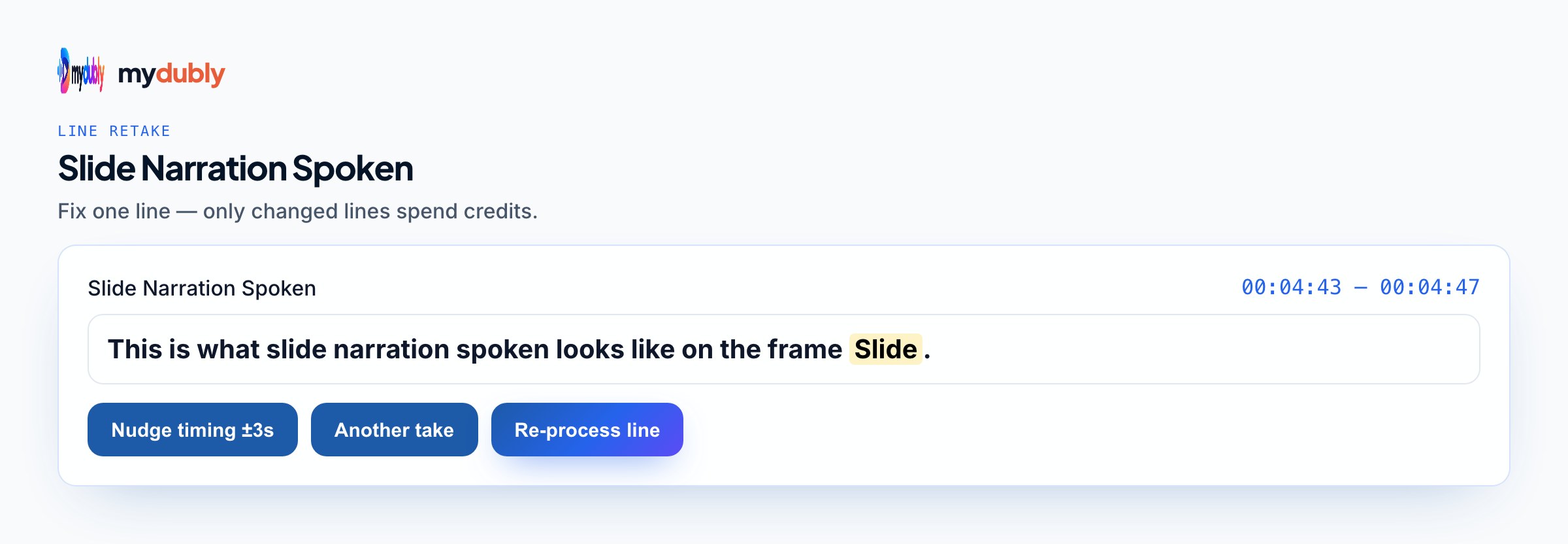
A term of art is the usual repair. Put the wording you want on that line and re-speak it. Leave slides that were clear. Download the M4A and place it on the deck in your own software.
Using the tool on this page
- Paste the text. The language it is written in is read from the words. Set the language it should be spoken in. The same language speaks the words as written.
- Studio and Mood voices play a short sample in Chinese, English, French, German, Italian, Japanese, Korean, Portuguese, Russian and Spanish. Hindi, Arabic, Turkish, Polish, Dutch, Swedish, Norwegian, Finnish and Hebrew need a recording of 3 to 15 seconds from someone you have permission to copy. A longer sample keeps the first 12 seconds.
- The reading is priced like a video dub: 50 credits per minute (5¢), minimum 2 minutes per file. A short paragraph still meets the 2-minute minimum.
- When it finishes, the reading stays on this page. Edit the script and speak it again: that is a new reading of the whole script at the same dubbing price, including the 2-minute minimum. Download the audio. Files stay 120 minutes. A video dub is a different job and opens in the dub editor. More is on the text to audio translator page.
Frequently asked questions
Does the narration tool open my slide file?
No. Paste the words. The pictures stay where they are. You lay the downloaded voice under the deck yourself.
Where do I open slide narration to audio?
On this page, or from the Text to Audio tab on the mydubly home page. The same job appears under My files and opens in this text editor when the audio is ready. Edit the script and speak it again from here. A video dub uses the dub editor.